MCPEDL » Texture Packs » Utility Texture Packs » FPS Boost Texture Pack for MCPE

FPS Boost Texture Pack for Minecraft PE

Trusted File
Version MCPE 1.17.0 - 1.26.30 for Android
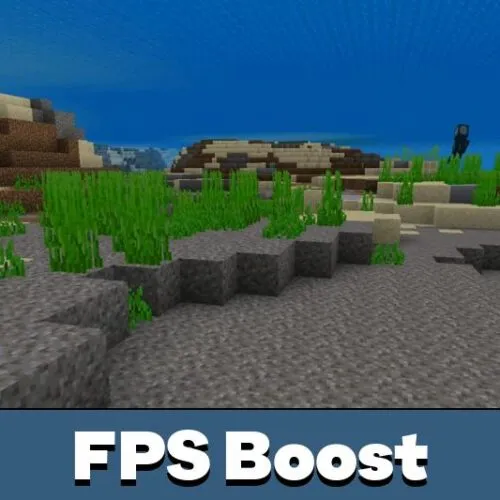
FPS Boost Texture Pack Minecraft PE reduces lag, keeps vanilla style, and adds helpful food and enchantment labels.

Download How to Install?
Author: Brandon Taylor
Published: 18 June 2026
Download Best Textures

Download FPS Boost Texture Pack for Minecraft PE: improve performance, reduce lag, keep the vanilla look, and make mobile gameplay smoother.

FPS Boost Texture Pack for Minecraft PE

FPS Boost Texture Pack is made for players who want better performance without turning the game into something unfamiliar. It keeps the basic vanilla style, but removes or simplifies many visual elements that can slow down weaker devices.

The main goal is simple. The texture pack helps the game run smoother, especially on phones where animated visuals, particles, fog, and environment effects can reduce FPS. It does not try to make the world more realistic. It focuses on stable gameplay.

Better FPS is useful for survival, PvP, servers, and long sessions in busy worlds. Players can choose how much optimization they need in the pack settings after applying it.

Better FPS

This FPS pack for Minecraft PE includes subpacks, so users can select a performance level before playing. Default mode gives the full Better FPS experience with optimizations while keeping particles active.

Max FPS mode is stricter. It includes the Default changes, removes all 177 particles, and adds Fast Better Grass for maximum performance. This option is better for weak phones, crowded servers, or worlds with many effects.

Choose Default for balanced gameplay. Choose Max FPS when every extra frame matters.

These settings make better fps resourse pack flexible. Players do not need to install several separate packs for different situations.

FPS Optimizations

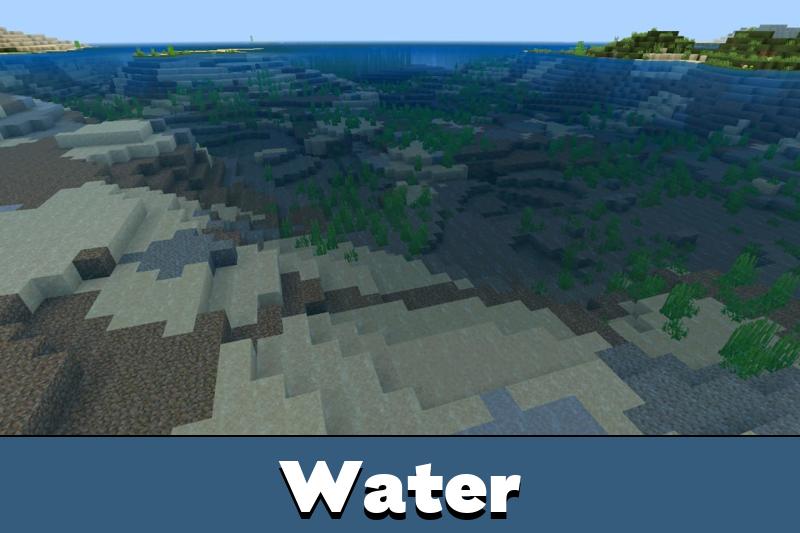
Dynamic FPS Texture Pack for Minecraft Bedrock Edition reduces visual load in many small but important ways. Water, lava, cauldron water, Nether portals, campfires, kelp, seagrass, and bubble columns become static instead of using constant animation frames.

The pack also optimizes 110 particle effects, clears glass borders, improves biome fog, and reduces the size of sun, moon, weather, foliage, and grass color models. These changes help the game feel lighter during movement and exploration.

The shield also gets a simpler model and animation. This is useful in combat because the item stays functional while using fewer visual resources.

Players can also check Utility Texture Packs for Minecraft PE if they want more related options for improving or changing Bedrock gameplay.

Quality of Life

1 fps texture pack does more than remove heavy effects. It also adds helpful details for mobile players. Food items show hunger restoration directly in their names, so users can see how useful each item is without guessing.

Small drumstick icons explain the amount of hunger restored. A full drumstick means 2 hunger points, and a half drumstick means 1 point. Harmful foods also have a skull icon, including Rotten Flesh, Spider Eye, Pufferfish, Raw Chicken, and Poisonous Potato.

Enchantment names also become easier to read. Colored icons appear next to enchantments, and each icon has its own pixel art style. The pack covers 42 enchantments, including Lunge from Mounts of Mayhem.

The best use case is simple: smoother gameplay with helpful item labels and no major visual confusion.

Color categories make enchantments faster to recognize. Damage, utility, protection, mending, fortune, and other types use different colors, which saves time when checking gear.

FAQ

Does it change the vanilla look a lot?

No. It keeps the familiar style and mainly reduces heavy effects.

Which setting is better for weak phones?

Max FPS is better because it removes particles and uses stronger optimization.

Can it help on servers?

Yes. It can make busy areas feel smoother by reducing visual load.

Does it add useful item information?

Yes. Food names show hunger values, and enchantments get colored icons.

Comments

  1. The pack felt clean on my phone. I used Max FPS on a busy server, and the game was much smoother without making everything look weird.