Download VDX Java UI Texture Pack for Minecraft PE — a complete interface overhaul that rebuilds menus, buttons, and inventory screens in the Java Edition style while keeping every touch control comfortable on phones and tablets.
VDX Java UI Texture Pack for Minecraft Bedrock Edition
Bedrock Edition ships with the mobile-oriented Ore UI from Mojang, yet plenty of players find the desktop look cleaner and faster to navigate. This Java UI resource pack was created exactly for them: it redraws the whole graphical shell — start screen, pause menu, world list, chat window, settings, and inventory GUI — so the game feels like its computer counterpart.
The project stays a pure visual layer. Survival mechanics, mob behavior, and world generation remain vanilla, which is why players searching for Java UI for Minecraft PE so often settle on VDX: the familiar layout arrives without any balance changes.
Only the interface is redrawn. Saves, add-ons, and progression stay untouched, and the pack can be switched off at any moment.
Compatibility is a strong point as well: one archive covers everything from Java UI MCPE 1.21 builds to current Java UI MCPE 1.26 releases, so there is no need to search for a separate edition after each update.
Anyone who wants to push customization further can pair the project with Utility Texture Packs for Minecraft Bedrock and assemble a truly personal setup.
VDX Java UI
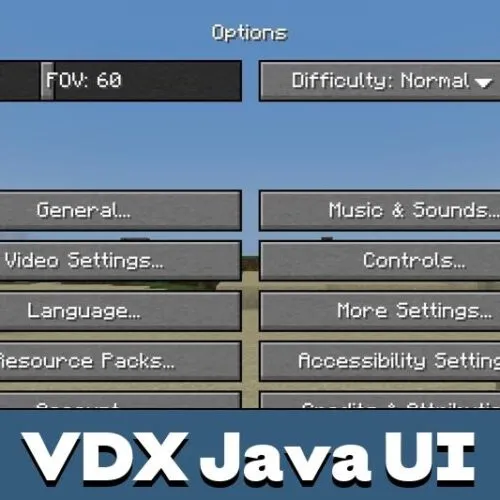
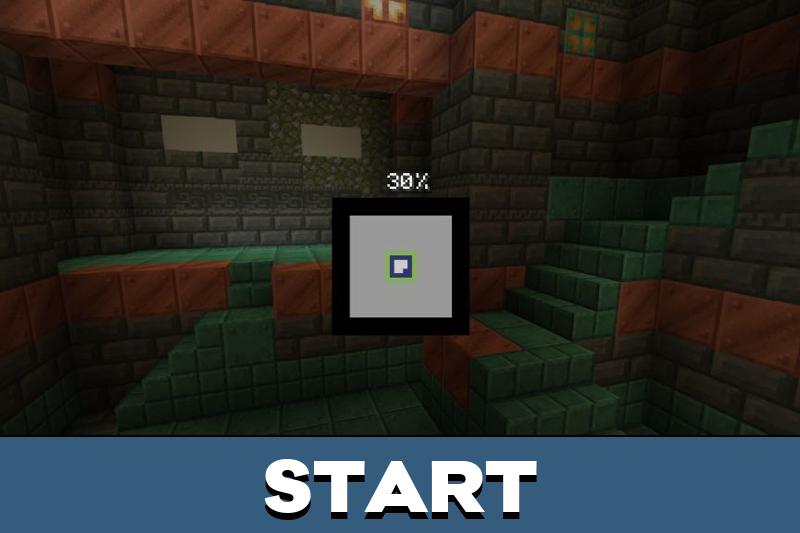
The core idea of VDX Java UI is straightforward: recreate the feel of desktop navigation without sacrificing touchscreen comfort. Windows, panels, tabs, and sliders follow the classic desktop layout, complete with Java-style tooltips and a clear visual hierarchy.
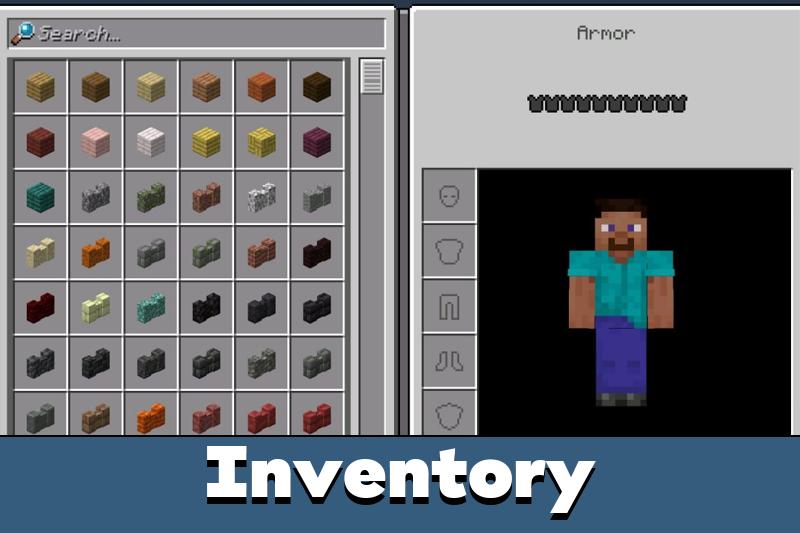
Players who jump between platforms will notice how quickly muscle memory transfers — the hotbar, crafting grid, and options tabs sit exactly where a PC veteran expects them.
Buttons
Every button, from the main screen to toggles hidden deep in the options, receives the recognizable Java Edition frame. The elements remain large enough for fingers, so accuracy on compact displays does not suffer.
Consistent styling across all screens makes this Java UI for Bedrock feel like a finished product rather than a partial reskin.
Settings
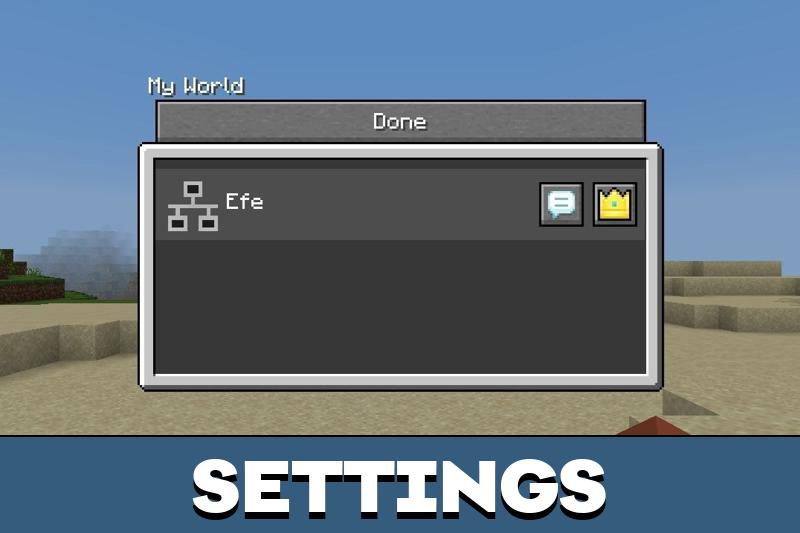
Installation follows the usual routine: open the .mcpack file, wait for the import, then enable the pack under Global Resources or inside a chosen world. Some game builds may additionally ask for an experimental toggle.
After activation the interface works in survival, creative, multiplayer, and on custom maps without extra configuration.
Updated
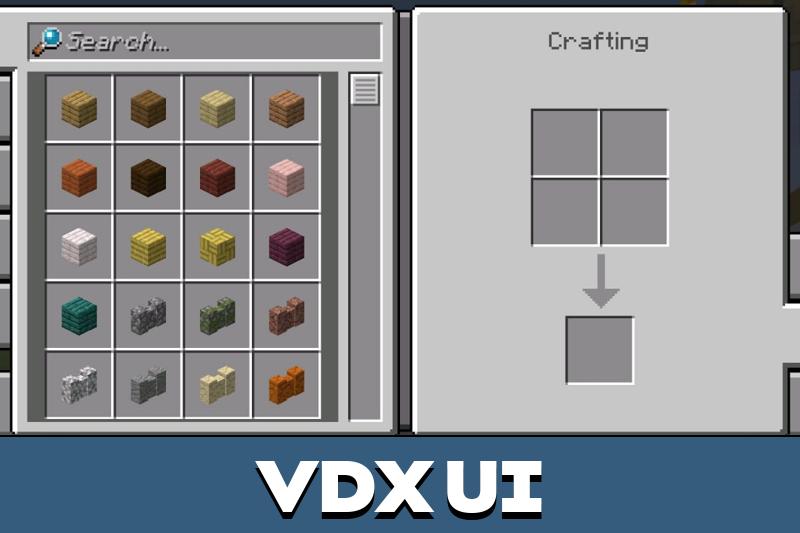
The fresh release polishes menu presentation and speeds up access to key screens. The headline change is the finished Furnace Recipe Book: smelting recipes now open natively, and older workaround patches can simply be deleted.
The Furnace Recipe Book is built directly into the pack and no longer requires separate fixes.
Crafting and smelting menus now mirror the desktop flow almost one-to-one while staying fully usable on touchscreens.
VDX Java Desktop UI
Many fans simply call the project VDX Desktop UI, and the name fits: the pack builds a clean desktop-grade environment across the entire game. Panels are separated clearly, text is easier to read, and inventory screens land much closer to their Java counterparts.
Owners of older devices can try VDX Legacy Desktop UI — a lighter edition of the same concept prepared for weaker hardware and earlier game builds. Both versions stay strictly cosmetic and keep navigation touch-friendly.
The project also works as an alternative for those comparing it with Java Addon v20: that add-on mixes visuals with mechanics, while VDX focuses on the interface alone. Users looking for a Java Addon v20 R download often keep both projects installed, since they cover different layers of the game.
VDX Java Desktop UI v3.2.12
Version 3.2.12 closes the most requested gap by fully implementing the Furnace Recipe Book, bringing every crafting-related screen to a single standard. Transitions between inventory, crafting table, and furnace now feel seamless.
The release once again confirms the direction of this Java UI texture pack: a complete desktop-style experience on mobile devices with zero gameplay side effects.
FAQ
Where can I download the Java UI texture pack for Minecraft Bedrock?
The file is published on this page. Tap the download button, open the .mcpack, and the game will import the Java UI resource pack automatically.
How do I download and install VDX Desktop UI on my phone?
Save the archive from this page, launch it, then go to Settings → Global Resources, activate the pack, and restart the game so every menu switches to the desktop style.
Does the pack change gameplay or only the interface?
Only the interface. Mobs, items, generation, and balance stay vanilla, so the project is safe for survival worlds, Realms, and multiplayer servers.
Can I combine Java UI for Minecraft PE with other resource packs?
Yes. Place it at the top of the active list so its menus keep priority, and load shaders or utility packs below it.
Why do some screens still look like standard Bedrock menus?
The usual reasons are pack order or a skipped experimental toggle. Move the project to the first position, enable the required options, and reload the world.






I use both versions of the game and this pack makes the menus feel much more familiar. The Furnace Recipe Book update is especially nice because everything works in one place now.
I wanted the Java-style menus on my phone, and this pack does exactly that. Buttons look cleaner, and everything is still easy to tap during gameplay.