Download View Model A&S by Justpals Texture Pack for Minecraft Bedrock: move, scale, and rotate your first person hands until the view fits your screen.
View Model A&S by Justpals Texture Pack for Minecraft Bedrock
The default hand position is not made for every screen. On phones it can sit too high, too close, or cover the block you are aiming at.
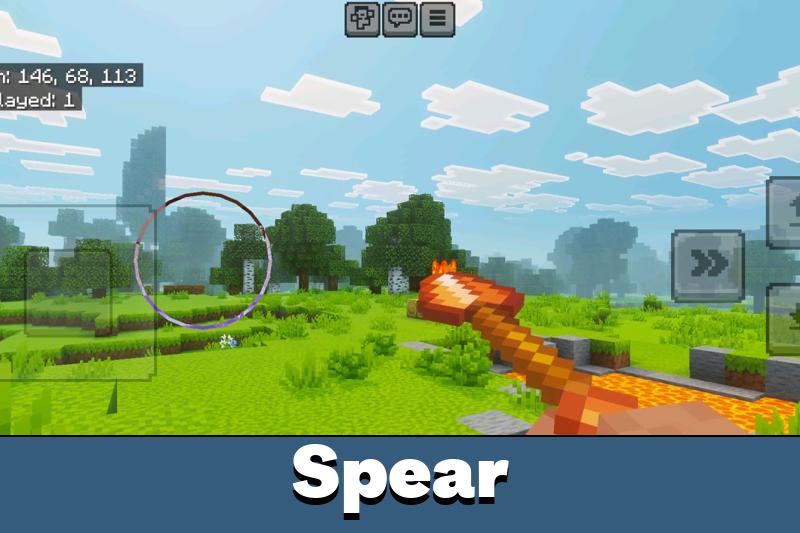
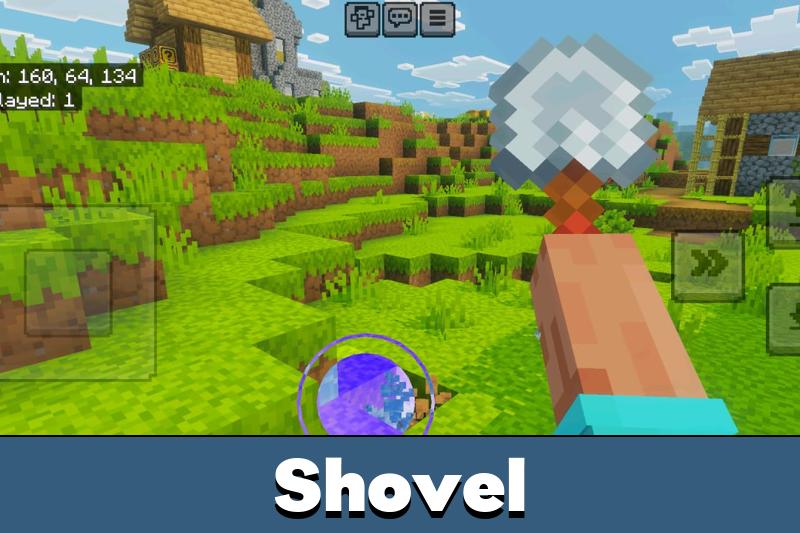
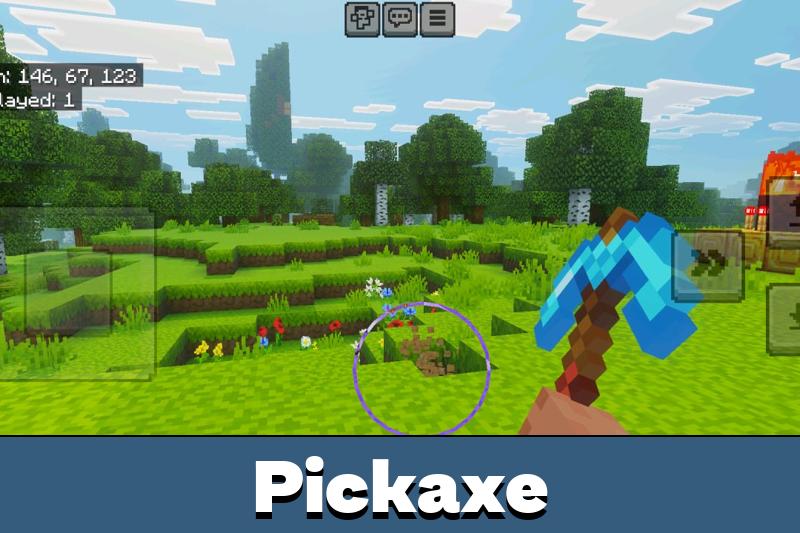
A view model is the arm and the held item you see in first person. This texture pack hands that control back to you.
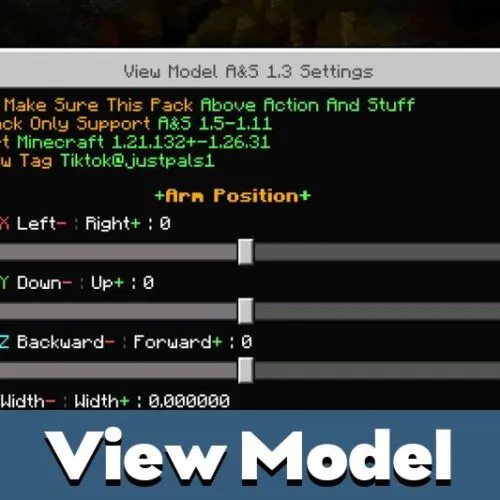
It adds settings menus that change how the item appears while you play. Offset, scale, and rotation are all adjustable, so the object sits exactly where you want it.
View Model A&S by Justpals
The pack is built for the Action and Stuff resource pack by Justpals. If you already run that setup in Minecraft Bedrock, the A&S view model layers on top of it without conflicts.
Justpals is the author behind Action and Stuff, and this add-on keeps the same style and file structure. Anything else from Justpals that you already have installed stays untouched.
Players look for it as view model A&S, viewmodel A&S, view model Justpals, or simply view model MCPE. It is the same file in every case, and it is a texture pack rather than a view model mod.
Builds 1.2.1, 1.3, 1.4, 1.4.1, and 1.4.2 of View Model A&S share the same menu layout, so older walkthroughs still match what you see.
Everything is changed through in game menus. No file editing and no external tools are needed.
Four things are under your control. The hand position shifts left, right, up, or down.
The offset moves the model closer to or further from the camera. Item scale changes how large the held object looks.
Rotation turns the hand in any direction, which helps when a big item blocks your crosshair during mining or combat.
Small screen fixes like this one are collected in the Utility Texture Packs for Minecraft Bedrock category if you want more of them.
What Changes Compared to the Default View Model
The stock arm in Minecraft Bedrock is fixed, and the game gives you no slider for it. Vanilla settings cover FOV and GUI size, but the hand stays where Mojang put it.
This pack adds the missing controls without touching textures, mob models, or world generation. Turn it off and the arm goes back to normal right away.
Why the View Model Matters for Android
Phone screens are small, and touch controls already take up part of the display. Pulling the view model down and shrinking it frees real space for aiming and building.
Players with tablets often go the other way and push the model up for a more cinematic look. Both setups take about a minute to dial in.
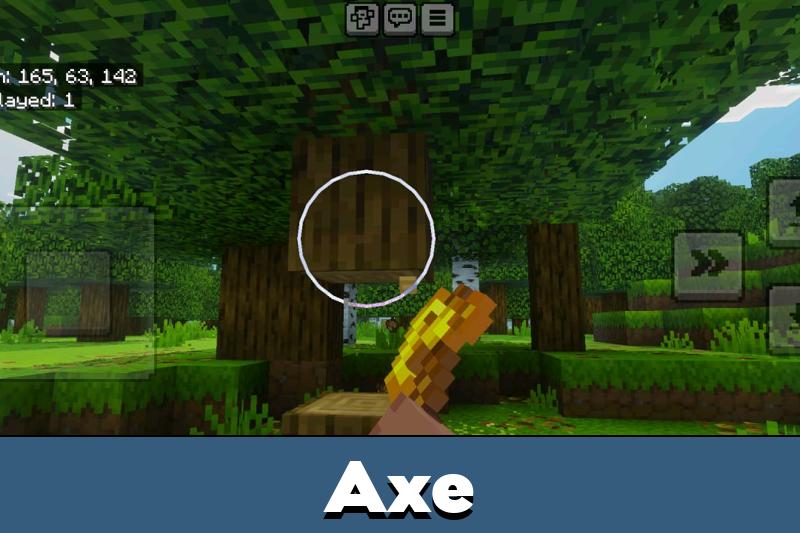
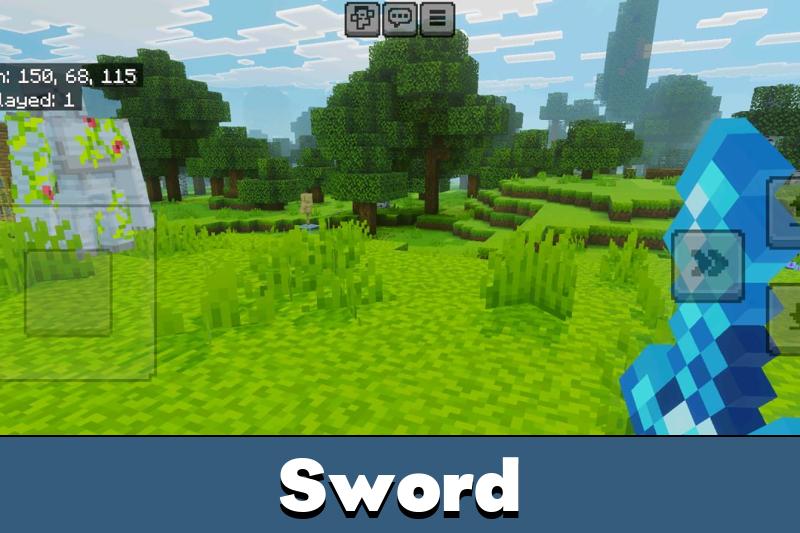
PvP players usually shrink the sword and rotate it outward so the target stays visible behind the hand. Builders drop the model low so scaffolding and block edges stay in sight.
Prefer to keep browsing before you install? The full list of Texture Packs for MCPE covers visuals of every kind.
Features of the Action and Stuff View Model
- Changes your first person hand position
- Adjusts the view model offset easily
- Scales the size of your items
- Rotates your hand view in all directions
- Works with the Action and Stuff pack
- Keeps your values saved per world
How to Install and Configure
Download View Model A&S by Justpals texture pack for Minecraft Bedrock, open the .mcpack file, and enable it in the world’s Resource Packs settings. Keep it above Action and Stuff in the pack order so the sliders load correctly.
Then open the settings menu to set offset, scale, and rotation values.
Tweak one value at a time and check the result in game. That way you know which slider did what.
Once the numbers feel right, they stay applied every time you load the world. No repeat setup.
FAQ
What is a view model in Minecraft Bedrock?
It is the arm and the held item drawn in front of you in first person. This pack lets you move, scale, and rotate that arm from a settings menu.
Do I need the Action and Stuff pack for it?
Yes. The A&S view model is built for Action and Stuff by Justpals and expects that pack to be enabled in the same world.
Where can I download View Model A&S by Justpals for free?
Use the download button on this page. The file is free, comes as a .mcpack, and needs no account or extra software.
How do I download and install the view model for Android?
Tap the download button, then open the file so Minecraft imports it automatically. Enable it in Resource Packs, place it above Action and Stuff, and set your values.
Will my settings reset when I restart the game?
No. The values stay saved for that world, so the hand keeps the position you chose.

finally my sword stopped covering half the screen lol. took me two minutes to set the scale and offset and now aiming feels way better on my phone. wish this was in the game by default