Download Verxhade Client for Minecraft PE: open a clean PvP menu, practice with bots, load kits, track fight stats, spawn arenas, and improve private LAN battles on mobile.
Verxhade Client for Minecraft PE
Verxhade Client is made for Minecraft PE users who want a cleaner PvP practice setup inside private worlds. It focuses on menus, training tools, fight indicators, kit loading, arena control, and useful screen information.
The client is not a cheat and not a content pack built around unfair public-server use. It is designed for LAN private worlds, practice sessions, friendly duels, and controlled PvP training.
The main idea is simple. Users open the menu, choose a kit, spawn an arena, add bots or a practice dummy, and test combat with clear indicators on the screen.
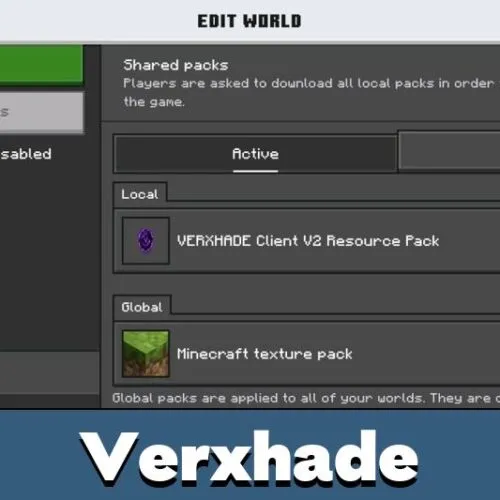
Verxhade
Verxhade Client for Minecraft PE includes a clean menu system for fast setup. It helps users manage PvP tools without searching through many commands during a fight.
The menu can be opened in three ways. Triple-sneak means tapping the sneak button three times quickly. Users can also hold a Heavy Core and tap the screen. The chat command is:
/scriptevent verxhade:toggle
If menu features do not work correctly, turn on Beta APIs in World Settings under the Experiments tab.
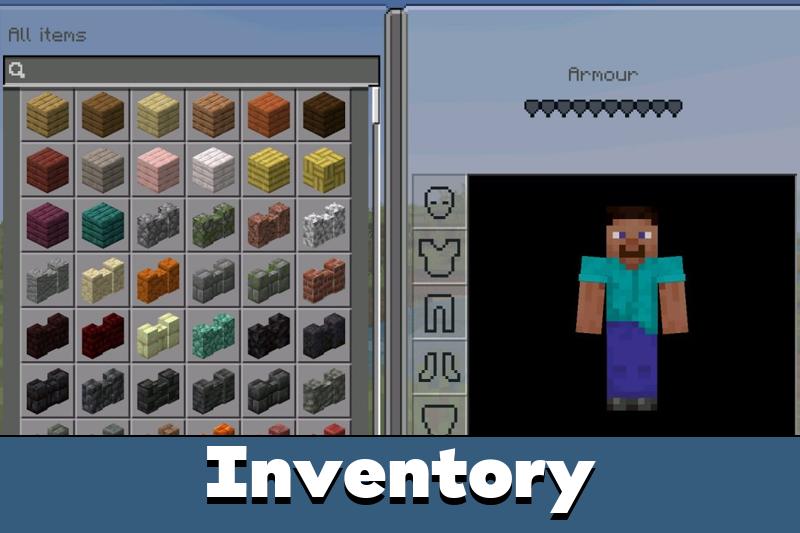
The interface avoids heavy dark backgrounds and keeps menus, chests, icons, and screen elements clear. This makes it easier to focus on movement, timing, and inventory control.
Users comparing extra combat utilities may also browse Cheats for Minecraft, but Verxhade Client is positioned as a clean PvP practice client for private worlds.
Combat Indicators
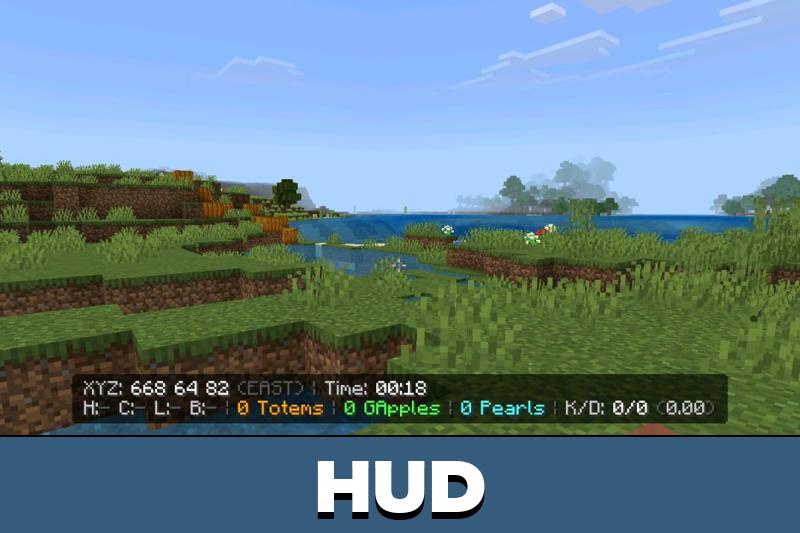
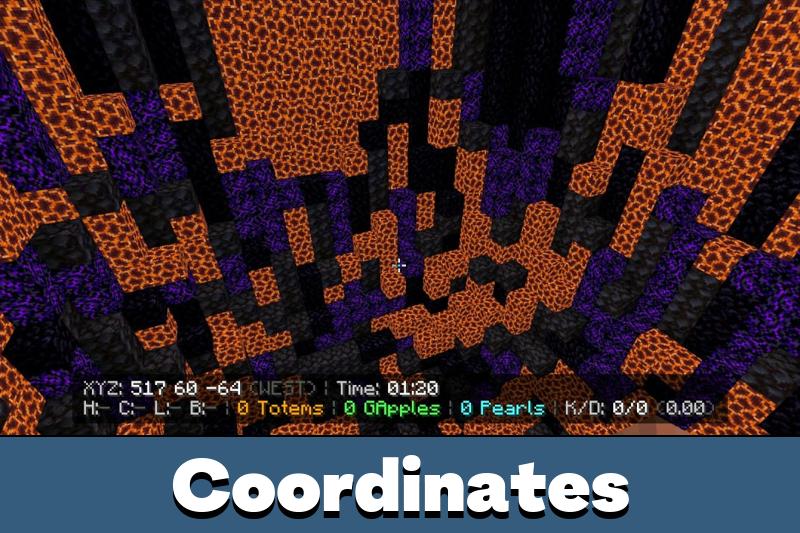
Minecraft Bedrock Edition users get several screen tools for checking fight progress. The client includes a durability tracker, item counter, player radar, K/D tracker, killstreak tracker, and hit damage indicator.
Fight timers and potion timers help users understand when to push, retreat, or refresh effects. These details are useful in duels where timing matters more than random clicking.
The visual HUD also includes crystal-style health hearts, clean armor shield icons, golden food icons, and a 1-pixel crosshair. The goal is to make combat information easier to read without covering the whole screen.
This is especially helpful on mobile. Smaller screens need simple indicators, because too much visual clutter can make PvP harder instead of clearer.
Kits and Bots
Verxhade Client includes five custom kit slots and ready-to-use kits for different fight styles. Users can choose Sword, Bow, Mace, Spear, Crystal, Anchor, or Soup setups.
Save and load inventory options are useful for repeated practice. Instead of rebuilding the same loadout every time, users can return to a known setup and start fighting faster.
The client also includes PvP bots with four difficulties. This gives users a way to practice aim, movement, item use, and reactions even when no friend is online.
A practice dummy is available for simple testing. It is useful for checking damage, timing, and weapon behavior before starting a real duel.
Use lower bot difficulty first. It is easier to learn kit timing, movement, and screen indicators before increasing pressure.
Arena Tools
The client includes an arena map spawner and reset option. This helps users create a controlled fight space, test kits, and restart sessions without manually rebuilding everything.
Two-player spawns make duels more organized. Each participant can begin from a clear position, which makes private matches easier to run.
The auto-enchanter helps prepare gear quickly. This is useful for training because the focus stays on fighting, not on setup time.








The kit slots and arena reset sound really useful. I would use this for private duels so nobody wastes time setting everything up again.