Tải shader Revolution Vibrant Visuals cho Minecraft PE: thêm ánh sáng deferred, màu theo biome, giáp phản chiếu, khoáng sản phát sáng và chiều sâu hình ảnh chân thực cho thế giới của bạn trên Android.
Shader Revolution Vibrant Visuals cho Minecraft PE
Shader Revolution Vibrant Visuals được tạo ra để đẩy đồ họa Minecraft Bedrock đến gần hơn với lối nhìn hiện đại kiểu Java. Nó dùng ánh sáng deferred để dựng lại cách ánh sáng, màu sắc, phản chiếu và bầu không khí hoạt động khắp thế giới.
Shader tập trung vào chiều sâu hình ảnh, không phải lối chơi. Các biome cảm thấy ấm hơn hay lạnh hơn theo khí hậu, ánh sáng phản ứng tự nhiên hơn, và những vật liệu được chọn có độ bóng mạnh hơn.
Điều này khiến sinh tồn, xây dựng và khám phá trông mượt mà hơn nhiều. Gói này miễn phí và cài trên Android dưới dạng tệp .mcpack chỉ với một chạm nhé.
Bản cập nhật mới nhất sửa các lỗi đã biết và thêm hiệu ứng mới. Dự án vẫn đang phát triển từng bước, nên hãy mong đợi nó sẽ mở rộng theo thời gian.
Revolution Vibrant Visuals Thay Đổi Những Gì
Revolution dùng ánh sáng deferred để các cảnh trong Minecraft Bedrock cảm thấy sâu và sống động hơn. Nó thay đổi cách ánh sáng chiếu vào thế giới, đặc biệt vào ban ngày, hoàng hôn và khi khám phá.
Hiệu ứng lớn nhất là bầu không khí theo biome. Biome lạnh có thể trông buốt giá, còn vùng nóng cảm thấy ấm và khô hơn.
Godrays cũng thay đổi theo màu của biome. Mỗi địa điểm cảm thấy khác biệt, và cấu trúc thế giới gốc vẫn được giữ nguyên.
Shader này hợp nhất với người chơi muốn ánh sáng và bầu không khí mạnh hơn nhưng vẫn giữ được sự quen thuộc của game.
Giáp và công cụ có thể trở nên phản chiếu, và khoáng sản có thể phát sáng. Những chi tiết này tỏa sáng trong hang động, căn cứ và các công trình tùy chỉnh, nơi kim loại và khối sáng nổi bật hơn.
Khác Gì So Với Shaders Thông Thường
Hầu hết shader cũ vá bộ kết xuất từ bên ngoài để giả lập ánh sáng. Revolution thì được xây trên engine Vibrant Visuals, nên ánh sáng được vẽ một cách native.
Kết quả là màu sạch hơn, hiệu suất ổn định hơn và ít hiệu ứng lỗi hơn sau các bản cập nhật. Nó cũng vẫn chạy trên Realms và multiplayer, vì lối chơi không thay đổi.
Các Phiên Bản
Shader có ba phiên bản hình ảnh. Hãy chọn phiên bản hợp với lối nhìn bạn muốn và chiếc điện thoại bạn chơi.
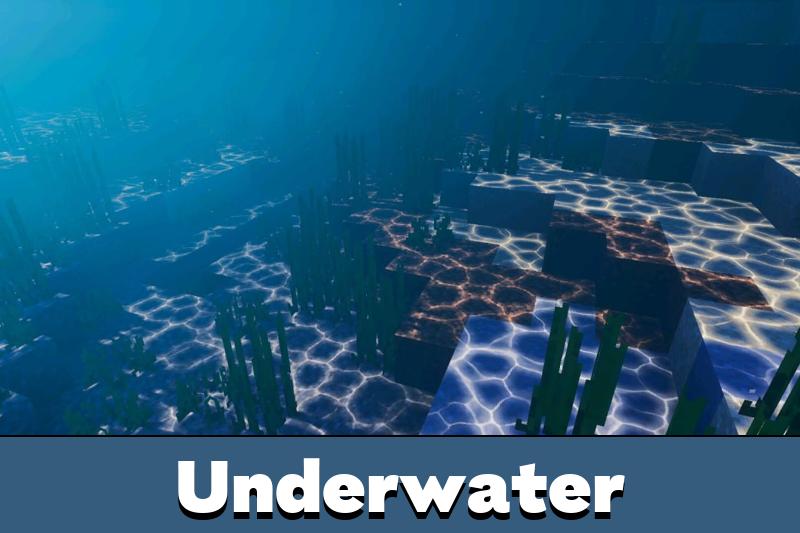
Realistic Revolution thêm sóng nước, mây chuyển động, caustics và mặt trời cùng mặt trăng được dựng lại. Đây là lựa chọn mạnh nhất cho lối nhìn kịch tính, điện ảnh nhất.
Default Revolution giữ sóng nước và caustics, nhưng dùng mây, mặt trời và mặt trăng vanilla. Hãy chọn nó để có ánh sáng tốt hơn với bầu trời gần với bản gốc.
Vanilla Revolution giữ nước không sóng và dùng mây, caustics, mặt trời và mặt trăng vanilla. Đây là lựa chọn sạch nhất cho một bản nâng cấp nhẹ nhàng và FPS ổn định nhất.
Muốn so sánh thêm lựa chọn? Hãy duyệt qua Shaders cho Minecraft PE và chọn một phong cách hợp với thiết bị của bạn.
Yêu Cầu
Shader Revolution Vibrant Visuals cần bật tùy chọn Vibrant Visuals trong phần Cài đặt khi bạn tạo hoặc chỉnh sửa một thế giới. Nếu không, ánh sáng deferred sẽ không tải đúng cách.
Bạn cũng cần một GPU Android đủ mạnh. Mức khuyến nghị là Adreno 640, Mali-G68, Mali-G77 hoặc Xclipse 530, có trong các chip như Snapdragon 855.
Hãy kiểm tra khả năng hỗ trợ của thiết bị trước khi cài, vì ánh sáng deferred cần phần cứng mạnh hơn các gói hình ảnh đơn giản.
Nếu màn hình đen sau khi bật gói, có thể GPU của bạn không được hỗ trợ hoặc phiên bản đã cũ. Hãy chuyển sang phiên bản nhẹ hơn hoặc cập nhật game trước.
Có Đáng Tải Không
Shader này hợp với người chơi muốn một lối nhìn nâng cao hơn và biết thiết bị của mình kham được. Nó không chỉ là màu sắc sáng hơn ở bề mặt.
Nó định hình lại cảm giác của cả thế giới qua ánh sáng, phản chiếu, caustics, ánh sáng phát ra và bầu không khí theo biome. Với một chiếc điện thoại Android đủ mạnh, đây là một trong những bản nâng cấp miễn phí mạnh nhất hiện có.
FAQ
Shader Revolution Vibrant Visuals có cần tùy chọn Vibrant Visuals không?
Có. Hãy bật tùy chọn Vibrant Visuals trong Cài đặt khi tạo hoặc chỉnh sửa một thế giới, để ánh sáng deferred hoạt động đúng.
Revolution Vibrant Visuals có chạy trên mọi thiết bị Android không?
Không. Nó cần một GPU Android mạnh hơn, như Adreno 640, Mali-G68, Mali-G77 hoặc Xclipse 530.
Tôi có thể dùng Revolution Vibrant Visuals cùng các shader hình ảnh khác không?
Tốt hơn là dùng một shader chính tại một thời điểm, vì các hiệu ứng ánh sáng, nước, bầu trời và phản chiếu có thể chồng lên nhau.


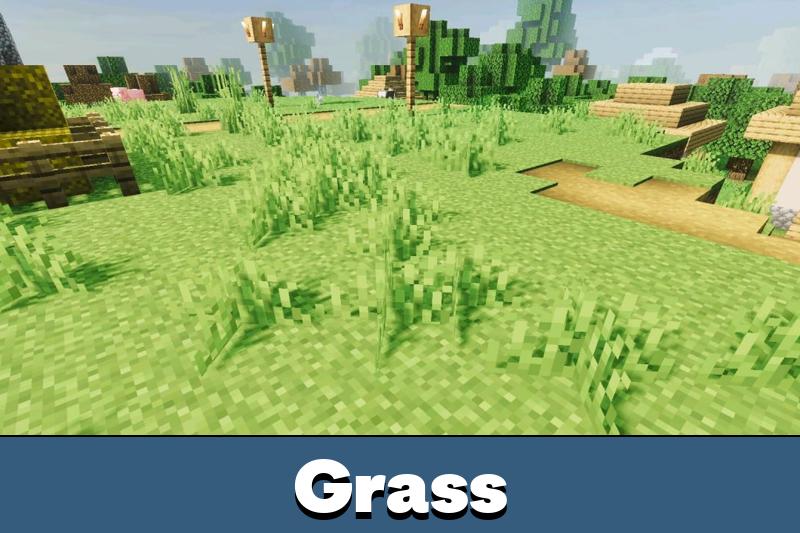
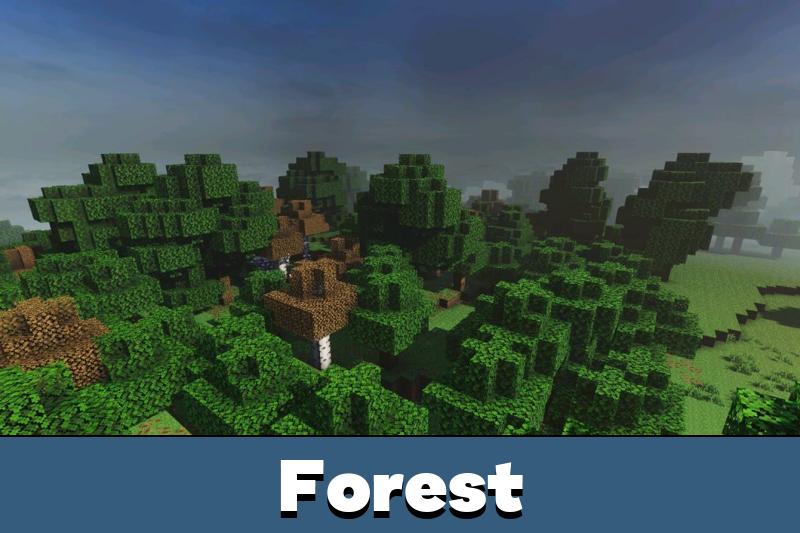
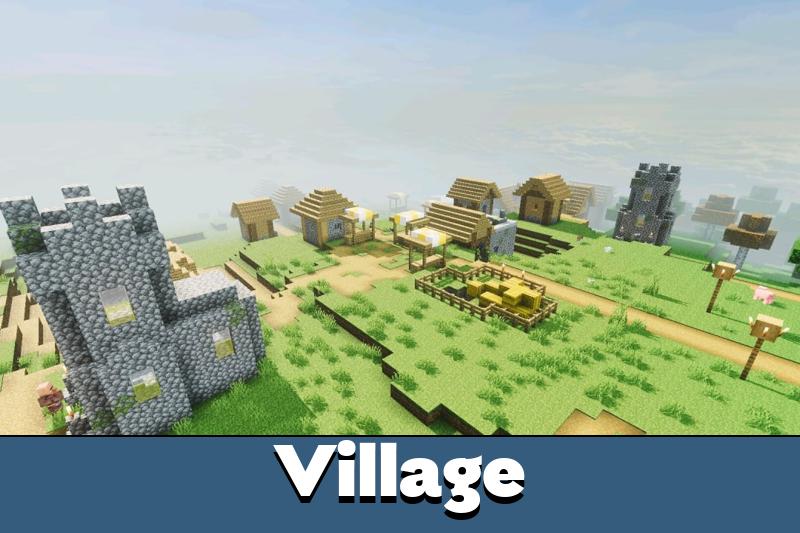



I like the Default version most because it keeps the sky familiar but still makes lighting and reflections feel way more modern on my phone.