Download Diablo Visuals Shader for Minecraft PE: transform your world with cinematic sunlight, realistic water reflections, glowing nighttime vegetation, atmospheric fog, and beautiful lighting effects powered by Vibrant Visuals.
Diablo Visuals Shader for Minecraft PE
Diablo Visuals Shader changes the appearance of Minecraft Bedrock Edition through realistic lighting, vibrant colors, and environmental effects. The shader focuses on making natural landscapes more detailed while preserving the recognizable appearance of blocks and structures.
The biggest differences become noticeable outdoors. Sunlight passes through trees, water reflects surrounding light, and nighttime environments receive a darker atmosphere. These improvements create a more cinematic experience during exploration and ordinary survival.
Diablo Visuals uses the Vibrant Visuals graphics mode, so a compatible device is required to display its enhanced effects.
Diablo Visuals
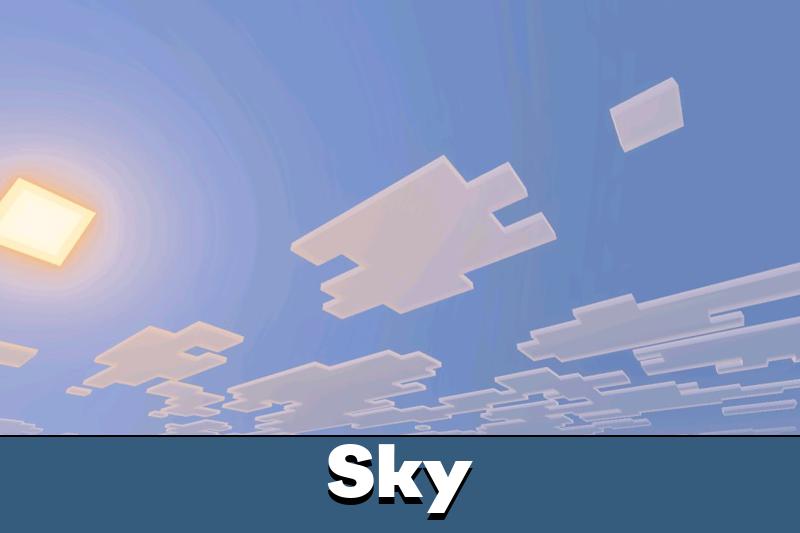
The Diablo Visuals Shader for Minecraft PE introduces deeper nighttime colors and subtle fog along the horizon. Instead of a uniformly dark background, the sky gains atmospheric depth that makes distant landscapes look more natural.
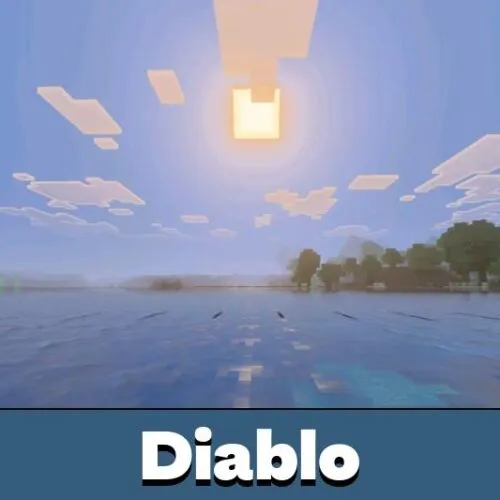
Moonlight produces visible reflections across rivers and oceans. Moving water creates changing highlights, adding detail to nighttime scenes near beaches, lakes, and other aquatic environments.
Forests receive additional visual effects through glowing fireflies and emissive vegetation. These small sources of illumination stand out against the darkness and give wooded areas a mysterious appearance.
Nighttime effects include atmospheric fog, moonlight reflections, and glowing vegetation. Their appearance depends on the surrounding environment and lighting conditions.
These changes are especially noticeable when exploring forests after sunset or building near water. Natural light and glowing details help distinguish different parts of the landscape.
Realistic Water
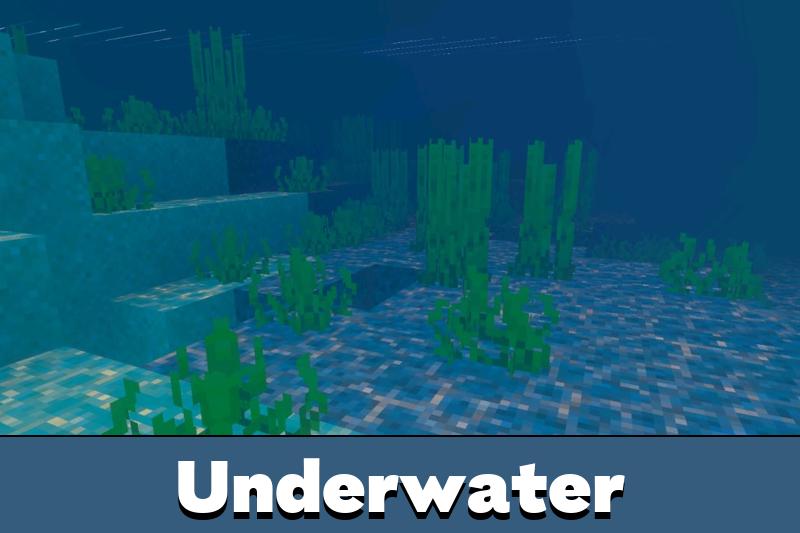
Water is one of the most prominent visual improvements in Diablo Visuals. The shader introduces clear surfaces with smooth transitions between shallow and deeper areas.
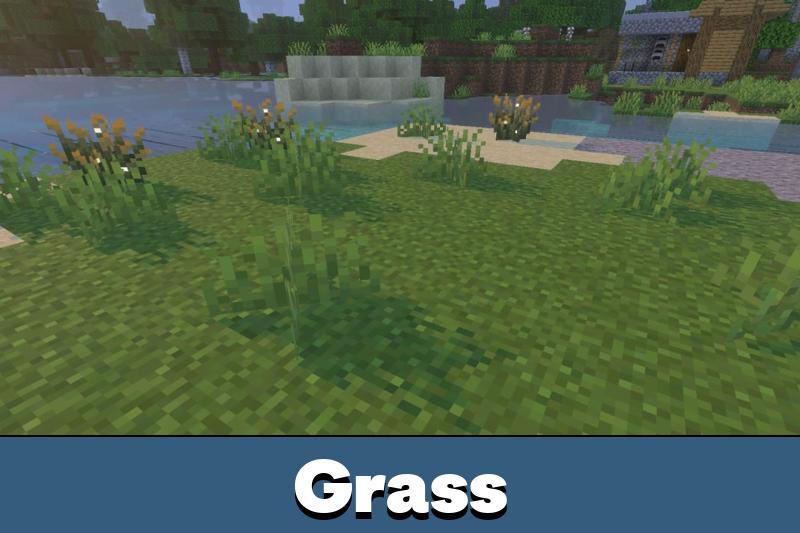
Near riverbanks and beaches, underwater terrain becomes easier to distinguish through the transparent surface. Sand, stone, and other submerged blocks remain visible at different depths.
Animated caustics create moving patterns of sunlight across underwater surfaces. These effects imitate the way light passes through moving water and produces shifting highlights on the seabed.
Players comparing different approaches to environmental lighting can explore Shaders for Minecraft to find other visual styles.
Volumetric Sunlight
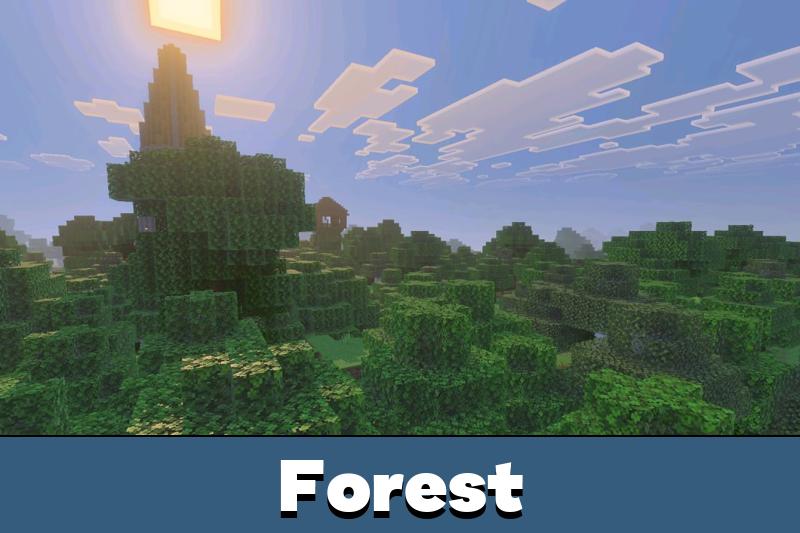
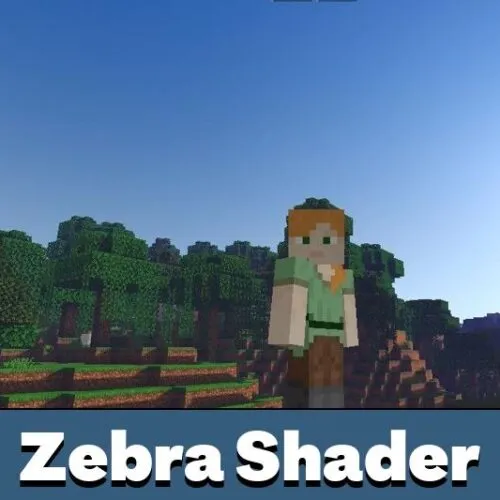
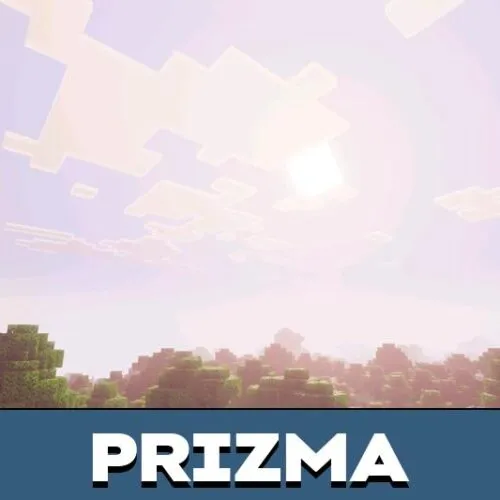
During sunrise and sunset, Diablo Visuals produces volumetric sunbeams that become particularly noticeable around trees. Rays of light pass through gaps in the foliage, highlighting the shapes of leaves and branches.
The shader also introduces warm environmental bloom. Bright areas receive a soft glow that emphasizes terrain contours without intentionally washing out nearby details.
These effects help create more expressive outdoor scenery. A forest path, hillside, or clearing can look different depending on the position of the sun, making changes in daylight more noticeable.
Additional options for changing the game’s overall appearance are available in Texture Packs for Minecraft PE, including collections focused on different visual elements.
Environmental Lighting
Diablo Visuals balances bright daytime scenes with darker nighttime environments. Lighting responds to the time of day, giving familiar locations a different appearance as conditions change.
The combination of atmospheric fog, water reflections, and sunlight effects is particularly visible in open landscapes. Trees create contrasting shadows and illuminated areas, while nearby water adds reflective highlights.
The shader is designed to balance visual quality and performance. However, demanding effects such as volumetric lighting and animated reflections may affect frame rates differently across mobile devices.
Diablo Visuals requires a device that supports Vibrant Visuals. The enhanced graphics will not display correctly if the required graphics mode is unavailable.
How to Install
Before installation, check whether the device supports the Vibrant Visuals graphics mode.
Download the shader, import it into the game, and activate it in the resource settings. Once activated, open the Video settings and select Vibrant Visuals as the graphics mode.
After applying the settings, enter a world to view the updated lighting, water transparency, and atmospheric effects.
Devices without support for Vibrant Visuals may be unable to use the shader as intended.


I went down to the river near my base just to check the water and ended up wandering around until sunset. The light coming through the trees looks great. Had to lower my settings a bit though.