MCPEDL » Texture Packs » Utility Texture Packs » Christmas Texture Pack for MCPE

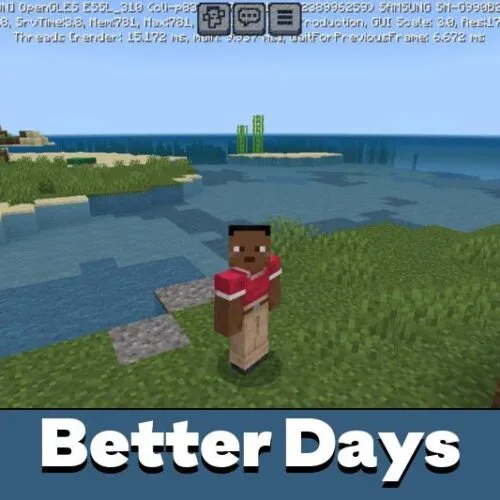
Better Days Texture Pack for Minecraft Bedrock

Trusted File
Version MCPE 1.21.0 - 1.26.45 for Android
Download Better Days Texture Pack for Minecraft Bedrock to use clearer days played, coordinates, position info, and subpack display options.

Download How to Install?
Author: Brandon Taylor
Published: 25 August 2026
Download Best Textures

Download Better Days Texture Pack for Minecraft Bedrock: improve the screen display for days played, coordinates, position details, and navigation during mobile survival.

Better Days Texture Pack for Minecraft Bedrock

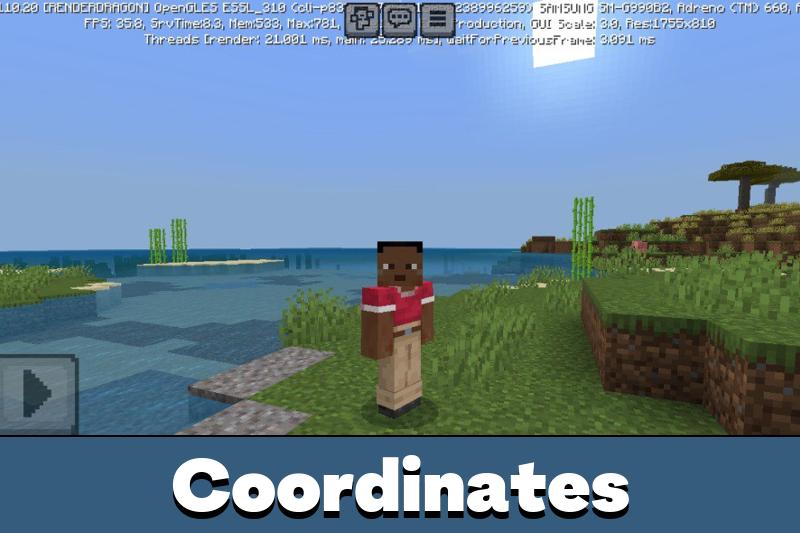
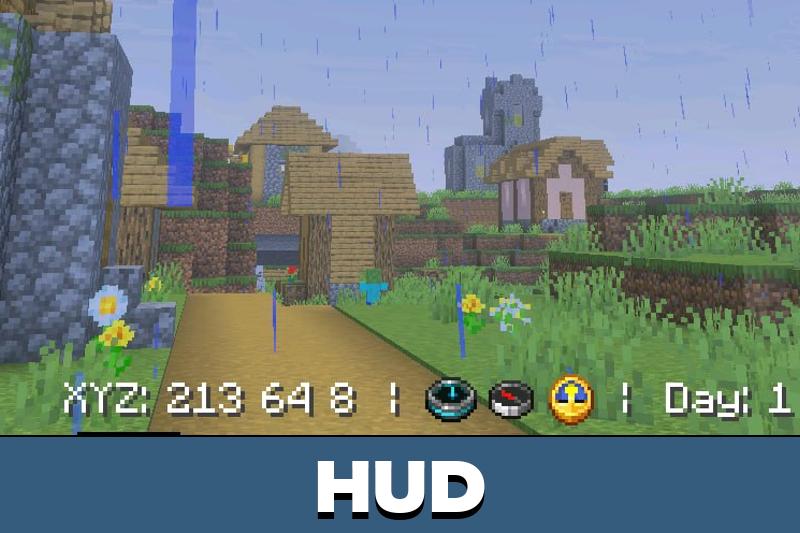
Better Days Texture Pack is a utility project for players who want important world information to be easier to read. It improves how days played and coordinates appear on the screen, so users do not have to keep checking the top-left corner during gameplay.

The texture pack does not add mobs, blocks, weapons, or new survival rules. Its purpose is practical. It changes the display layout and helps players track time, position, and direction in a cleaner way.

Not every player uses these built-in options, but they can be very helpful in long worlds. With the right settings enabled, Minecraft Bedrock Edition becomes more comfortable for travel, base building, mining, and returning home after exploration.

Install Utility Texture Packs for Minecraft, and then the survival process will bring players only positive emotions.

Better Days

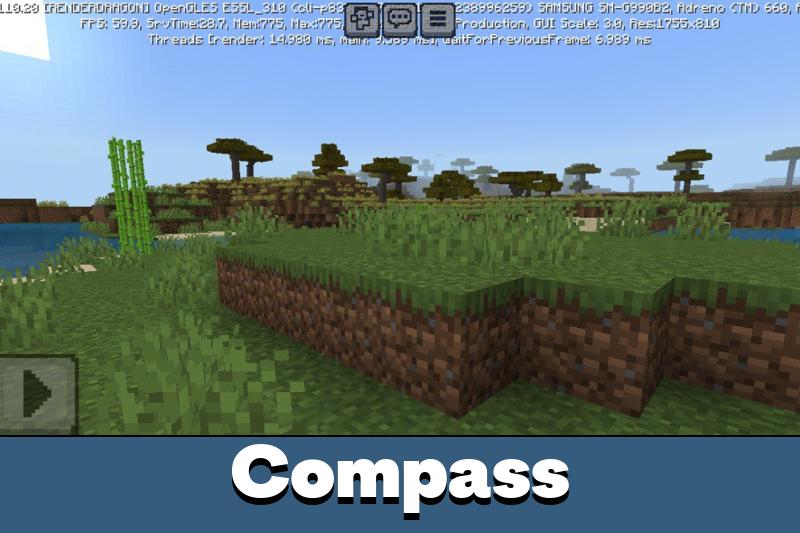
Better Days Texture Pack gives players several display variants. One option keeps the setup closer to default, another focuses on position, and another can include a compass-style reference.

The choice can be changed through the resource pack settings. This is useful because players may want a simple screen for casual survival and a more informative layout for long exploration.

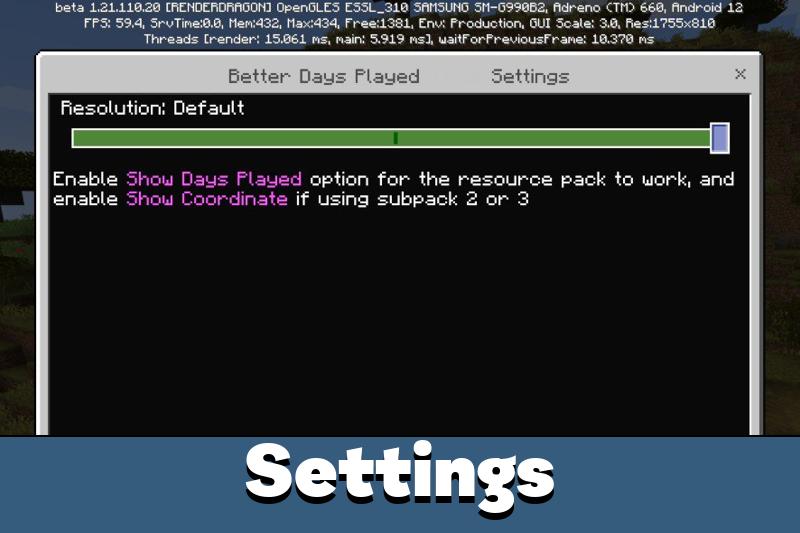
Enable Show Days Played and Show Coordinates in the game settings. Without these options, the improved display will not work as intended.

Subpacks make the setup more flexible. The second subpack is a good choice if the player wants days played and coordinates shown in the middle instead of relying on the usual corner position.

This helps Minecraft PE users read useful data faster. It is especially convenient on phones, where small interface details can be harder to notice during movement.

Utilize

Better Days Texture Pack is useful because it solves a simple but common problem. Players need location data often, but the default placement is not always comfortable during active gameplay.

Coordinates help with mining, base marking, portals, villages, and long-distance travel. Days played help track world progress, challenge runs, and survival milestones.

Use a clean HUD setup with only the data you need. Too much information can make the screen harder to read on mobile.

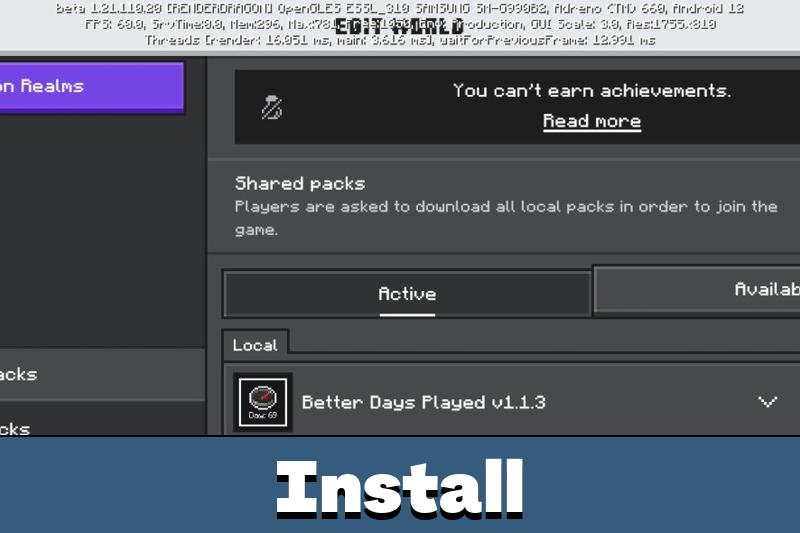
The texture pack is easy to use after installation. Activate it like a normal resource pack, open the needed settings, enable the required display options, and choose the subpack that fits your screen.

For players who build far from spawn or explore large areas, this can save time. The display becomes easier to check quickly without breaking the rhythm of movement.

Better Days Played

Better Days Played improves the way days played and coordinates are shown on screen. It is designed for a cleaner utility layout, with setting-based activation and subpacks for display choice.

The update is best for players who want easier navigation and world tracking without gameplay changes.

FAQ

Does Better Days Texture Pack show coordinates more clearly?

Yes. Better Days Texture Pack improves coordinate display after Show Coordinates is enabled in the game settings.

Will Better Days Texture Pack change survival mechanics?

No. Better Days Texture Pack only changes screen display and does not affect mobs, crafting, damage, or progression.

Can Better Days Texture Pack show days played in a better place?

Yes. Better Days Texture Pack can improve the days played display, especially when the right subpack and game setting are enabled.

Comments

  1. I always lose track of my coordinates on phone, so putting them in a better spot actually sounds useful. Small change, but I would use it a lot.