Download Gear Holster Texture Pack for Minecraft PE: display swords, bows, axes, tridents, spears, and other tools on your character’s body while keeping your hands free for exploration and combat.
Gear Holster Texture Pack for Minecraft PE
Gear Holster Texture Pack for Minecraft Bedrock Edition changes how carried equipment appears on your character. Instead of hiding unused weapons completely, it displays items from your hotbar on your back or hip, making your equipment visible during gameplay.
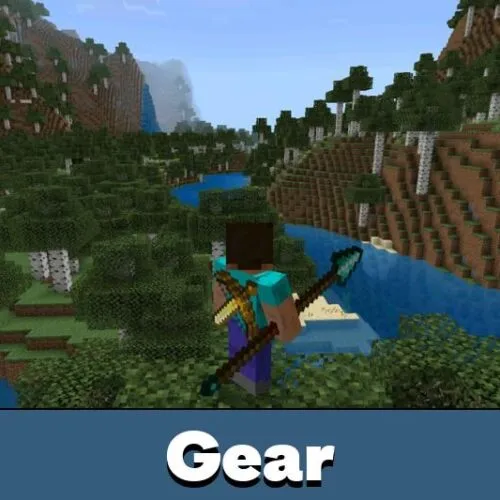
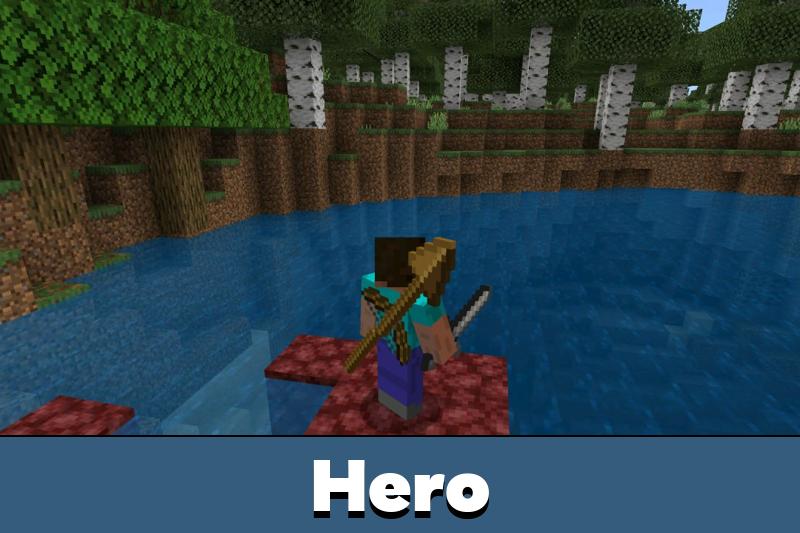
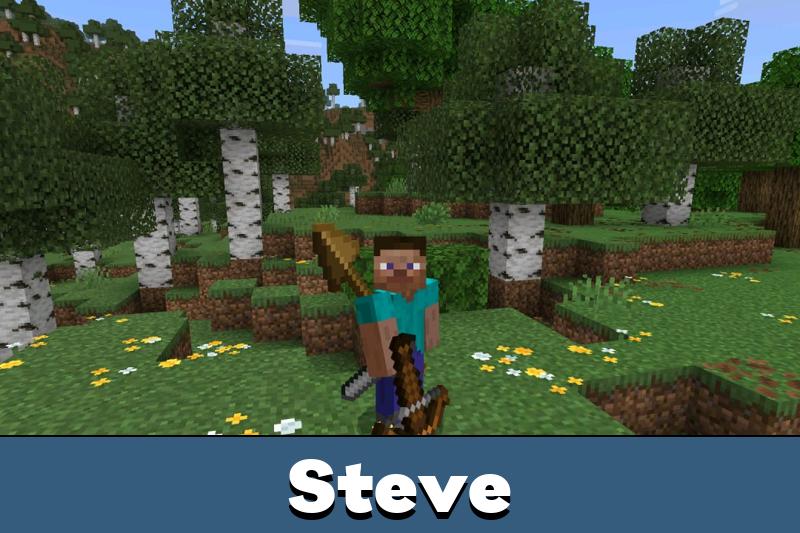
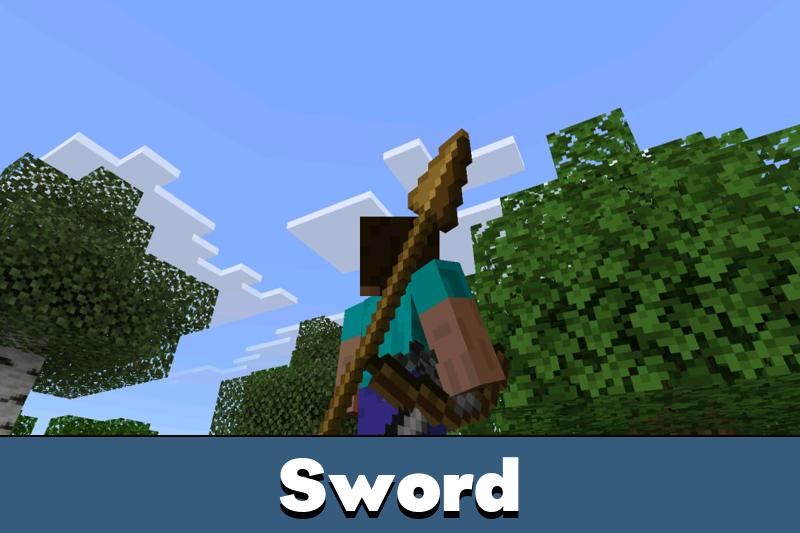
The texture pack gives characters a more realistic, adventure-ready appearance. Swords, bows, and tridents sit at different angles across the back, while other equipment can appear around the waist. The arrangement remains visible as the character moves and turns.
Gear Holster is designed to keep weapons from overlapping. Each item has its own position, so multiple pieces of equipment can be displayed together without covering one another unnecessarily.
Gear Holster
One of the main features is the ability to see carried weapons without holding them. A bow and sword can remain visible across the character’s back while the player uses another item.
This visual system is especially useful for players who enjoy seeing their equipment during exploration. It also works with different outfits, from ordinary clothing to complete armor sets.
Weapons carried on the back are visible in third-person view. Switch your camera perspective to see the equipment arrangement.
Players who prefer similar visual improvements can explore Improved Default Texture Packs for Minecraft Bedrock for other ways to enhance familiar equipment and character details.
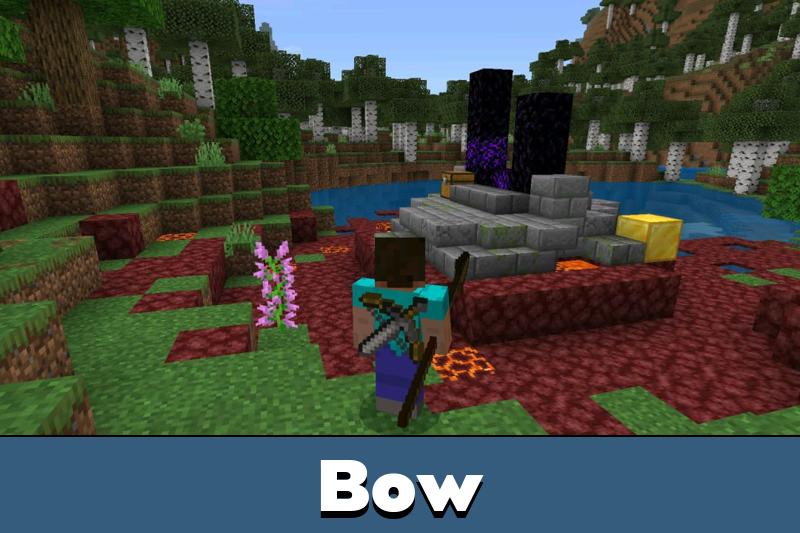
The trident, bow, and sword are positioned carefully to remain recognizable from different viewing angles. Their arrangement follows the character during movement.
Armor does not prevent the equipment from appearing. Weapons remain visible over diamond armor and other sets without passing through the protective pieces.
This makes the system suitable for both everyday survival and heavily equipped characters. The appearance changes according to the equipment being carried.
For additional visual customization, Texture Packs for MCPE offer more ways to adjust the appearance of familiar items and other game elements.
Seven Spear Variants
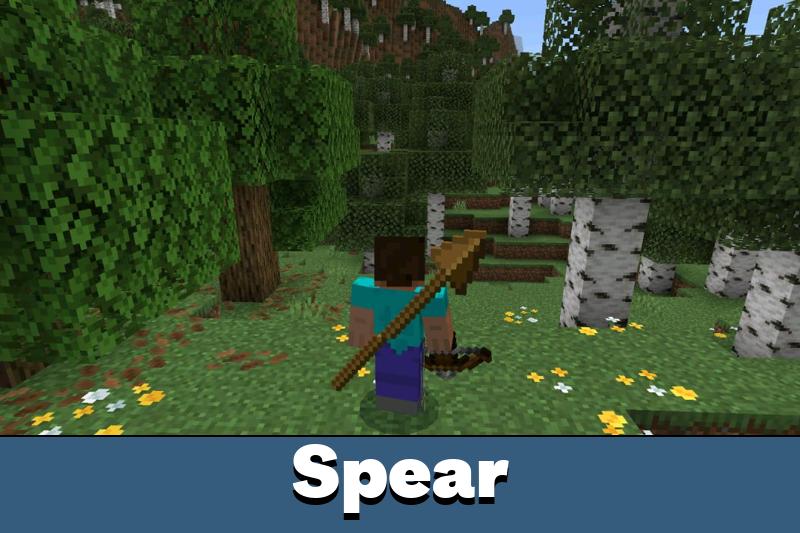
Gear Holster also supports spears. These weapons feature a long shaft and a detailed three-dimensional head, allowing them to remain recognizable from different angles.
Seven material variants are supported:
- Wooden spear;
- Stone spear;
- Copper spear;
- Iron spear;
- Golden spear;
- Diamond spear;
- Netherite spear.
Each variant retains the colors associated with its material. The spear can cross behind the character alongside other weapons while maintaining a separate position.
Smart Equipment Placement
The spear uses the same back position as the trident. When a trident is available for display, it takes priority. Otherwise, the spear occupies that space.
Holding the spear causes its back model to disappear. The sword and axe can move to the hip, keeping the overall equipment arrangement organized during movement.
Gear Holster supports visible weapons over armor and automatically adjusts their positions. The spear takes the trident’s back slot when that position is available.
The texture pack focuses on equipment visibility rather than changing combat abilities. Its purpose is to make carried items part of the character’s appearance without introducing additional weapon mechanics.
Didn’t realize how empty my character looked before this lol. Having the bow and sword on my back looks great with diamond armor. I just wish I could see the whole setup in first person too.