Download HUD Texture Pack for Minecraft Bedrock: improve the screen interface with player stats, custom menus, compass, clock, durability panels, and clearer mobile gameplay.
HUD Texture Pack for MCPE
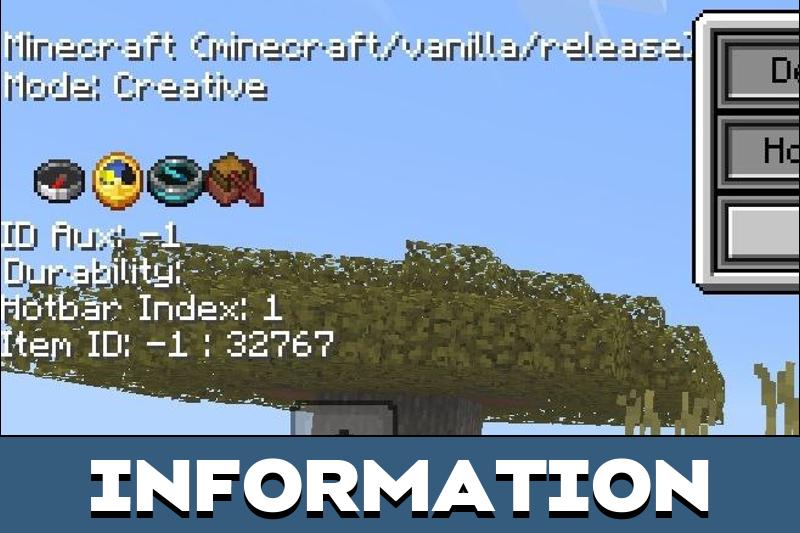
Users may miss important information on the Minecraft PE screen during survival, combat, mining, and multiplayer. HUD Texture Pack makes the interface more useful by showing details that help players understand the current situation faster.
The main advantage is customization. Players can decide what information appears on the screen and keep only the indicators they really need during gameplay.
The texture pack can show health, speed, armor status, eating time, direction, time, and other useful values. This makes the screen more informative without forcing players to open extra menus all the time.
Utility HUD
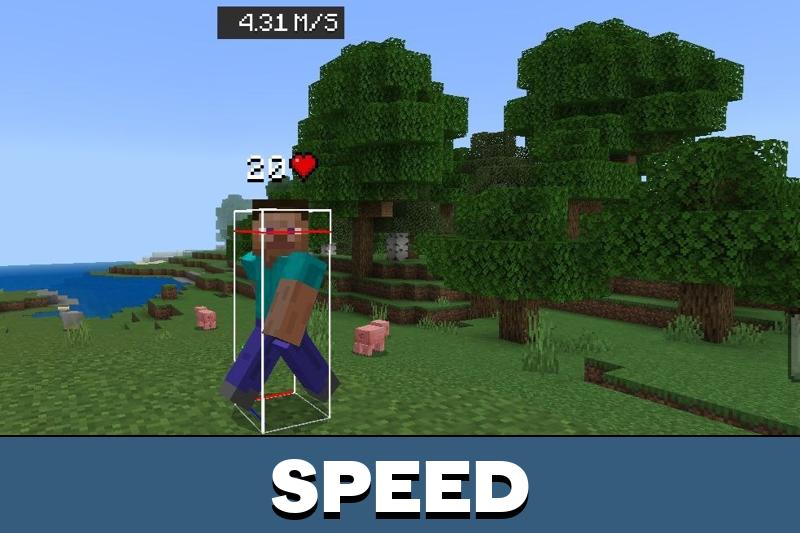
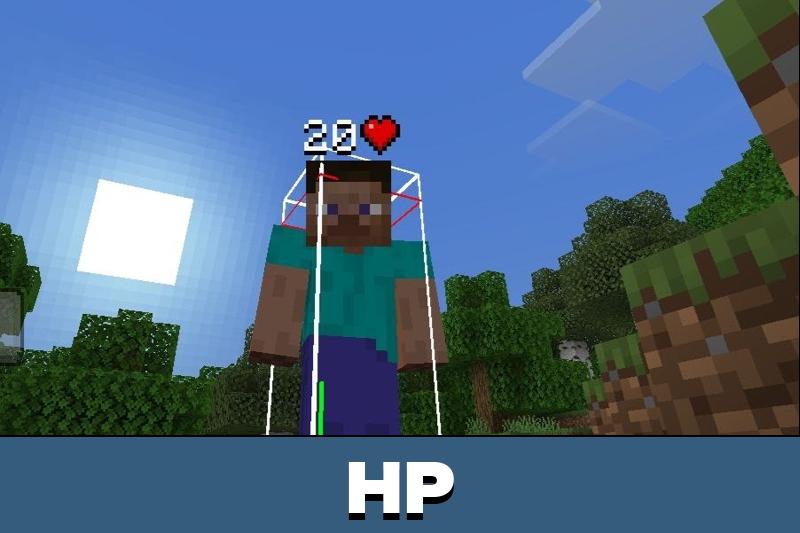
In the vanilla game, Minecraft Bedrock Edition players get only basic information about other players and entities. Utility HUD helps users see more details from a distance, including armor type, health, speed, and other indicators.
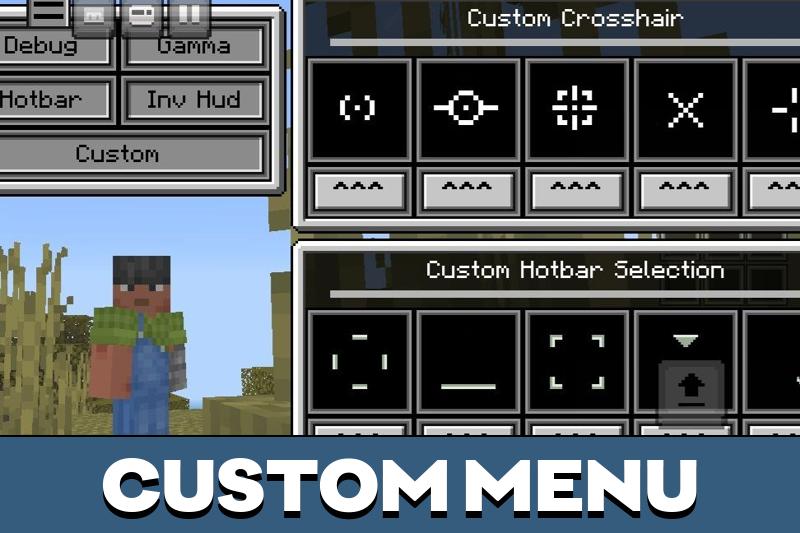
The special feature of this HUD texture pack is customization through game settings. Players can choose between different configurations and adjust the interface for their own style.
HUD changes are most useful when they stay readable. Keep only the indicators that help during survival, combat, or navigation.
Players who want more interface-based improvements can also explore Utility Texture Packs for MCPE and add more practical visual upgrades to the game.
There are several unique configurations available. This lets users create a cleaner screen for survival or a more detailed screen for testing and multiplayer worlds.
HUD Plus
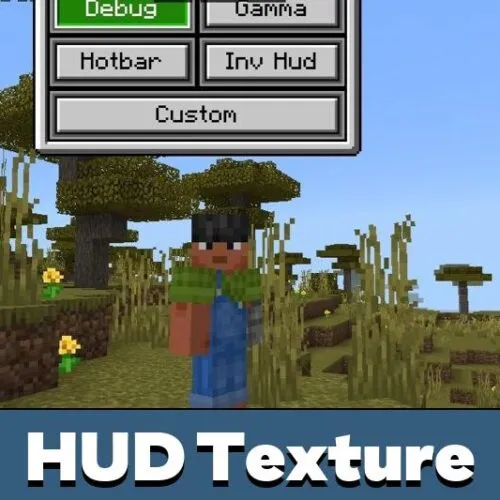
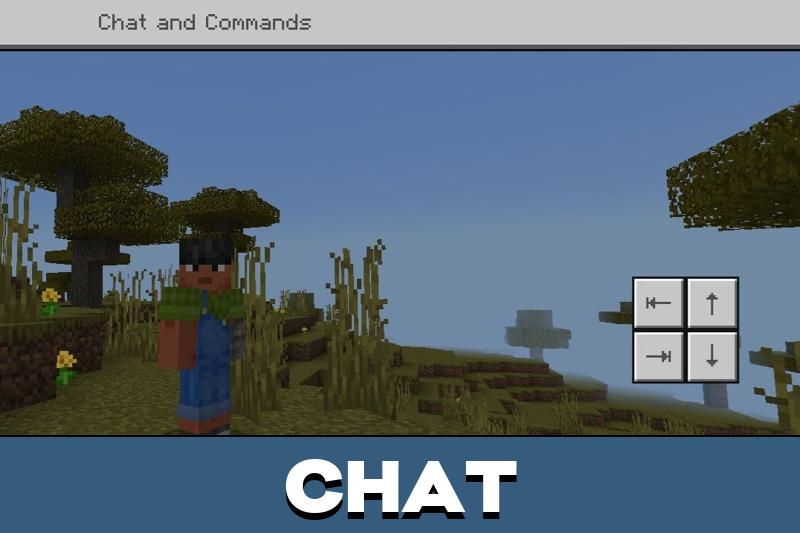
HUD Plus adds options such as Chat Autocomplete, Debug Screen, Custom menu, and other interface features. The new interface appears immediately after activating the texture pack.
Minecraft PE players can understand the menu quickly because the buttons are visible on the screen. This makes the pack useful for users who want faster access to information and controls.
The interface is made for convenience. Instead of searching through settings or guessing values, players can rely on visible elements during the game.
For users who want more interface styles, menus, and visual changes, Texture Packs for Minecraft can help expand the look of the game.
Compass and Clock
Those who want useful navigation options on the game screen should pay attention to this HUD texture pack. The compass and clock help users understand direction and time without opening extra tools.
The new icons are visible in the lower left corner of the screen. This is useful during travel, mining, building, and long survival sessions.
Players can move through the world more confidently when they always see basic navigation information. It is a small change, but it makes daily gameplay more comfortable.
Compass and clock indicators are especially useful during long trips. They help players avoid losing direction or missing nightfall.
Durability HUD Viewer
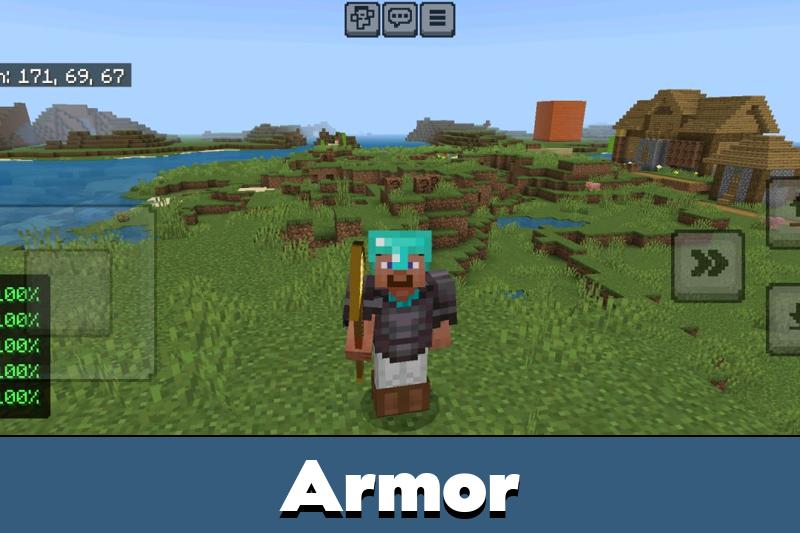
Durability HUD Viewer keeps gear condition visible without opening the inventory. It shows the remaining durability for the main-hand item, armor, and off-hand equipment with compact icons and color-coded values.
The texture pack can show durability as a percentage or exact current and maximum values.
It updates automatically when equipment changes or takes damage, hides empty slots, works separately for each player in multiplayer, and stays compact enough for mobile screens.

The durability panel is the best part for me. I always notice my armor is almost broken way too late, especially during cave runs.