MCPEDL » Texture Packs » Utility Texture Packs » Deesse UI Texture Pack for MCPE

Deesse UI Texture Pack for Minecraft PE

Trusted File
Version MCPE 1.17.0 - 1.26.32 for Android
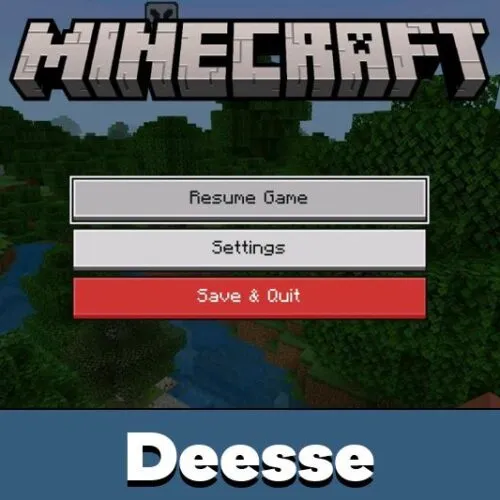
Deesse UI Texture Pack for Minecraft PE redesigns menus, HUD screens, inventories, chat, and quick tools for mobile play.

Download How to Install?
Author: Brandon Taylor
Published: 6 July 2026
Download Best Textures

Download Deesse UI Texture Pack for Minecraft PE: redesign menus, improve HUD screens, add quick tools, and make mobile gameplay easier to control.

Deesse UI Texture Pack for Minecraft PE

Deesse UI Texture Pack changes the interface and makes daily gameplay more comfortable. It focuses on menus, HUD elements, inventory screens, progress windows, and useful panels instead of changing blocks or mobs.

The resource pack gives Minecraft Bedrock Edition a cleaner layout with more information on screen. Players can see helpful details faster, switch menus more easily, and use extra interface tools during survival or creative sessions.

Deesse UI

The main feature of Deesse UI Texture Pack is a redesigned start screen with a fresh visual style. It also improves progress screens, pause menus, player lists, chat placement, and several inventory windows.

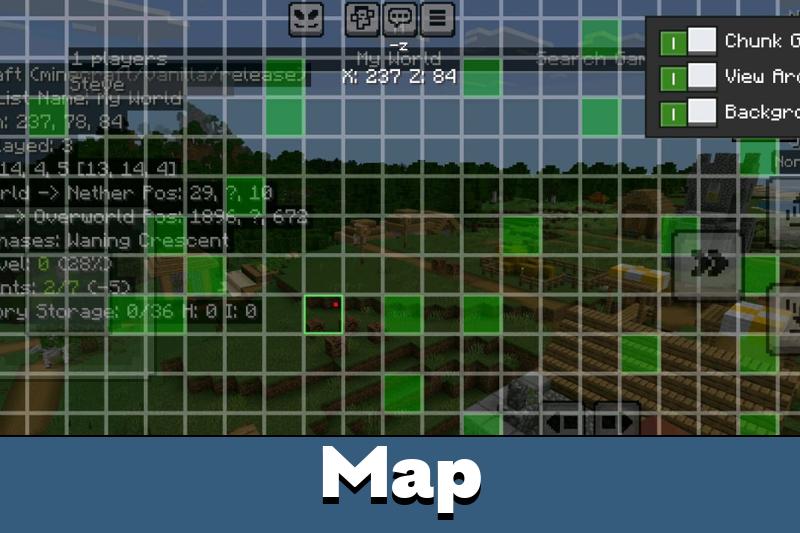
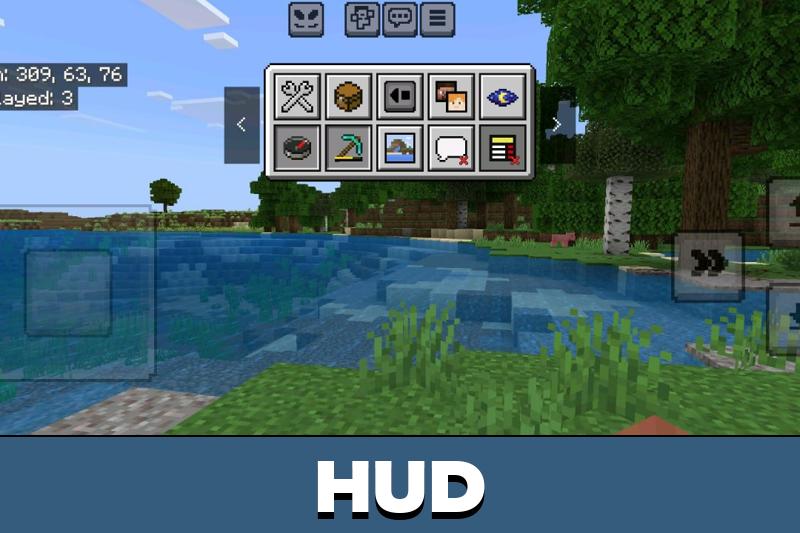
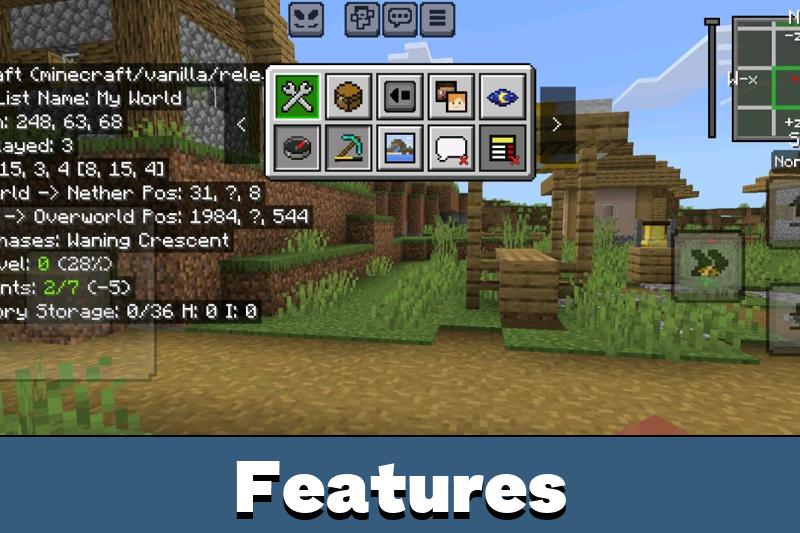
Players get an expanded HUD menu, item durability display, day counter, quick settings, and a debug screen with a minimap-style panel. These changes help users check important details without opening too many menus.

The pack is focused on interface comfort. It adds useful screens and cleaner controls without changing world generation.

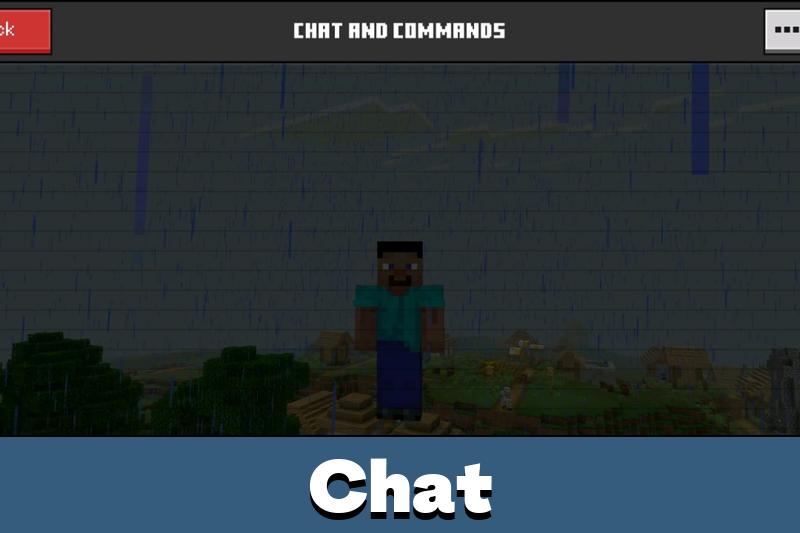
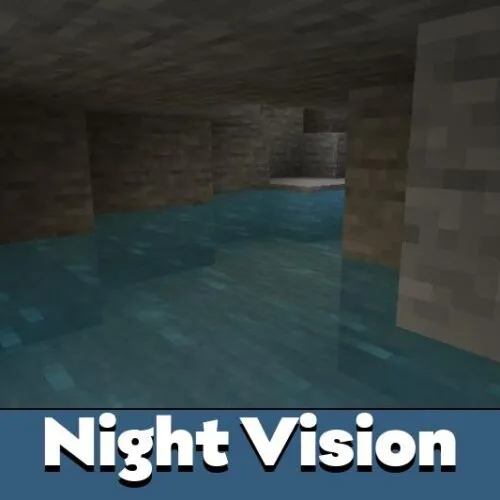
Other useful additions include night vision display options, lower chat layout, autocomplete button, temporary notes, a calculator, and a music player. The interface feels more informative but still stays close to normal mobile gameplay.

How does it work?

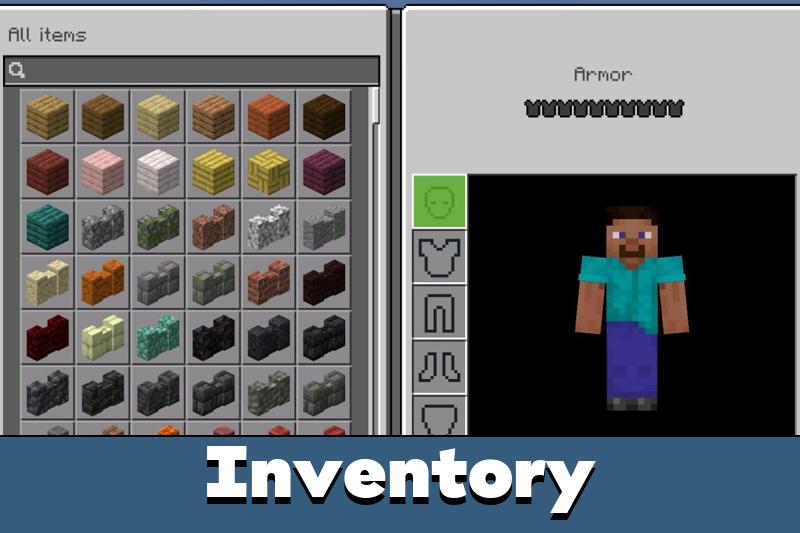
After activation, Deesse UI replaces many default interface screens with updated versions. The changes apply to menus, HUD areas, inventory layouts, chest windows, brewing screens, furnace screens, smithing table screens, and trading menus.

Players who like practical interface changes can also explore Utility Texture Packs for Minecraft PE for more packs focused on comfort, visibility, and mobile control improvements.

Deesse UI does not require complicated actions during gameplay.

Modes

Deesse UI Texture Pack is useful in both survival and creative mode. In survival, players can benefit from durability details, day tracking, quick access tools, and clearer inventory screens.

Creative builders can also use the improved menus to move between settings, inventory sections, and quick tools faster. Deesse UI is especially helpful on phones, where compact and readable screens matter more.

Cleaner menus make mobile control easier. Players spend less time searching through screens and more time playing.

It can also help on multiplayer worlds because the player list and chat screen become easier to read. The interface remains practical without turning the game into a different visual experience.

Interface

This texture pack improves many parts of the game interface at once. It updates the home screen, HUD screen, chest inventory, player list, chat screen, brewing stand, furnace, smithing table, trading screen, and pause menu.

The result is a more complete UI system for players who want better visibility, faster access, and extra tools during normal gameplay.

FAQ

Does Deesse UI Texture Pack work without mods?

Yes. Deesse UI Texture Pack works as a normal resource pack, so players only need to activate it in the pack settings.

Will Deesse UI Texture Pack affect FPS on mobile?

Deesse UI Texture Pack mainly changes interface screens, so it should not heavily affect performance on most mobile devices.

Can Deesse UI Texture Pack work with other packs?

Yes, but packs that also change menus, HUD screens, or inventory layouts may conflict. Put the preferred interface pack higher in the active list.

Comments

  1. The new menus feel way easier on my phone. I like the durability display and lower chat most because they make survival less messy.