Download Xnova Remastered Texture Pack for Minecraft PE: add first-person animations, customizable hand modes, 3D item models, skin layers, and smoother visual controls to your mobile world.
Xnova Remastered Texture Pack for Minecraft PE
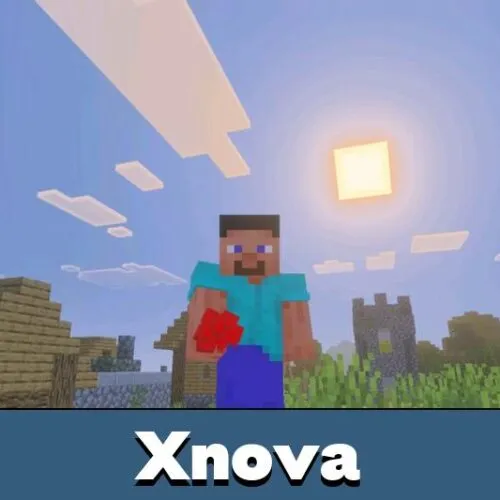
Xnova Remastered Texture Pack changes how items, tools, hands, and first-person movement look during gameplay. It is made for players who want the screen to feel more active without replacing the normal world style.
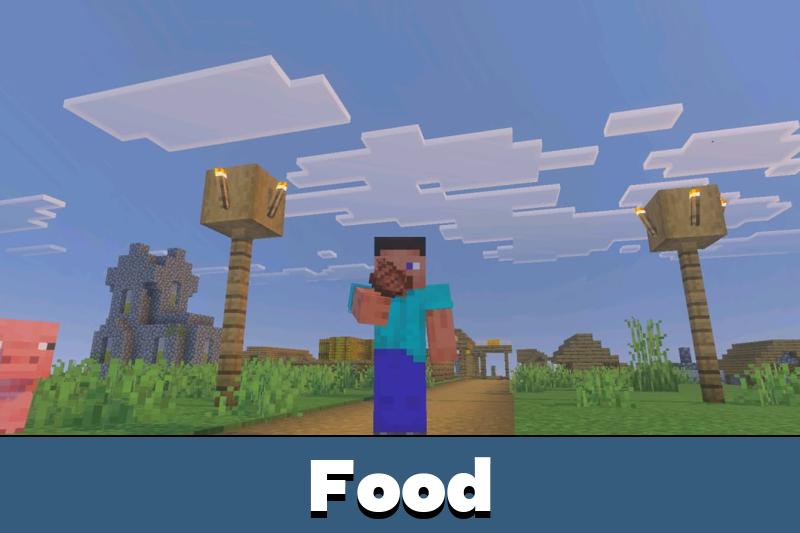
The texture pack focuses on presentation. Players get improved first-person animations, new hand customization, 3D objects, and cleaner item handling. This makes mining, fighting, building, and exploring feel less static.
For Minecraft PE players, the main benefit is visual comfort during everyday actions. The world still plays the same, but tools, items, and hand movement look more polished on screen.
Xnova Remastered 1.1
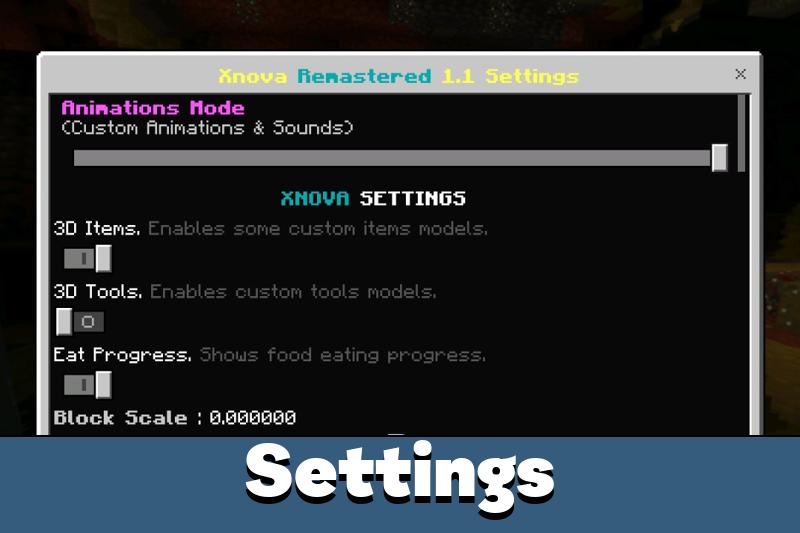
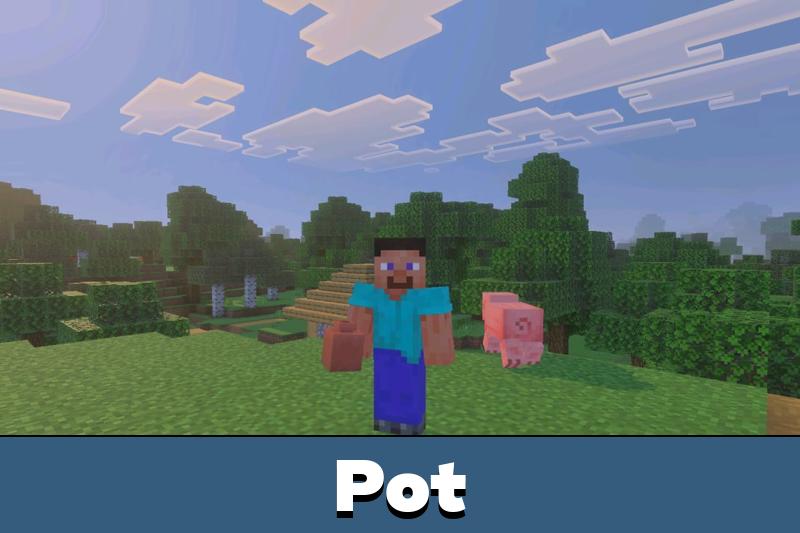
Xnova Remastered includes customizable hand modes. Players can adjust the first-person view through a control panel and choose the setup that feels better for their device and play style.
This is useful because players spend most of their time looking at tools, blocks, and hands while playing. Better positioning can make the interface feel cleaner during mining, combat, and building.
The texture pack improves first-person visuals. It does not change crafting, mobs, blocks, or survival rules.
The pack also supports selectable modes. Players can switch between custom animations with sounds and more default-style animation behavior.
3D Items and Layers
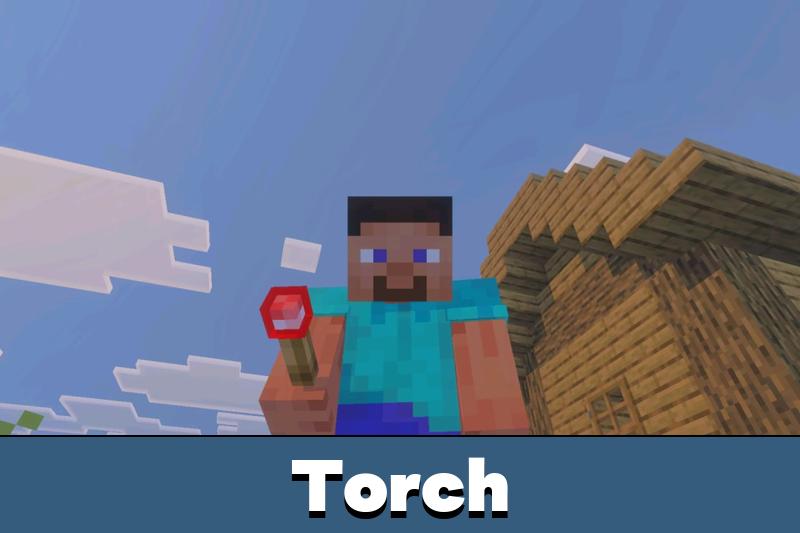
The texture pack adds 3D models for several items and tools. These objects look more detailed in the player’s hand and help common actions feel more physical.
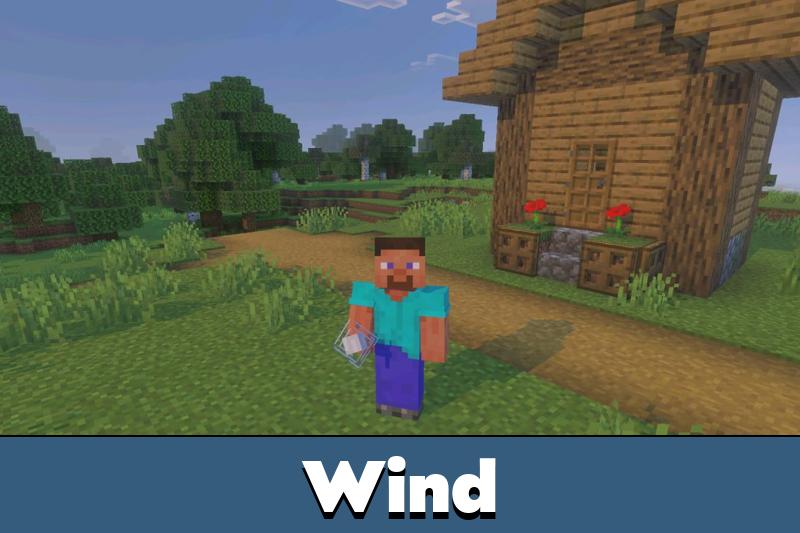
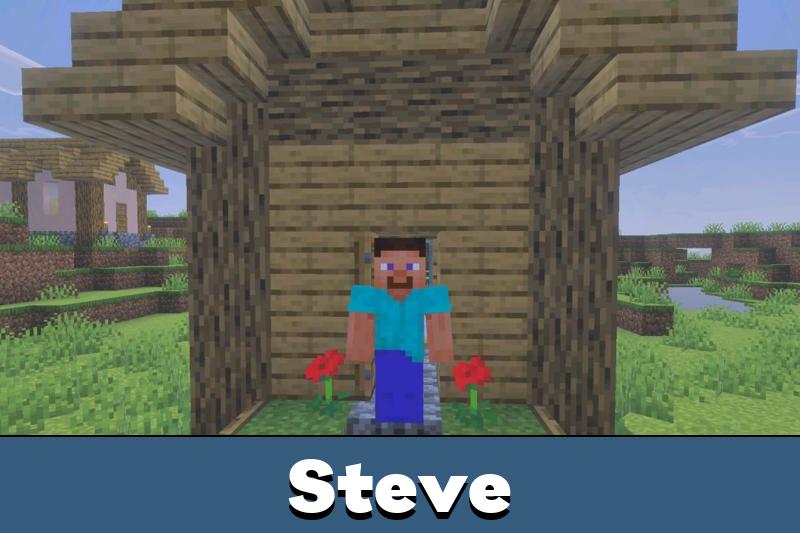
Steve and Alex also receive 3D skin layers. This gives the default character models a deeper look without changing the main Minecraft Bedrock Edition identity.
Players who enjoy useful screen and item improvements can also browse Utility Texture Packs for Minecraft Bedrock and compare more practical visual options.
Compatibility is another important detail. Xnova Remastered is designed to work with Action & Stuff and the off-hand function from Dynamic Light, helping players combine visual changes with other setups.
Performance and Settings
The texture pack includes options for item and block opacity, size, and gameplay-related visual switches. This gives players more control instead of forcing one fixed setup.
Optimization also matters here. The pack was reduced in size and improved for better performance, making it more practical for devices that struggle with heavier visual packs.
Use the settings panel to reduce visual pressure if items feel too large or the first-person view becomes too busy.
Recent fixes also improve stability. Problems with fence gates, disc fragments, Music Disc 5, and sword sound delay were resolved.
Visual Updates
The empty hand now has a new rotation panel. This gives better control because rotation is no longer locked the same way as before.
A device issue linked to insufficient RAM was also fixed. Animation Mode is now set as the default sub-pack value, so animations can activate automatically after applying the texture pack.
Xnova Remastered 1.2
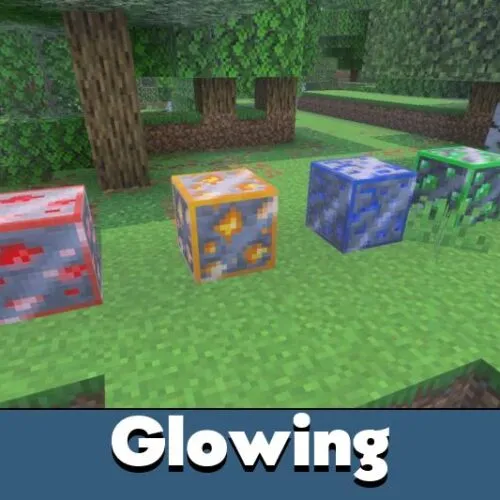
Xnova Remastered 1.2 overhauls the settings panel, fixes 1.1 bugs, adds colored enchantment glints and outlines, improves animations, updates some sounds, fixes the pickaxe 3D model, reduces file size, and hides the hand when holding items from other compatible packs.

The hand disappearing with other add-on items is actually a big fix. I hate when visual packs look great until you hold one custom tool.
The 3D tools are the best part for me. I like when the hand view looks better but the game still feels normal.