Download Alpha Optimizer Shader for Minecraft PE: reduce lag, boost FPS, remove heavy effects, and make mobile gameplay smoother on low-end devices.
Alpha Optimizer Shader for Minecraft PE
Alpha Optimizer Shader is made for players who want faster gameplay instead of heavy graphics. It focuses on removing unnecessary visual load, reducing lag, and making the world feel more responsive during survival, combat, and exploration.
The shader is inspired by performance-focused tools like OptiFine and Sodium. Its goal is simple: keep the game cleaner, lighter, and easier to run on weak or mid-range phones.
It works by optimizing elements that often affect FPS. This includes particles, render distance, overlays, sky effects, rain, water animation, block animation, and other visual details that can slow down mobile gameplay.
Alpha Optimizer
Alpha Optimizer Shader helps Minecraft PE players reduce lag by lowering the amount of visual work the device needs to process. Low render distance and fewer effects can make the game feel smoother in busy worlds.
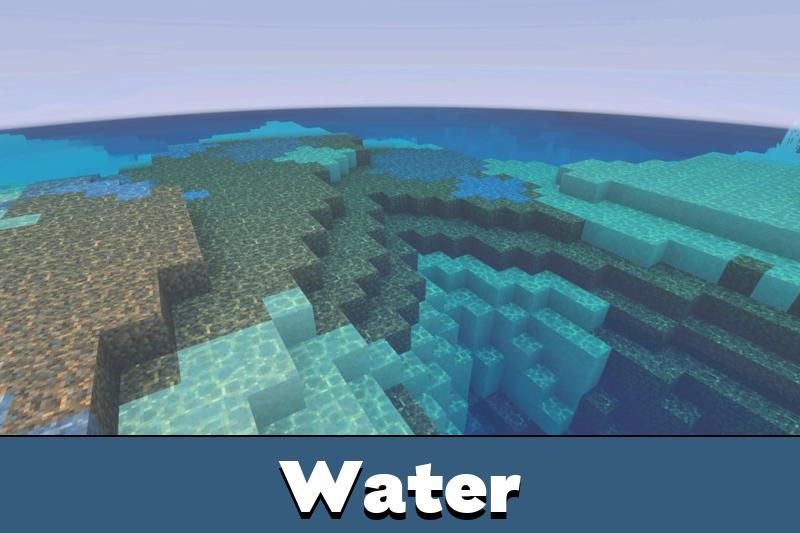
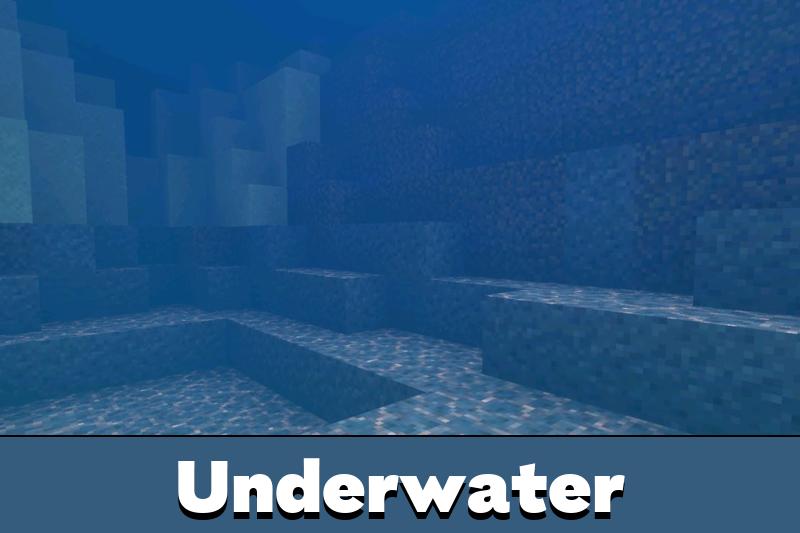
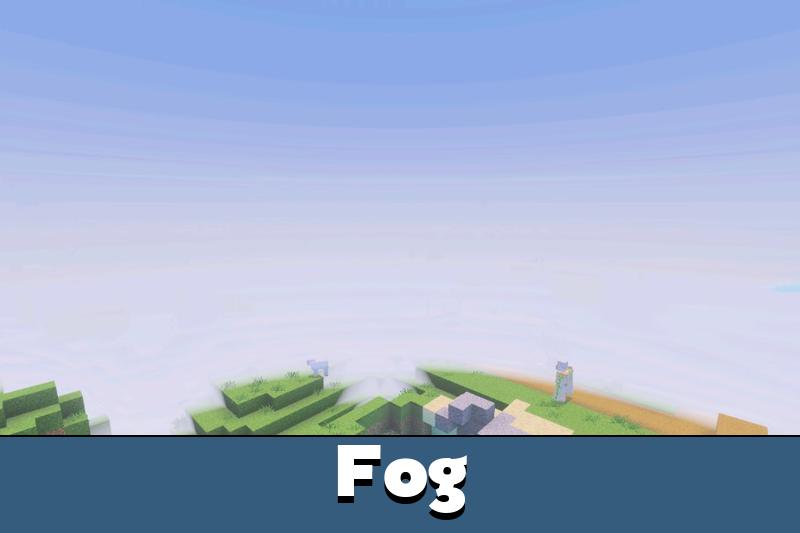
No Block Animation removes unnecessary animated block effects. Optimized water makes water scenes lighter, while No Rain and Cloudless Sky help reduce distractions and improve visibility.
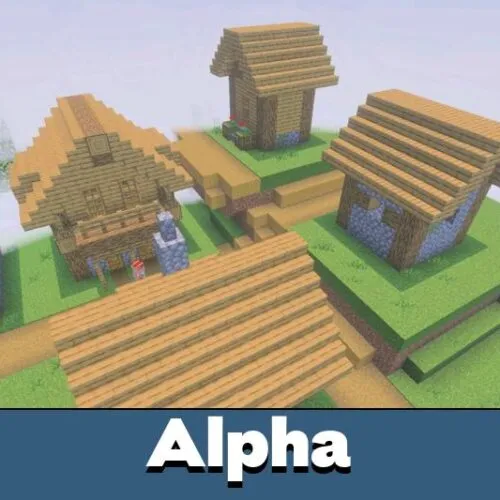
Alpha is best for players who need smoother FPS on weak phones instead of heavier visual effects.
No Particle and Remove Some Particles are useful during combat, mining, and server gameplay. Fewer particles mean a cleaner screen and less pressure on the device.
Customization Options
The shader includes subpack-style customization, so players can enable or disable specific features depending on what they need. This makes it easier to choose between stronger optimization and a slightly cleaner visual look.
Some options focus only on performance. Others improve visibility without making the game heavier. This balance is important for mobile players who want better FPS but still want the world to look comfortable.
Players who want to compare more performance or visual options can browse Shaders for Minecraft PE and choose another style for their device.
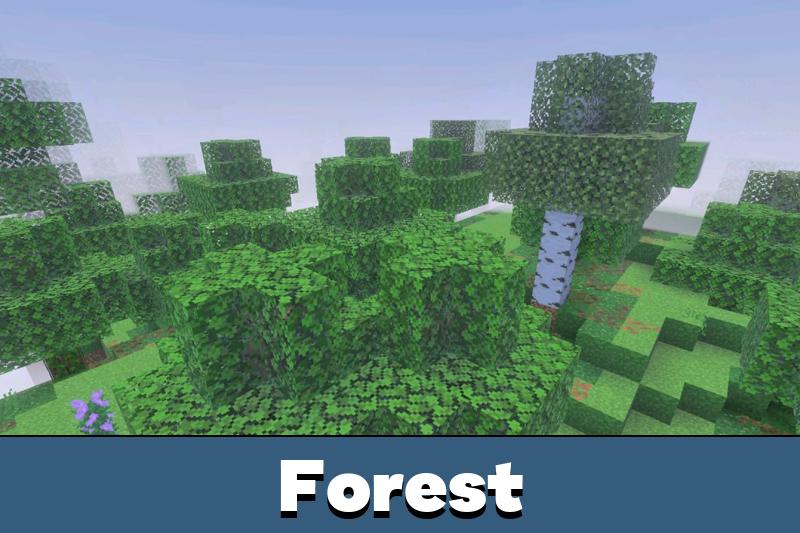
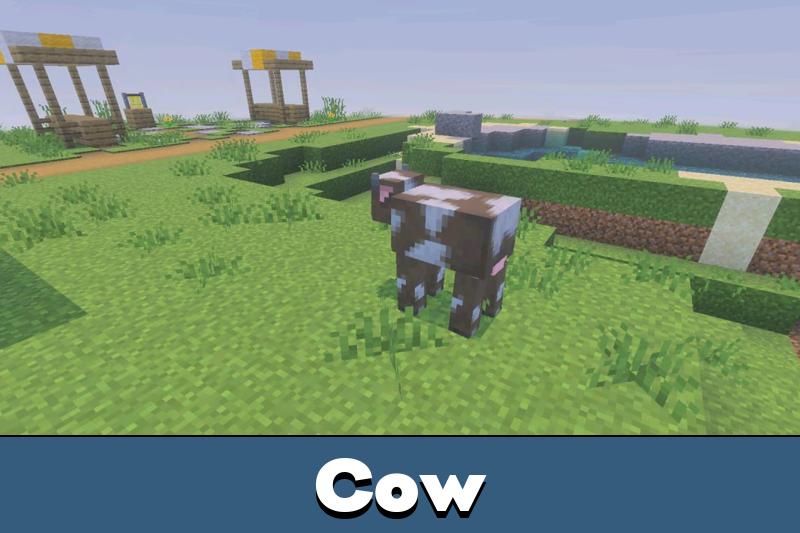
Clearer visuals can also help during exploration. A cloudless sky, lower grass, and low fire make the screen easier to read, especially on smaller displays.
Useful Visual Features
Alpha Optimizer Shader for Minecraft Bedrock Edition is not only about removing effects. It also includes practical visual changes that help players see important details faster.
Outlined ore makes mining easier because valuable blocks stand out more clearly in caves. Better glass improves visibility through windows, while a 2D spyglass keeps the view simple and less distracting.
Low Fire is useful during fights because fire takes less screen space. Lower tall and normal grass can also help players see the ground, mobs, and movement more clearly.
Use Alpha Optimizer when particles, rain, fire, animations, or high visual load make gameplay harder to control.
The shader is a good choice for survival worlds, PvP, servers, and long mobile sessions. It keeps the focus on smooth performance and clean visibility instead of cinematic effects.
This made my game feel a lot smoother on an older phone. Low fire and fewer particles helped the most during fights and mining.