MCPEDL » Texture Packs » Shaders » AziFy Revive Shader for MCPE

AziFy Revive Shader for Minecraft PE

Trusted File
Version MCPE 1.17.0 - 1.26.30 for Android
AziFy Revive Shader Minecraft PE adds realistic lighting, dynamic clouds, glowing ores, better water, and sharper shadows.

Download How to Install?
Author: Brandon Taylor
Published: 20 June 2026
Download Best Shaders

Download AziFy Revive Shader for Minecraft PE: add realistic lighting, dynamic clouds, glowing ores, improved water, sharper shadows, and enhanced dimensions to your mobile world.

AziFy Revive Shader for Minecraft PE

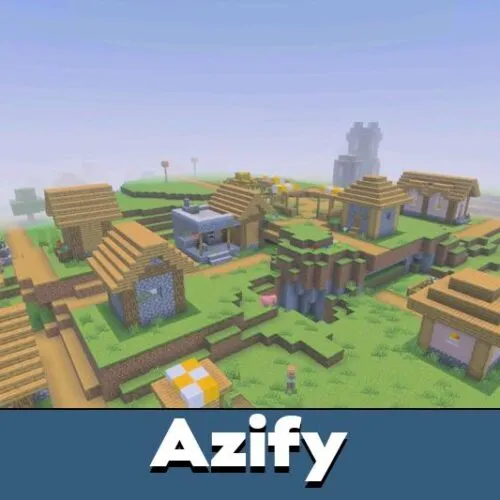
AziFy Revive Shader is a realistic visual upgrade made to improve the default look of Minecraft PE without replacing its core style. It focuses on balanced colors, natural lighting, better shadows, detailed water, and more atmospheric skies.

The shader supports Android, Windows, and iOS devices, but it requires the correct patches to work properly. Players should check the installation guide before downloading, because regular activation may not show every effect correctly.

Its main goal is to make the world look cleaner and more immersive. Day scenes become more colorful, night skies look sharper, water feels deeper, and glowing blocks stand out more clearly during exploration.

AziFy Revive

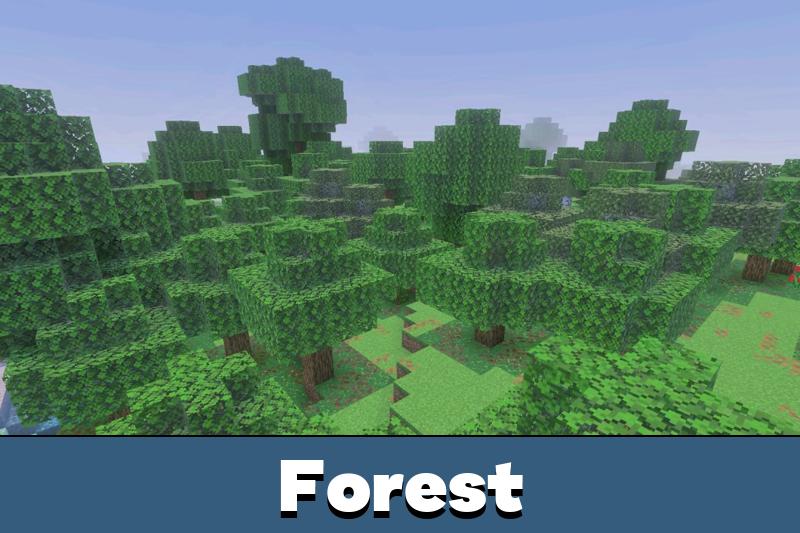
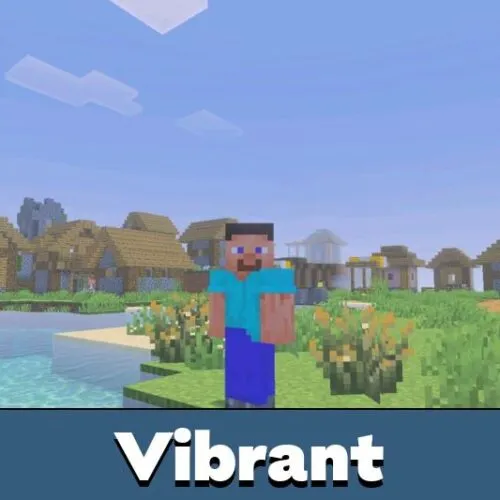
AziFy Revive Shader improves the atmosphere through balanced and vibrant color enhancements. The world becomes brighter, but not oversaturated. Blocks keep their familiar look while lighting and sky colors feel more polished.

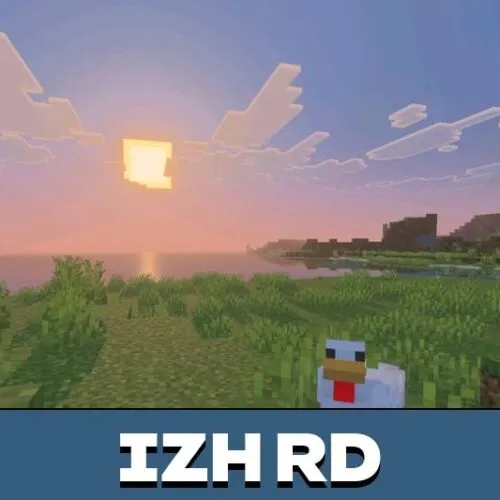
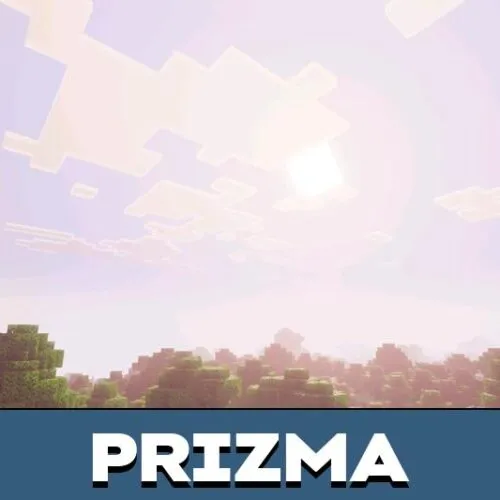
New clouds make the sky look more natural and dynamic. This helps open areas, mountains, villages, and survival bases feel less flat. Quality sun bloom also adds a stronger sense of light during daytime scenes.

AziFy is best for players who want realistic visuals while keeping the original Minecraft style recognizable.

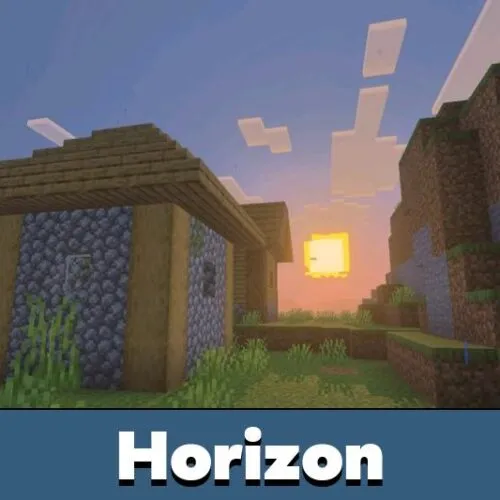
Sharper shadows give builds more depth. Houses, bridges, farms, paths, and terrain shapes become easier to read because light and shadow separate surfaces more clearly.

Water and Reflections

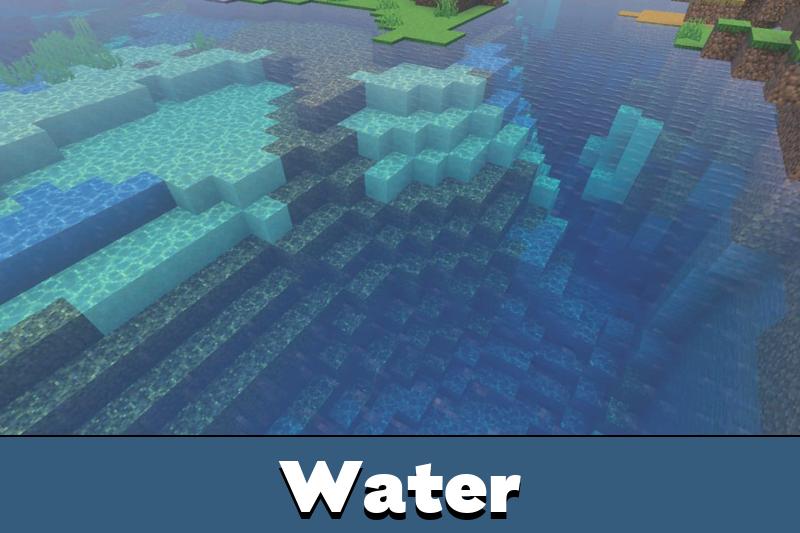
The shader includes a major water revamp. Rivers, lakes, oceans, and underwater areas gain more depth and realism, making travel and building near water more enjoyable.

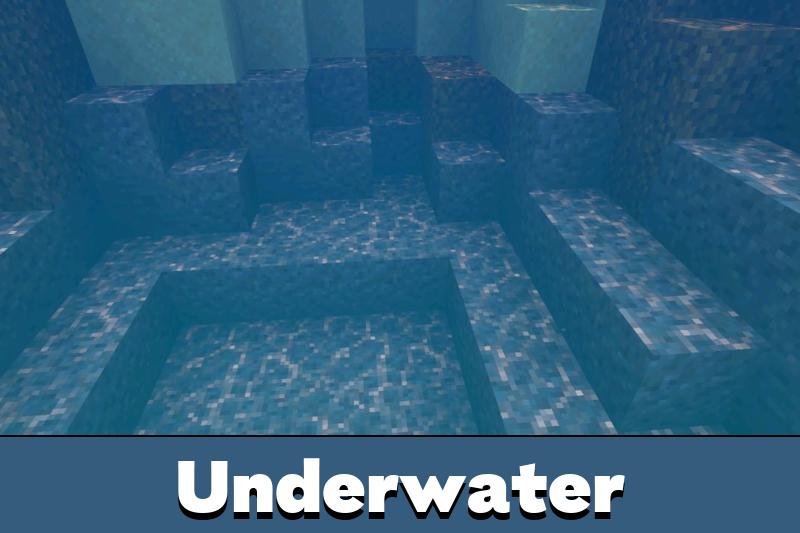
Improved underwater rendering helps players see the world below the surface with more atmosphere. This is useful for ocean bases, ruins, riverside builds, and long exploration sessions.

Players who want to compare similar visual upgrades can browse Shaders for Minecraft PE and choose another style for their device.

Metallic and rough reflections also improve selected surfaces. This makes some materials feel more realistic without turning the game into a full texture replacement.

Dimensions and Details

AziFy Revive Shader for Minecraft Bedrock Edition also improves the Nether and the End. The Nether gets a stronger fiery mood, while the End feels more mystical and atmospheric.

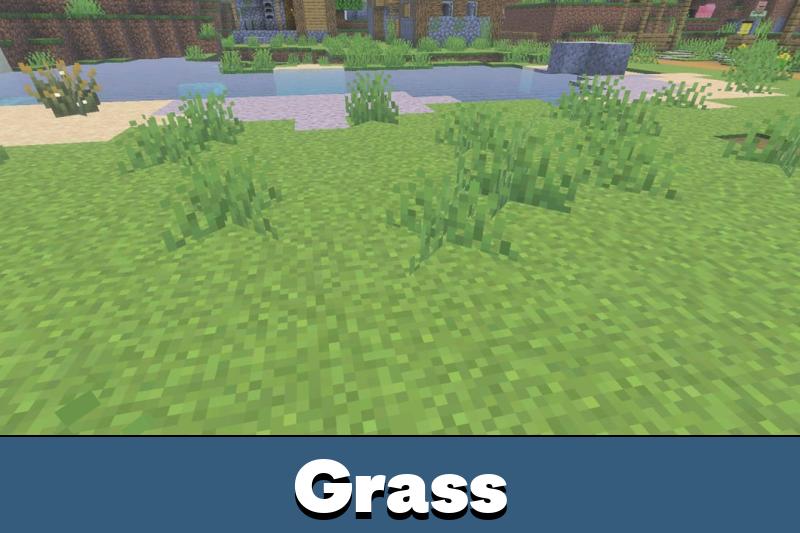
Glowing ores make cave exploration more satisfying. Plants can wave, stars look sharper, and hardcoded normalmapping helps surfaces feel more detailed. These changes make the world feel more alive during both survival and creative gameplay.

Install the required patches first, because AziFy will not work correctly without them.

Performance depends on the device and patch setup. The shader supports major platforms, but stronger hardware will give a cleaner result, especially with water, shadows, reflections, and bloom enabled.

FAQ

Does AziFy Revive Shader need required patches before activation?

Yes. This shader will not work properly without the required patches, so players should follow the installation guide before launching a world.

Will AziFy Revive Shader affect FPS on mobile devices?

It can affect FPS because it changes water, shadows, reflections, bloom, and lighting. Stronger devices will handle the full visual set better.

Can AziFy Revive Shader work with other visual shaders?

It is better to use one main shader at a time because clouds, water, reflections, and lighting effects can overlap.

Comments

  1. The water and glowing ores look really nice, but the patch setup matters. Once I installed it correctly, the whole world felt much cleaner.