Download Cheat Menu for Minecraft PE: control survival, teleportation, effects, mining, farming, tracking, and utilities through one simple button-based menu.
Cheat Menu for Minecraft PE
Cheat Menu is made for players who want fast control over survival tools, world settings, movement, resources, and utility actions. Instead of memorizing commands, players open one menu and choose the needed function from buttons.
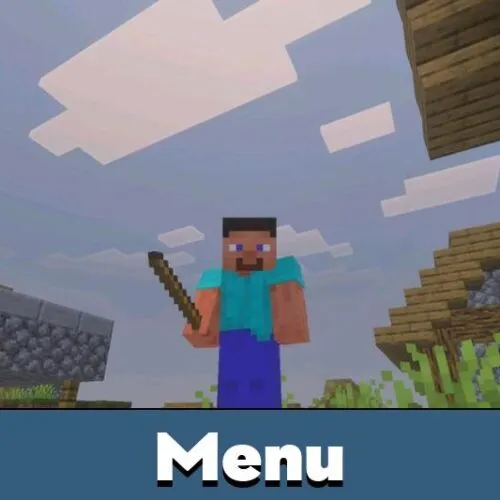
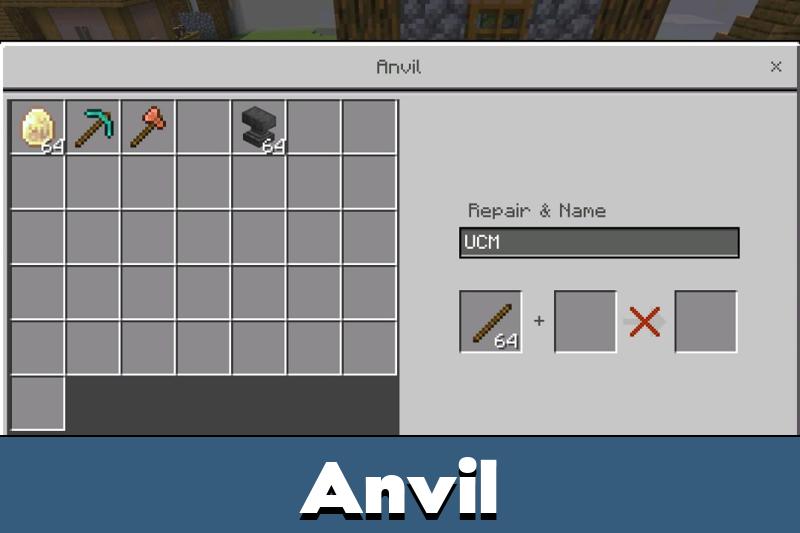
The menu works through a renamed Stick. Rename a standard Stick to UCM, hold it, and open the interface. On mobile, players long press the screen. On PC, players right click while holding the item.
This makes the system simple for Minecraft PE users who do not want to type commands in chat. The menu can be used in Survival, Hardcore, and multiplayer worlds where the pack is allowed.
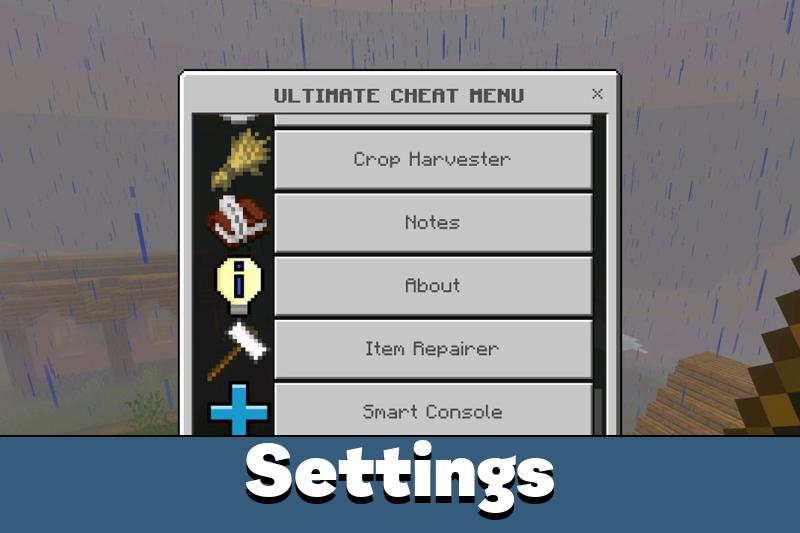
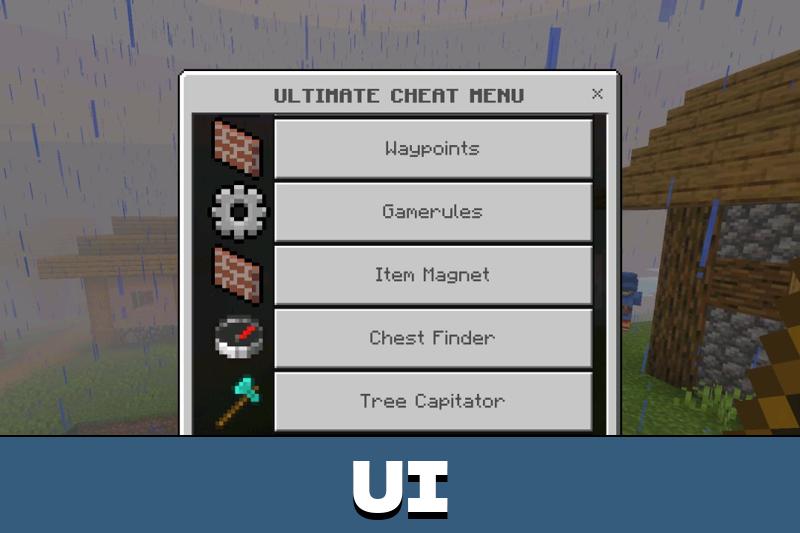
Ultimate Cheat Menu
The main feature of Cheat Menu is quick access. Players do not need separate tools for teleportation, enchantments, ore detection, farming automation, player tracking, and inventory control.
The pack replaces many separate systems with one interface. It can switch game modes, change time, control weather, open gamerules, and run commands from a single place.
Rename a Stick to UCM and hold it to open the menu. This keeps every tool close without using chat commands.
This setup is useful for testing worlds, managing private servers, checking builds, and saving time during long survival sessions.
Combat and Survival
Cheat Menu includes powerful survival options. God Mode gives extreme protection effects, while No Fall Damage, Anti Knockback, Infinite Breath, Lava Proof, and Anti Hunger help players avoid common dangers.
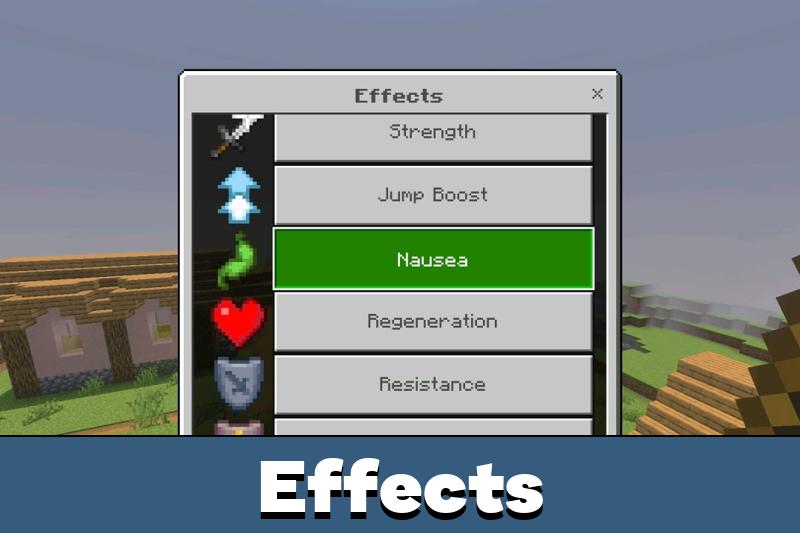
Auto Totem can refill the offhand when a Totem of Undying is used. Auto Eat helps with hunger control, and effects can be applied quickly from the menu when needed.
Players looking for more tools can also browse Cheats for Minecraft Bedrock and choose other options for their worlds.
These features are strongest in private worlds, testing maps, or servers where such tools are allowed. They are not meant to replace fair survival when players want a normal challenge.
Mining and Farming
The menu also helps with resources. Vein Miner breaks a full mineral vein faster, and Tree Capitator cuts down a whole tree with one hit. Ore Highlighter scans nearby areas and can show coordinates for supported ore types.
Use these tools in worlds where cheats or admin utilities are allowed, especially for testing, building, and private gameplay.
Chest Finder and Chest ESP help locate containers such as chests, barrels, shulker boxes, and ender chests. These tools are useful for world checking, storage search, and fast navigation.
Farming tools include Crop Harvester, Auto Cook, and Loot Multiplier. Crops can be harvested and replanted automatically, while animal drops and mob loot can be changed for faster resource collection.
The stick menu is really convenient. I mostly used the waypoint and inventory tools, and it saved a lot of time while testing my world.