MCPEDL » Texture Packs » Shaders » Definitive Vibrant Visuals Shader

Definitive Vibrant Visuals Shader for Minecraft PE

Trusted File
Version MCPE 1.17.0 - 1.26.30 for Android
Definitive Vibrant Visuals Shader Minecraft PE adds biome lighting, godrays, metallic effects, sculk glow, and realistic atmosphere.

Download How to Install?
Author: Brandon Taylor
Published: 20 June 2026
Download Best Shaders

Download Definitive Vibrant Visuals Shader for Minecraft PE: add realistic biome lighting, metallic effects, godrays, and immersive graphics to your mobile world.

Definitive Vibrant Visuals Shader for Minecraft PE

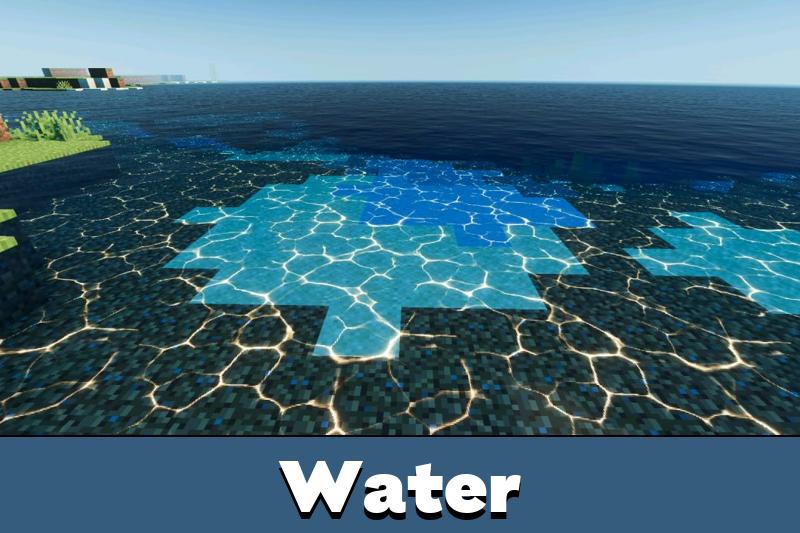
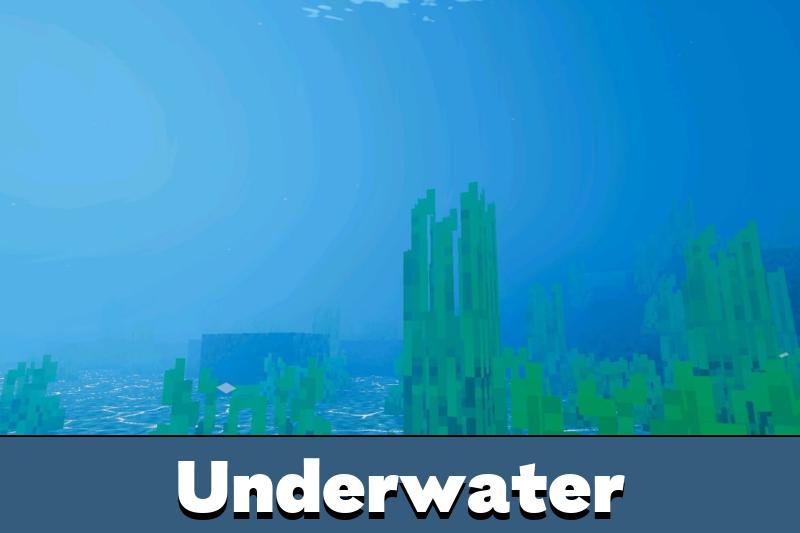
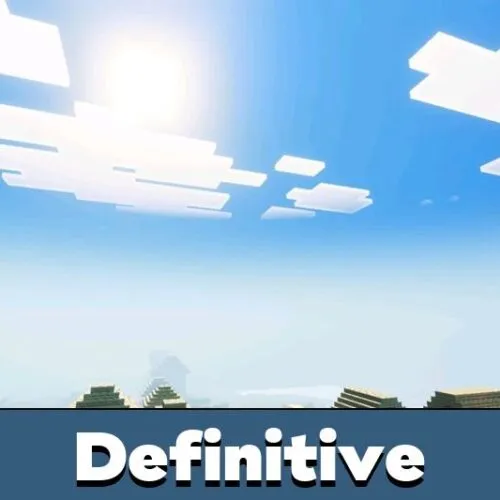
Definitive Vibrant Visuals Shader is a realistic visual project made to make the world feel more immersive. It changes lighting, biome atmosphere, reflections, and selected materials so every location has a stronger sense of place.

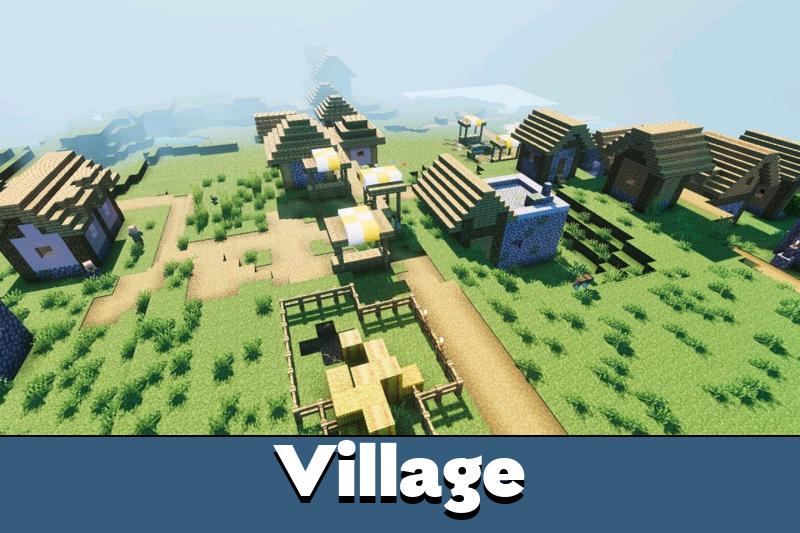
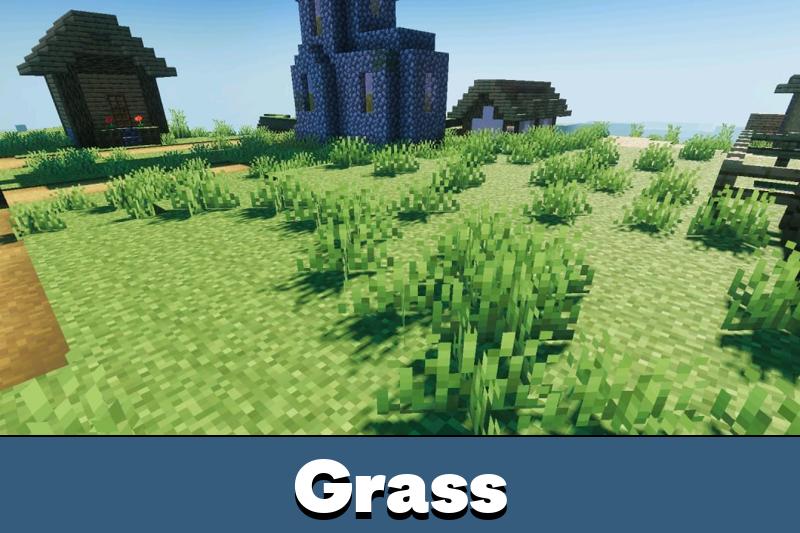
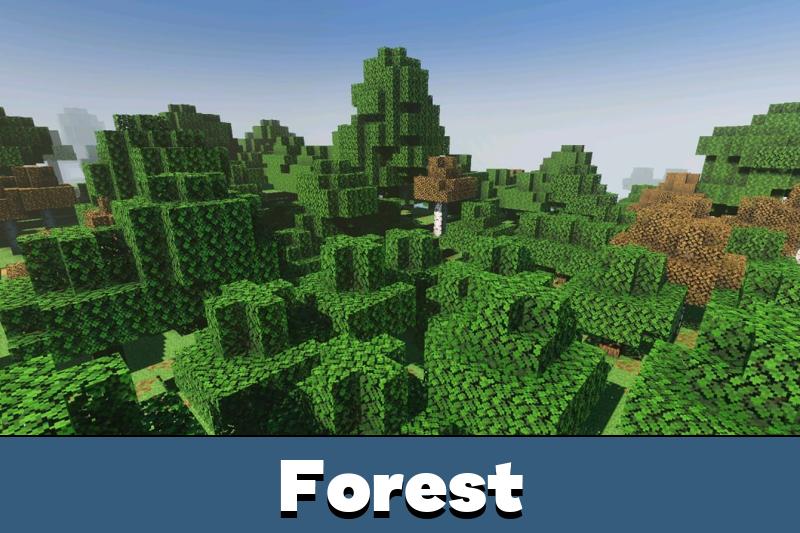
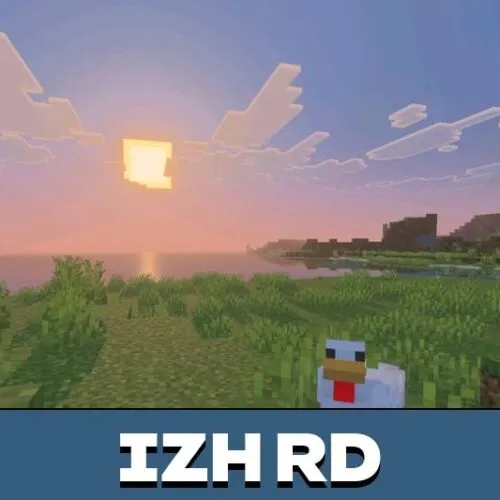
The main focus is biome-based graphics. Warm areas look brighter and more golden, while cold areas feel sharper and cooler. This makes travel across savannahs, forests, birch biomes, cherry groves, jungles, swamps, and taiga regions more atmospheric.

This visual style is useful for survival, building, exploration, and screenshots. It does not add new gameplay systems. It improves how the existing world looks through light, color, reflections, and environmental mood.

Definitive Vibrant Visuals

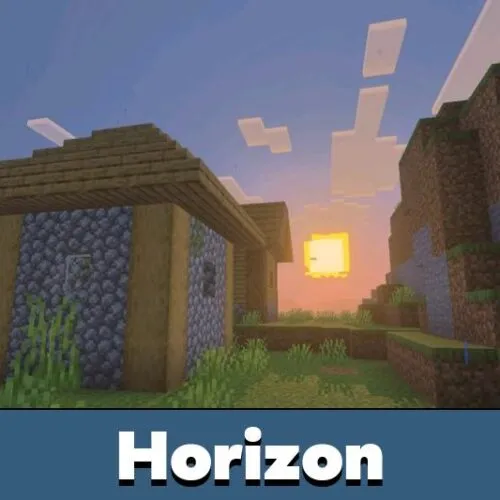
The biggest feature is the way each biome receives its own setting. Savannah sunsets feel warm and dry, forest sunsets look deeper, and cold taiga scenes become clearer and more dramatic.

Minecraft PE players can notice stronger color differences between locations. A swamp does not feel like a jungle, and a cherry biome does not look like a cold forest. This makes exploration more memorable without changing the original map.

This visual pack is best for players who want each biome to feel more realistic and distinct.

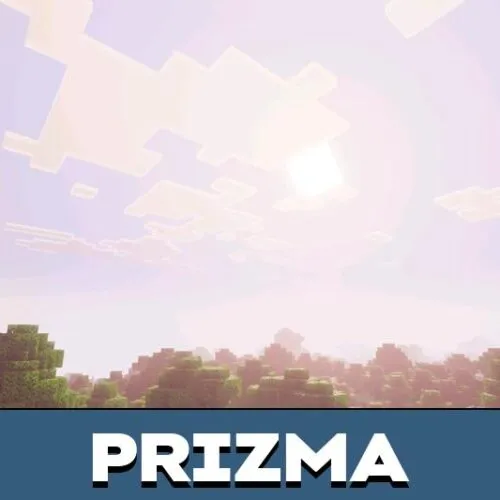
Light also reacts better during sunset and night. Godrays add depth in open areas, especially when the sun is low or when the player moves near trees, hills, and water.

Reflections and Effects

Definitive Vibrant Visuals Shader adds metallic effects to armor, tools, copper blocks, and the copper golem. These details make shiny materials stand out more clearly in builds, inventories, and survival scenes.

The sculk also receives light emission, including the Warden area. This helps ancient city locations feel more intense and dangerous. Night scenes become darker, but important glowing elements remain noticeable.

Players who want to compare similar graphic upgrades can browse Shaders for Minecraft PE and choose another style for their device.

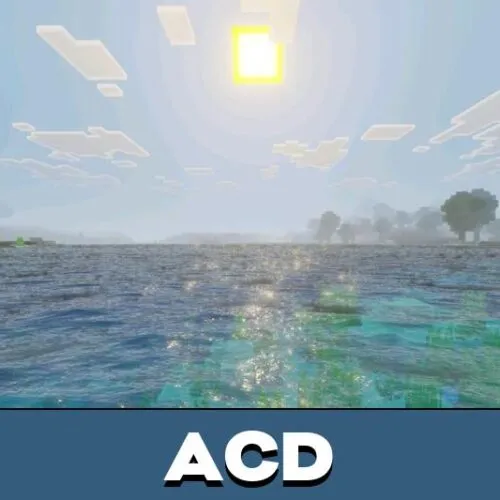
Reflected godrays and material effects are especially useful for screenshots. They make bases, farms, castles, and biome builds look more polished without replacing the vanilla block identity.

Requirements

Definitive Vibrant Visuals Shader for Minecraft Bedrock Edition requires the Vibrant Visuals option. Players need to use a beta or preview build and enable this option when creating or editing a world.

Mobile hardware also matters. Supported devices should have an Adreno 640 GPU, such as Snapdragon 855, a Mali GPU from the Mediatek 1000 series, or an A12 Bionic-level processor. On PC, DirectX 12FL11 support is recommended.

Check the Vibrant Visuals setting and device GPU before activation to avoid missing effects.

This project is not a simple brightness change. It depends on advanced rendering, so weaker phones may not show the full result or may lose performance.

FAQ

Does Definitive Vibrant Visuals Shader require the Vibrant Visuals option?

Yes. Players need a beta or preview build with the Vibrant Visuals option enabled when creating or editing a world.

Will Definitive Vibrant Visuals Shader run on all mobile devices?

No. It needs stronger hardware, such as Adreno 640, supported Mali GPUs, or A12 Bionic-level devices.

Can Definitive Vibrant Visuals Shader work with other visual shaders?

It is better to use one main visual pack at a time because lighting, biome color, reflection, and glow effects can overlap.

Comments

  1. The biome colors are the best part for me. Warm places feel warmer, cold areas look sharper, and the copper shine makes builds look much better.