MCPEDL » Texture Packs » Shaders » Dreamy Visuals Shader for MCPE

Dreamy Visuals Shader for Minecraft PE

Trusted File
Version MCPE 1.17.0 - 1.26.33 for Android
Download Dreamy Visuals Shader for Minecraft Bedrock to get torch bloom, sunbeams, realistic water, sparkling minerals, and vivid biomes.

Download How to Install?
Author: Brandon Taylor
Published: 22 July 2026
Download Best Shaders

Download Dreamy Visuals Shader for Minecraft PE: add balanced color, torch bloom, dynamic sunbeams, realistic water, glowing minerals, PBR blocks, and beautiful sky scenes to your mobile world.

Dreamy Visuals Shader for Minecraft PE

Dreamy Visuals Shader gives the world a soft, colorful, and realistic visual upgrade. It is made for players who want richer lighting without pushing colors into an unnatural or oversaturated look.

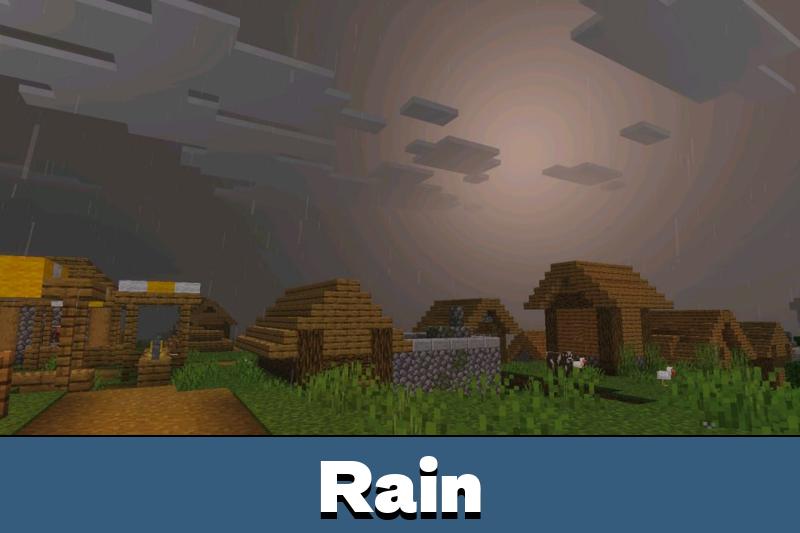
The style is close to a balanced RTX-like direction. Noon looks clean, sunsets feel warmer, cold biomes gain a sharper mood, and night scenes become deeper without making the world too dark.

The latest update improves Dreamy Visuals strongly compared with earlier versions. It now feels closer to premium Vibrant Visuals releases, but keeps a clear and readable look for normal survival, building, and exploration.

Dreamy Visuals

Dreamy Visuals Shader focuses on controlled brightness. Torches receive bloom to simulate an RTX-like glow, while static lighting becomes more colorful across rooms, caves, and outdoor areas.

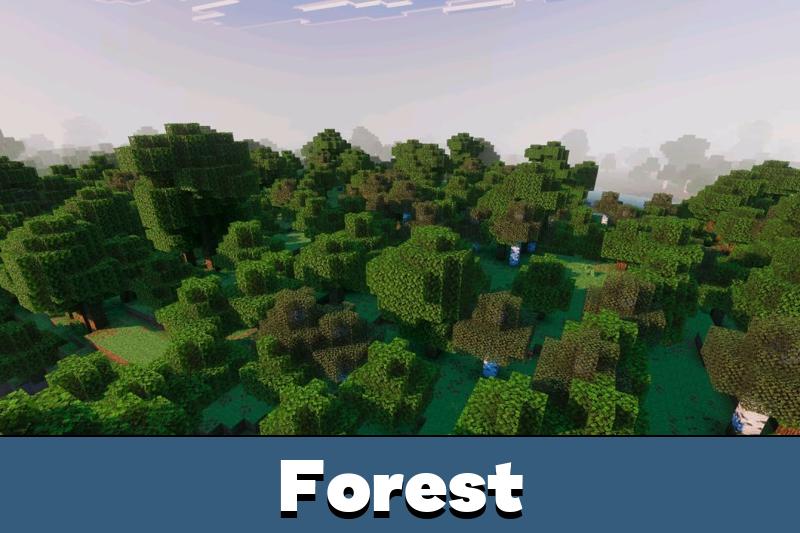
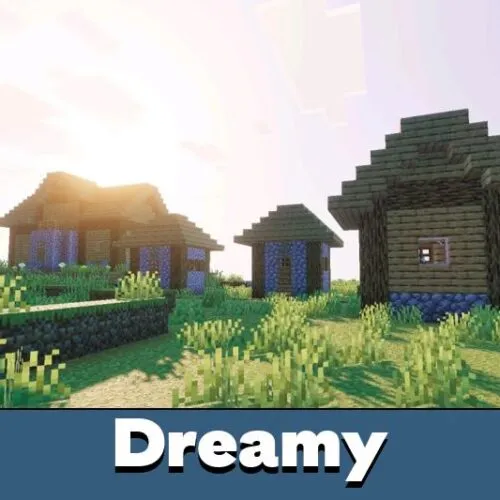
Dynamic sunbeams add more depth to forests, mountains, houses, and open fields. The effect is especially noticeable during sunrise, sunset, dusk, and clear daytime travel.

Dreamy balances rich color with natural readability. It avoids an overdone look while still making the world feel brighter and more alive.

Vibrant colors also help biomes feel more distinct. Cherry areas, savannas, swamps, cold zones, and birch forests each gain a clearer mood without changing gameplay rules.

Players who want to compare more visual styles can also browse Shaders for Minecraft PE and choose another look for their device.

Water and Blocks

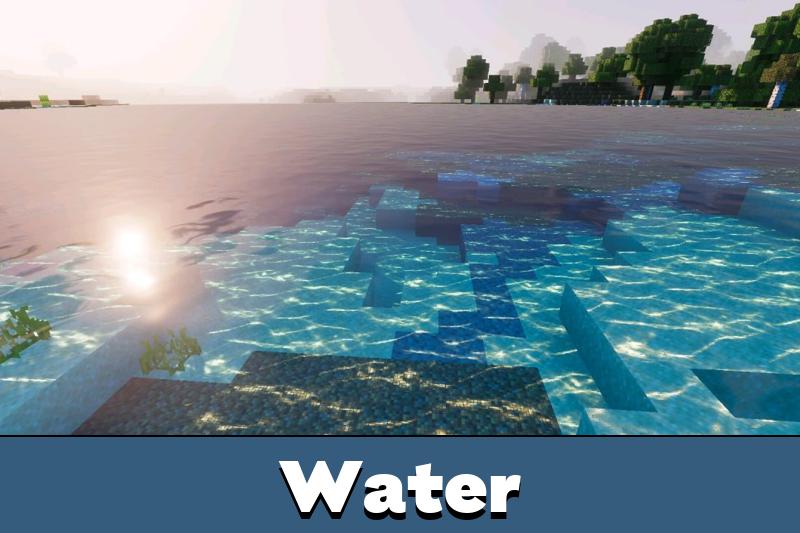
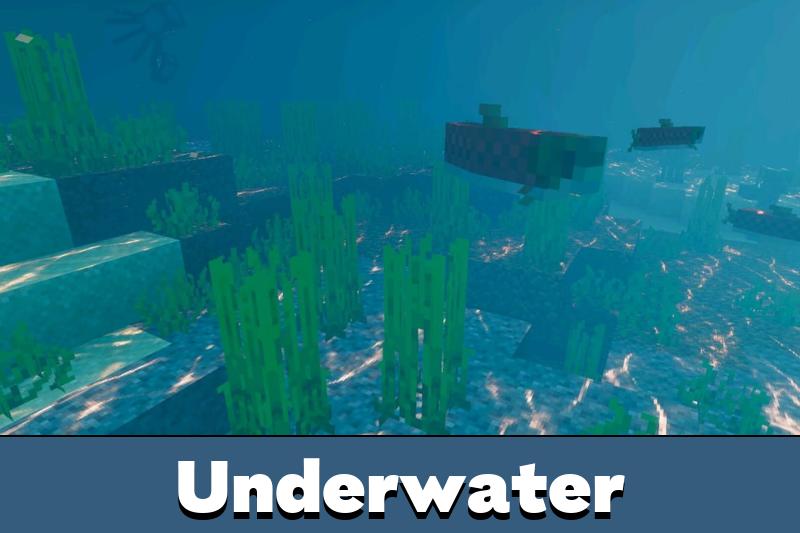
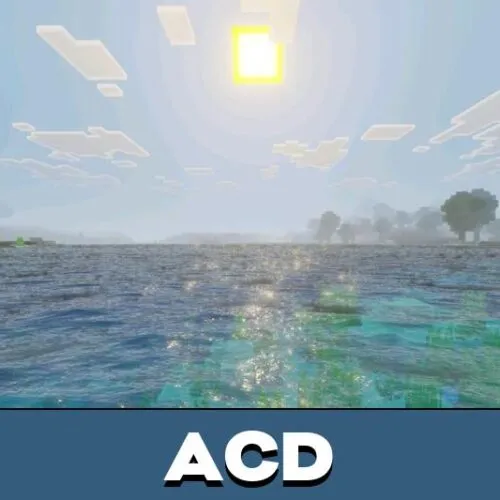
The shader improves water with a lighter, more realistic appearance. Reflections, caustics, and clear surface effects make lakes, rivers, oceans, and underwater scenes more pleasant to explore.

PBR blocks and metallic surfaces add more depth to builds. Minerals can sparkle, bright blocks stand out more clearly, and light-colored materials receive better reflection.

Minecraft Bedrock Edition players can use this style for survival bases, creative houses, scenic screenshots, and peaceful worlds where light and color matter.

Biomes and Dimensions

Dreamy Visuals Shader makes each biome feel more atmospheric through dynamic color direction. The world changes mood across noon, dusk, sunrise, sunset, cold regions, cherry groves, swamp zones, and savanna areas.

The Nether also becomes more vibrant and illuminated. This helps lava-heavy areas and dark structures feel stronger visually, while still keeping travel and combat readable.

Use this shader when the goal is beauty without losing control. It improves light, water, sky, and glow while keeping gameplay familiar.

Requirements

Download Dreamy Visuals Shader for Minecraft Bedrock if the device supports Vibrant Visuals. A beta or preview build is required, and the Vibrant Visuals option must be enabled when creating or editing a world.

Mobile devices should have Adreno 640-level hardware, such as Snapdragon 855, or a Mali GPU from the Mediatek 1000 series. On PC, DirectX 12FL11 support is recommended.

FAQ

Does Dreamy Visuals Shader require Vibrant Visuals?

Yes. Dreamy Visuals Shader needs a beta or preview build with the Vibrant Visuals option enabled in the world settings.

Will Dreamy Visuals Shader work on every phone?

No. Dreamy Visuals Shader needs supported hardware, such as Adreno 640-level or Mali Mediatek 1000 series mobile GPUs.

Can Dreamy Visuals Shader improve caves and night scenes?

Yes. Dreamy Visuals Shader adds torch bloom, deeper shadows, sparkling minerals, and colorful lighting for darker areas.

Comments

  1. The torch bloom and softer colors sound great for survival bases. I like visual upgrades that look bright but do not make the screen messy.