Download Debo Shader for Minecraft PE: bring cinematic lighting, natural colors, clear water, soft skies, and PBR-style surface detail into your mobile world.
Debo Shader for Minecraft PE
Debo Shader is made for players who want a cleaner and more cinematic look without losing the classic blocky style. It changes the visual mood through warmer sunlight, cooler sky tones, clearer water, and softer environmental colors.
The shader is designed for Minecraft Bedrock Edition and focuses on realistic presentation through textures, lighting response, and PBR materials. It does not try to turn the game into a different world.
Instead, it improves grass, dirt, stone, sand, logs, leaves, clouds, and water while keeping the familiar shape of blocks.
This makes it useful for survival, building, screenshots, and calm exploration. The world looks more polished, but still readable on mobile screens.
Realistic Debo Shader
Debo Shader gives Minecraft PE a warmer and more natural color balance.
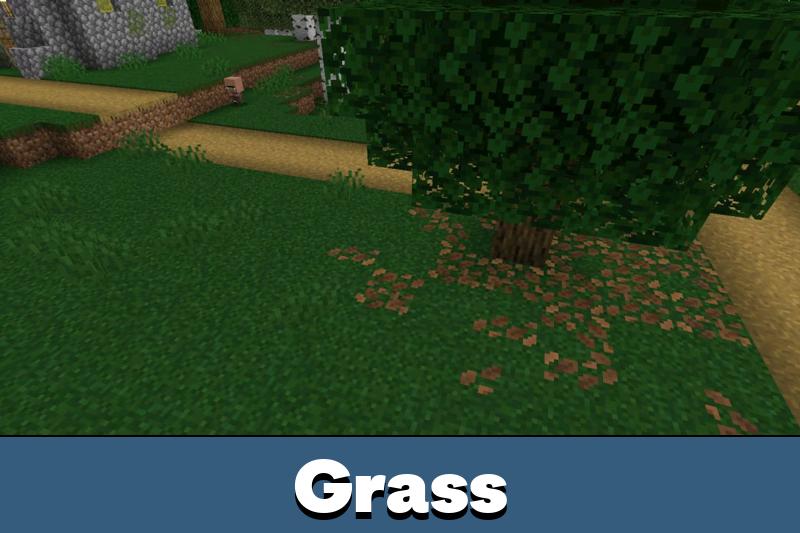
Sunlight feels softer, the sky has a cooler tone, and terrain blocks look less flat. Grass, dirt, stone, sand, logs, and leaves receive improved surface detail, which helps outdoor scenes look richer without becoming too noisy.
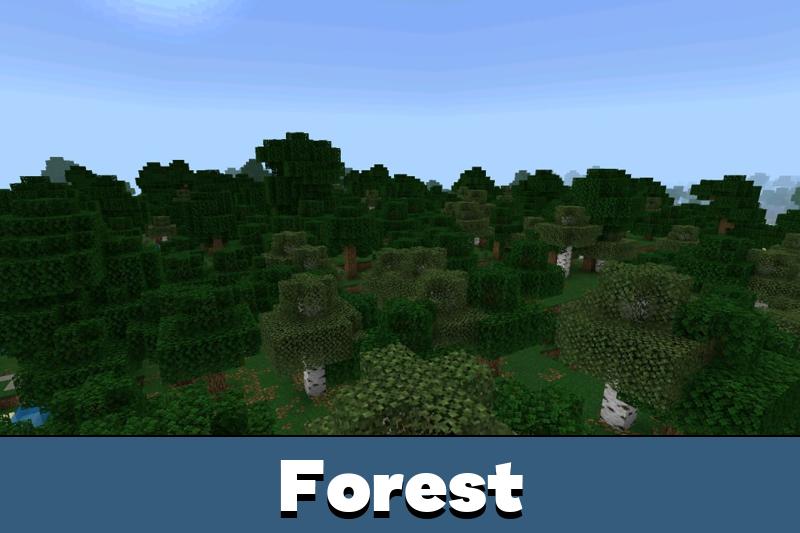
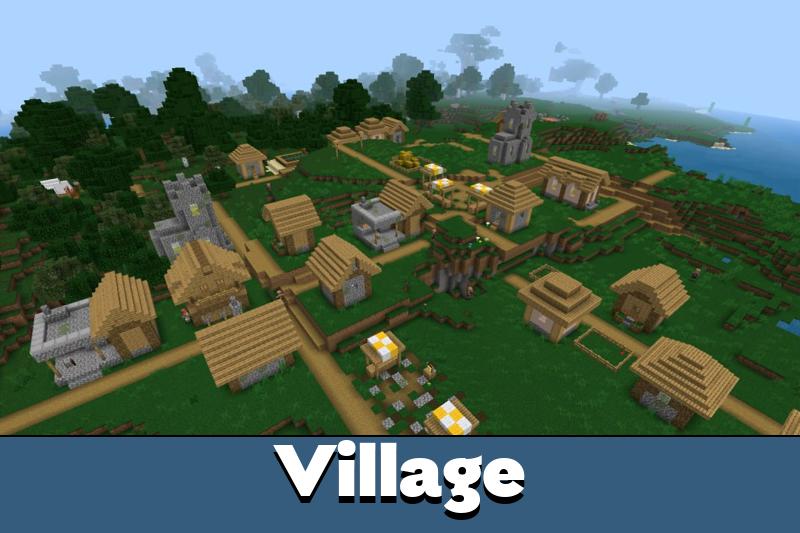
The result is a cinematic style that works well for villages, forests, rivers, beaches, and mountain areas. Builds also look cleaner because lighting and colors feel more consistent across different biomes.
For the best result, place the shader high in the active resource list. This helps it apply its visual changes before lower-priority packs override them.
Water and Sky
Debo Shader improves the look of shallow water, large clouds, and the atmospheric sky.
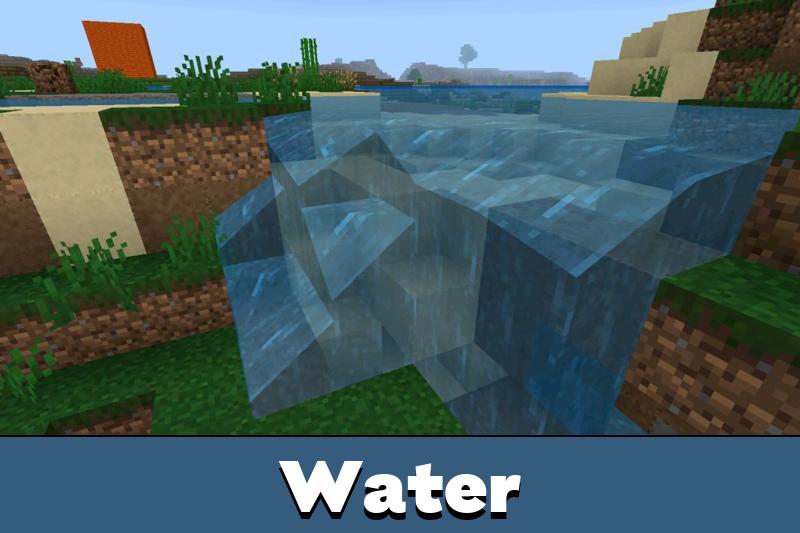
Water appears clearer, with better transparency for rivers, lakes, and coastal areas. This helps underwater edges and shallow zones look more natural, especially when combined with stronger visual settings.
The clouds are soft and large, which gives the sky a calmer cinematic feel. The shader also works well with moderate shadows, volumetric fog, and reflections when the device can handle them.
For players comparing similar visual upgrades, Shaders for Minecraft Bedrock Edition can help find more ways to improve lighting, water, and atmosphere.
Performance
The shader is performance-friendly compared to heavy visual overhauls. It keeps textures clean and avoids unnecessary clutter.
It also keeps the blocky identity intact, so survival worlds still feel like Minecraft rather than a full visual replacement.
PBR materials are included for Vibrant Visuals. They help supported surfaces react better to light and add depth through normals and MER data.
For broader visual customization, Texture Packs for Minecraft PE can be used to find more mobile-friendly visual styles.
Vibrant Visuals Setup
Debo Shader works best when Vibrant Visuals is enabled.
Bedrock does not support full custom shader systems in the same way Java does. Because of that, this shader improves the world through textures and PBR materials that work with the official visual pipeline.
A good setup is simple. Import the file, enable Vibrant Visuals if available, then raise shadows, volumetric fog, and reflections moderately. Extreme settings are not always needed, especially on mobile devices.
Do not push every visual option to the maximum on weaker phones. Moderate settings usually give a cleaner look with better stability.
Mobile Use
Debo Shader is a practical choice for Minecraft Bedrock Edition players who want better visuals without making the game harder to read.
The clean textures, foliage variation, transparent water, and soft lighting make exploration more pleasant. At the same time, the shader keeps blocks recognizable, which is important for building, mining, and survival.
It is best used in worlds where atmosphere matters: cozy houses, forests, lakes, farms, realistic towns, and cinematic screenshots. It gives those scenes more depth while keeping the mobile experience simple.



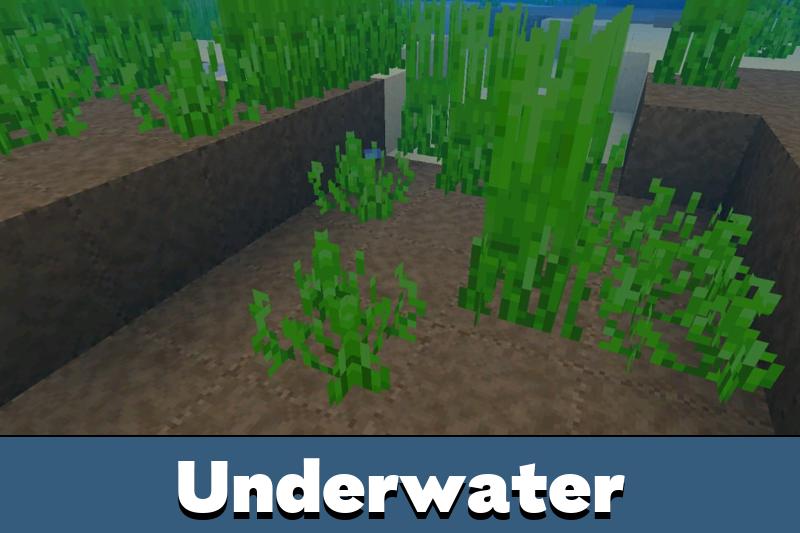


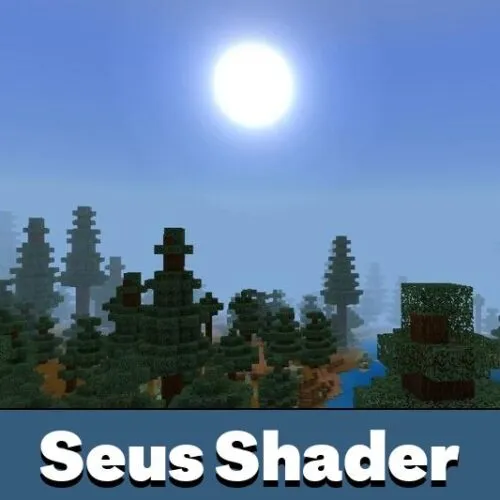

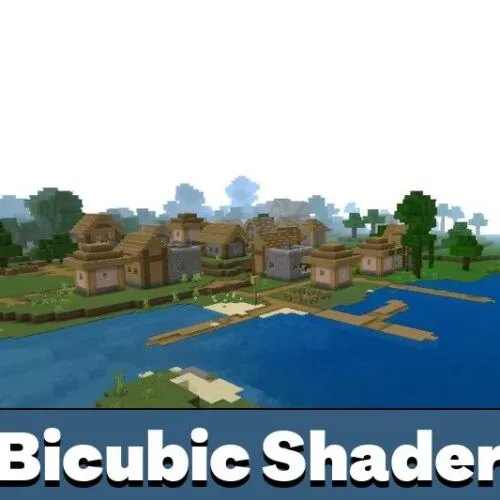




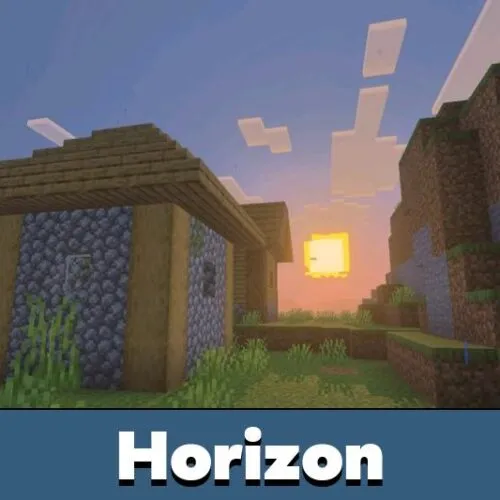

The water and sky look way better without making the game feel too different. I kept the settings in the middle and it still looked really clean on my phone.