MCPEDL » Texture Packs » Shaders » Realism Visuals Shader

Realism Visuals Shader for Minecraft PE

Trusted File
Version MCPE 1.17.0 - 1.26.30 for Android
Realism Visuals Shader Minecraft PE adds realistic lighting, smooth skies, better shadows, and cinematic atmosphere.

Download How to Install?
Author: Brandon Taylor
Published: 20 June 2026
Download Best Shaders

Download Realism Visuals Shader for Minecraft PE: add realistic lighting, smooth sky colors, better shadows, vibrant atmosphere, and cinematic environmental effects to your mobile world.

Realism Visuals Shader for Minecraft PE

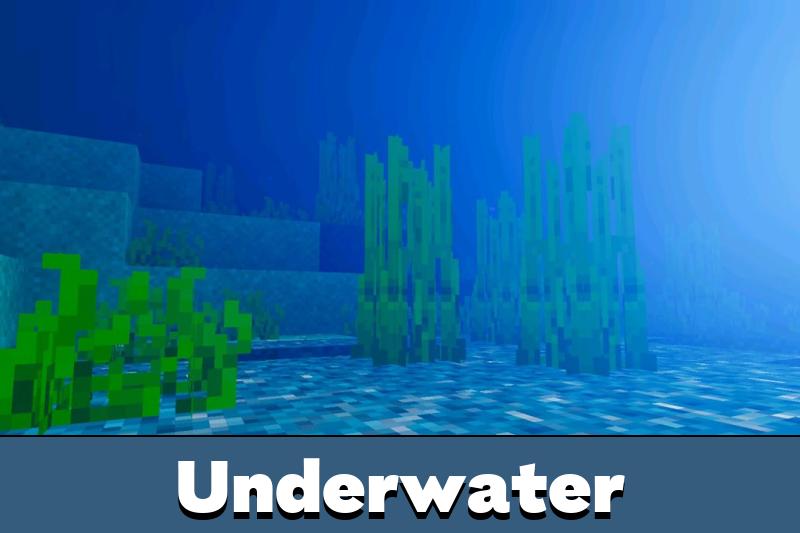
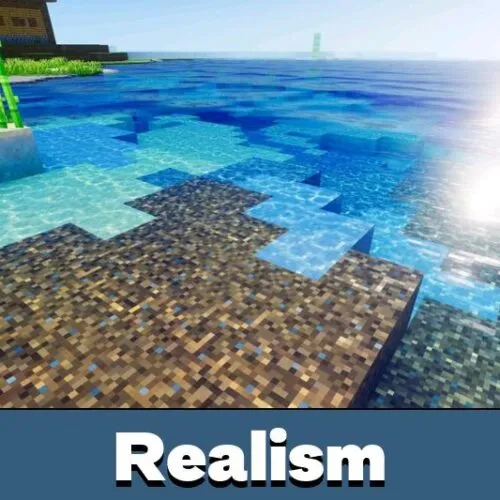
Realism Visuals Shader improves the look of the game with a natural and cinematic lighting style. It focuses on smooth sky colors, better shadows, brighter atmosphere, and environmental effects that make the world feel more immersive.

The shader is made for players who want realistic visuals without turning the game into something too heavy. Days look cleaner, sunsets feel warmer, and night scenes gain more depth. It keeps the blocky style recognizable while improving the way light works around the world.

This visual upgrade fits survival, creative building, screenshots, and calm exploration. It does not add new mechanics or change how players interact with blocks. Its purpose is simple: make the existing world look richer and more natural.

Realism Visuals

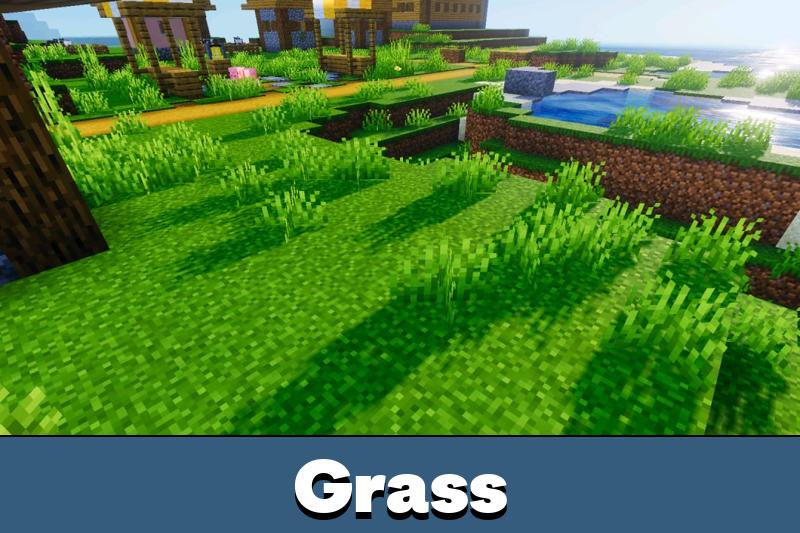
Realism Visuals Shader changes how light appears across the world. Sunlight feels softer, shadows become more noticeable, and outdoor scenes gain more depth during normal gameplay.

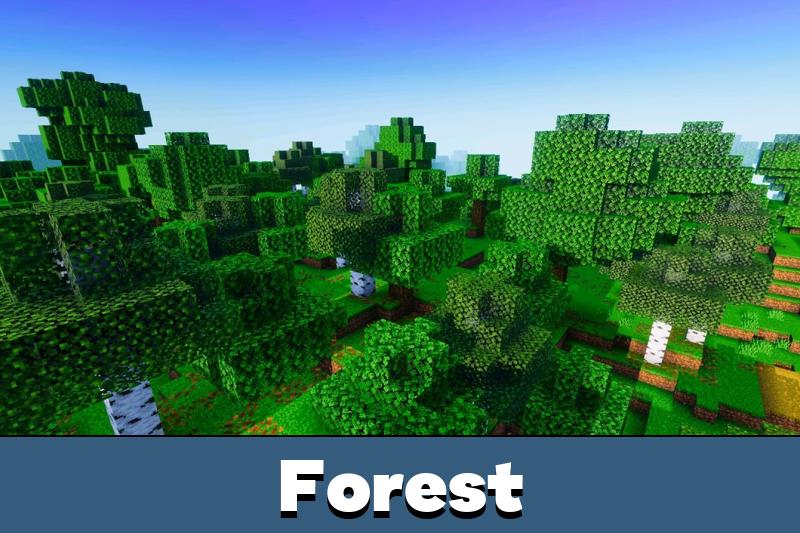
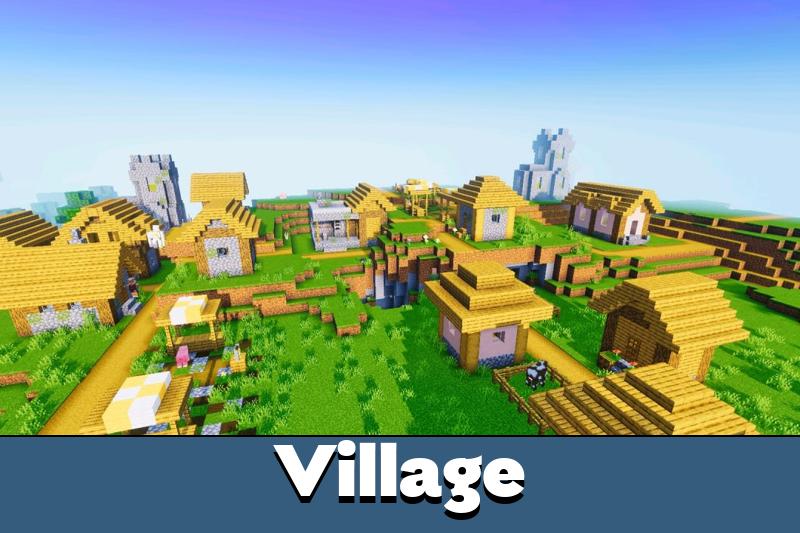
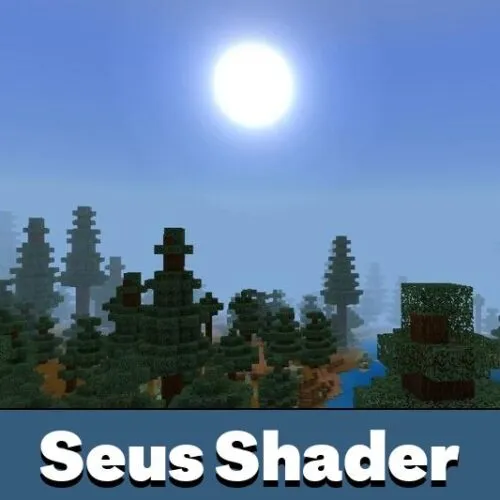
The lighting makes forests, villages, plains, mountains, and bases look more grounded. Bright areas do not feel flat, and shaded areas look more natural. This helps players enjoy a cinematic look while still keeping clear visibility.

This shader is best for players who want a natural visual upgrade with smooth lighting and stable gameplay.

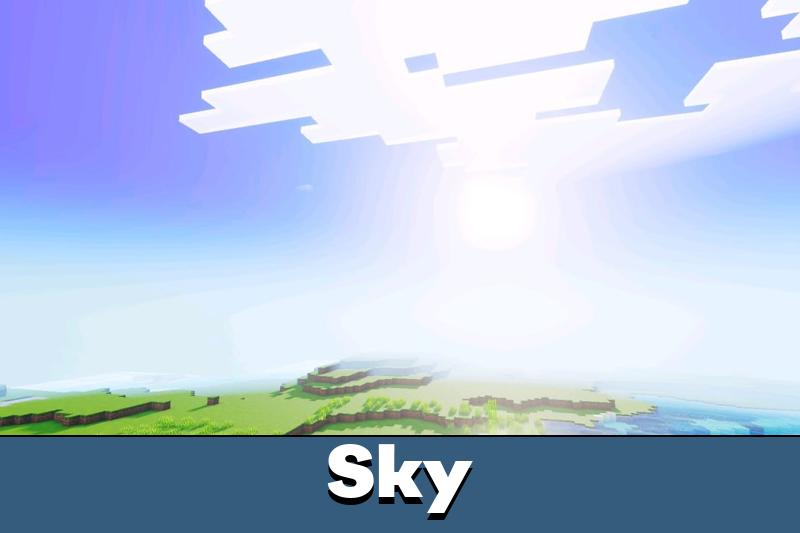
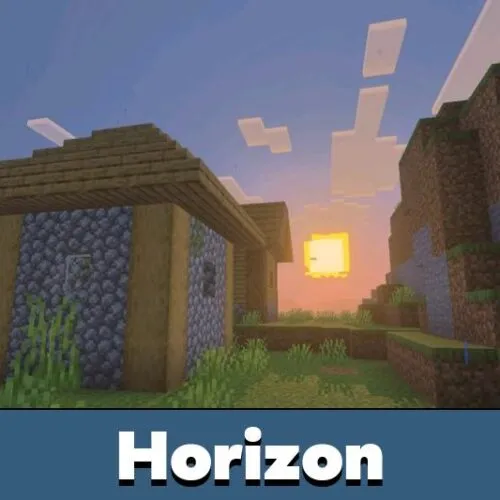
The effect is especially noticeable during sunrise and sunset. Sky colors blend more smoothly, and the world gets a warmer tone without losing the familiar vanilla shape of blocks.

Atmosphere and Shadows

Realism Visuals Shader for Minecraft Bedrock Edition adds a more vibrant atmosphere through improved shadows and environmental effects. The world feels less static because light and color react more naturally in different scenes.

Shadows help builds stand out. Houses, bridges, farms, paths, and terrain details look more defined. This makes creative projects and survival bases feel more complete without using complex texture changes.

Players who want to compare more visual upgrades can browse Shaders for Minecraft PE and choose another style for their device.

The shader also improves sky presentation. Smooth sky colors make open areas feel calmer, while deeper contrast gives night and evening scenes a stronger visual mood.

Requirements

To work properly, Realism Visuals Shader needs Vibrant Visuals to be turned on in the game settings. Without this option, lighting, shadows, and environmental effects may not appear as intended.

This requirement is important because Realism Visuals depends on supported rendering features. Players should enable Vibrant Visuals before testing the world, especially if they want the full realistic lighting effect.

Turn on Vibrant Visuals before launching the world to get the correct lighting, shadows, and atmosphere.

The shader aims to keep performance stable and smooth. Still, results can depend on the device, world size, and active visual settings. Lowering video settings may help if gameplay feels heavy.

FAQ

Does Realism Visuals Shader require Vibrant Visuals to be enabled?

Yes. Vibrant Visuals must be turned on in the game settings so lighting, shadows, and atmosphere effects work correctly.

Will Realism Visuals Shader keep FPS stable on mobile devices?

It is designed to stay smooth, but performance still depends on the phone, world size, and video settings.

Can Realism Visuals Shader work with other visual shaders?

It is better to use one main shader at a time because lighting, sky, and shadow effects can overlap.

Comments

  1. I liked how the sky and shadows looked without making the game feel too different. Just remember to turn on Vibrant Visuals first, or the effects will not show right.