MCPEDL » Texture Packs » Shaders » Zyra Visuals Shader for MCPE

Zyra Visuals Shader for Minecraft PE

Trusted File
Version MCPE 1.17.0 - 1.26.30 for Android
Zyra Visuals Shader Minecraft PE adds softer shadows, fog depth, rebalanced sky colors, water changes, and reflections.

Download How to Install?
Author: Brandon Taylor
Published: 20 June 2026
Download Best Shaders

Download Zyra Visuals Shader for Minecraft PE: improve lighting, sky color, fog depth, water reflections, and atmosphere in your mobile world.

Zyra Visuals Shader for Minecraft PE

Zyra Visuals Shader is made for players who want a cleaner and more atmospheric world without changing the core block style. It focuses on lighting, sky colors, fog, shadows, water, and reflections.

The shader gives the world a softer visual tone. Bright scenes look more balanced, darker areas gain extra depth, and outdoor locations feel more natural during exploration. It is a good choice for players who want better visuals without an overloaded fantasy or cartoon look.

This visual update is designed for mid- to high-end devices. It may look smooth on stronger phones, but weaker hardware can struggle because the package changes several important rendering parts at once.

Zyra Visuals

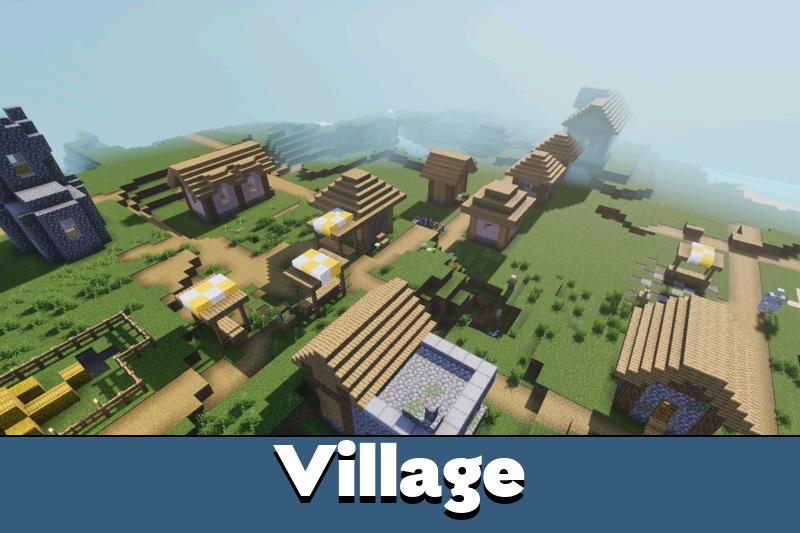
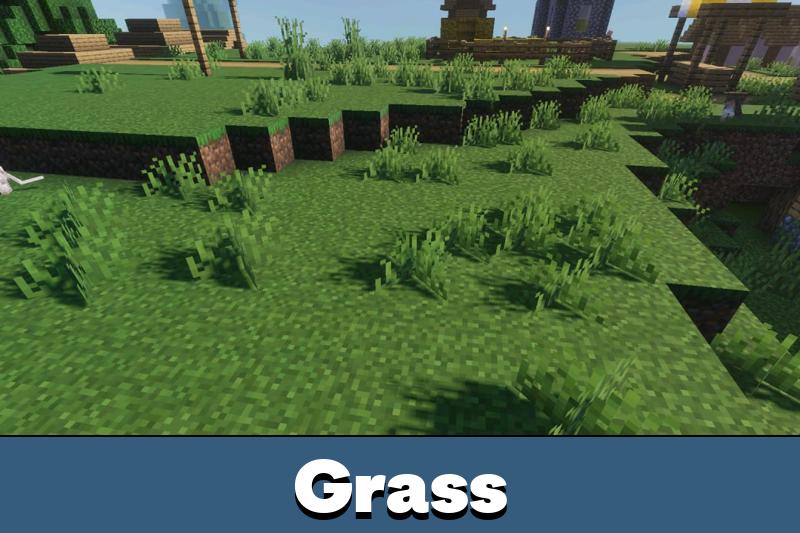
Zyra Visuals Shader improves the way light appears in the world. Shadows become softer, so blocks and terrain do not look too sharp or flat during daytime scenes.

The lighting also helps builds feel more grounded. Houses, bridges, farms, paths, and natural terrain receive a smoother look. This makes survival bases and creative structures feel cleaner without replacing the original textures.

Zyra is best for players who want a soft realistic look with stronger atmosphere and less harsh lighting.

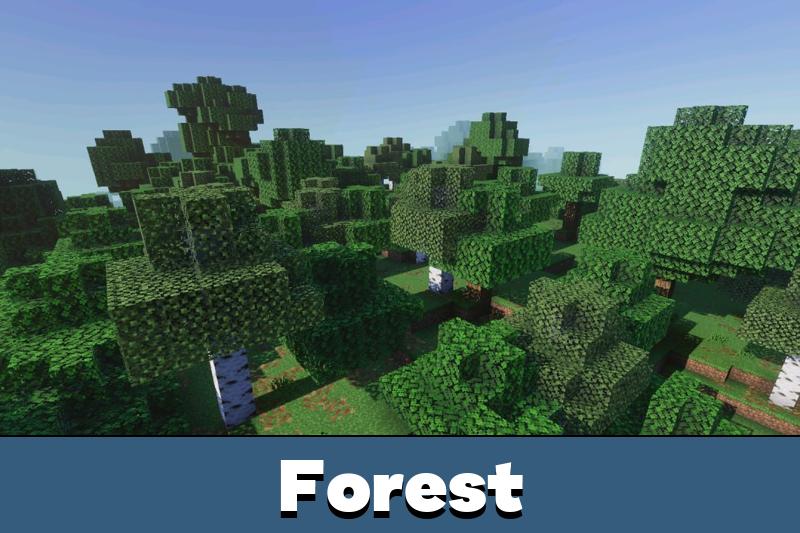
The effect works especially well in open areas. Plains, forests, hills, and rivers look more comfortable because the light does not feel too bright or too dark.

Sky and Fog

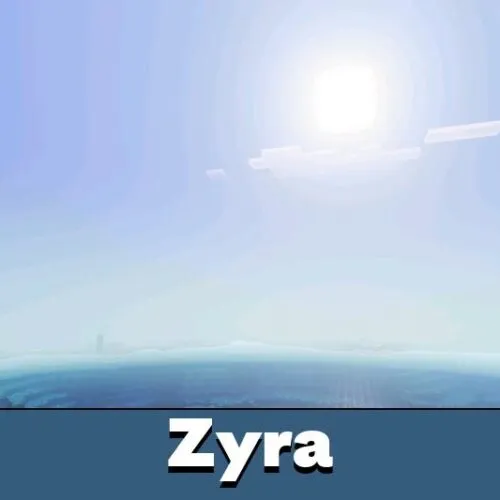
The shader changes the sky with rebalanced colors. This makes daytime and evening scenes feel calmer and more polished. The world gets a more cinematic tone while staying close to the familiar Bedrock style.

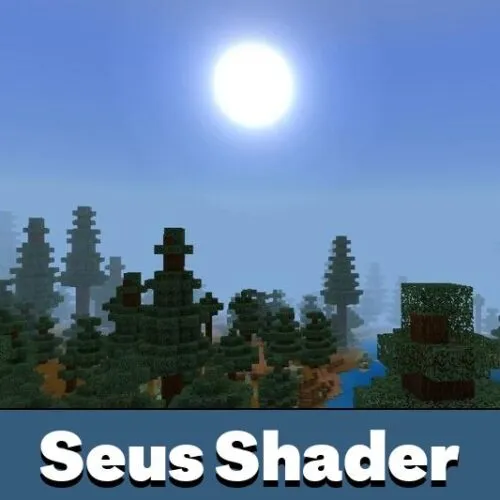
Fog is also added for depth. It helps distant landscapes blend better with the sky and makes large areas feel less empty. This is useful when exploring mountains, coastlines, forests, and wide plains.

Players who want to compare more visual upgrades can browse Shaders for Minecraft Bedrock and choose another style for their device.

The fog effect is not only decorative. It helps the world feel larger and more atmospheric, especially when moving through open terrain or looking across long distances.

Water and Reflections

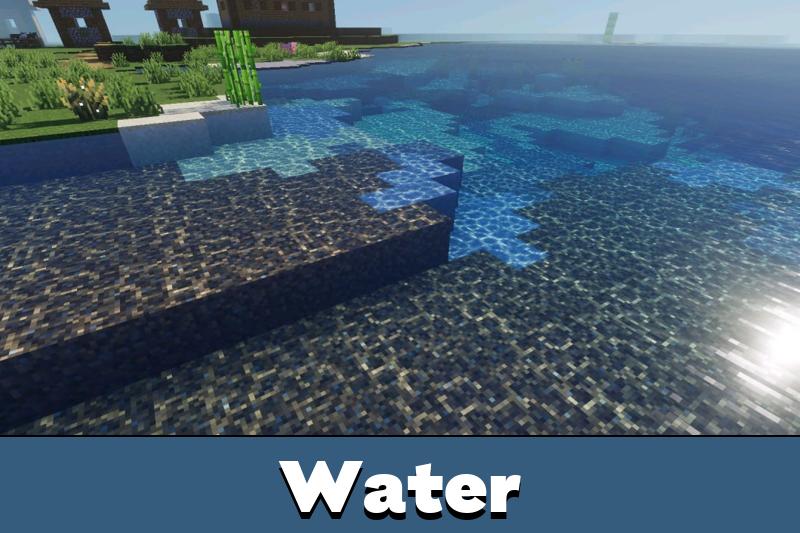
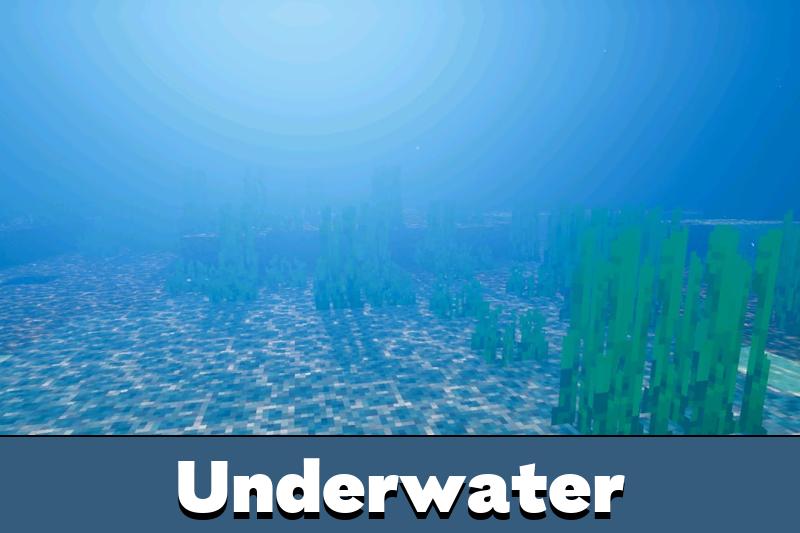
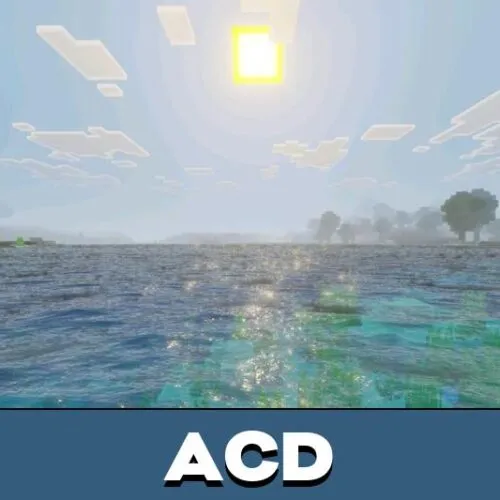
Zyra Visuals Shader changes water and reflections to make rivers, lakes, and oceans feel more natural. Water surfaces become more expressive, and reflections help outdoor scenes look less flat.

This is useful for builds near the shore. Docks, bridges, islands, beach houses, and river bases can look more detailed because water reacts better to the environment.

Use this shader on stronger mobile devices for better sky depth, softer shadows, and improved water scenes.

Since the shader is aimed at mid- to high-end hardware, players should check performance after activation. Lowering video settings can help if the world feels heavy or frame rate drops during exploration.

FAQ

Does Zyra Visuals Shader need extra setup after activation?

No special setup is described, but players should activate it correctly in the game settings and test the world after loading.

Will Zyra Visuals Shader affect FPS on mobile devices?

It can affect FPS because it changes lighting, fog, water, and reflections. It is recommended for mid- to high-end devices.

Can Zyra Visuals Shader work with other visual shaders?

It is better to use one main visual shader at a time because sky, shadow, water, and reflection effects can overlap.

Comments

  1. The softer shadows and fog make the world feel deeper without looking too strange. I would only use it on a stronger phone, though.