Download Newb X Ale Shader for Minecraft PE: improve your mobile world with warm lighting, colorful skies, realistic water, shiny blocks, plant movement, and smoother visual performance.
What does Newb X Ale Shader add to MCPE?
Newb X Ale Shader is made for players who want better graphics without turning the game into a heavy visual setup. It improves light, water, shadows, sky color, rain, minerals, and dimension atmosphere while keeping normal gameplay unchanged.
The shader works with Render Dragon-supported versions and gives players several visual levels. This makes it easier to choose a setup for weaker phones, balanced devices, or stronger hardware.
For Minecraft PE players, the main advantage is flexibility. The world can look warmer, brighter, and more detailed, but the chosen version still matters for stable gameplay.
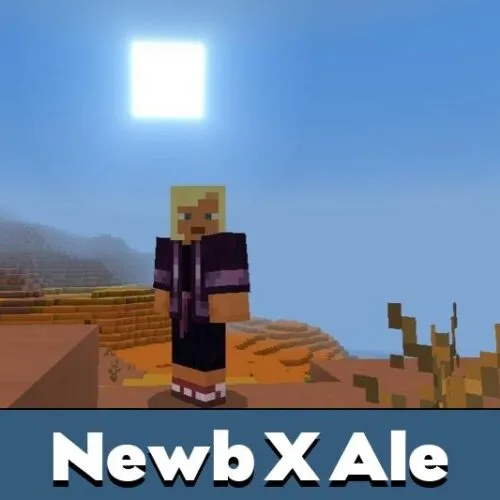
Newb X Ale
The main feature of Newb X Ale Shader is its versifon system. Players can select a lighter, balanced, or stronger visual option depending on device performance.
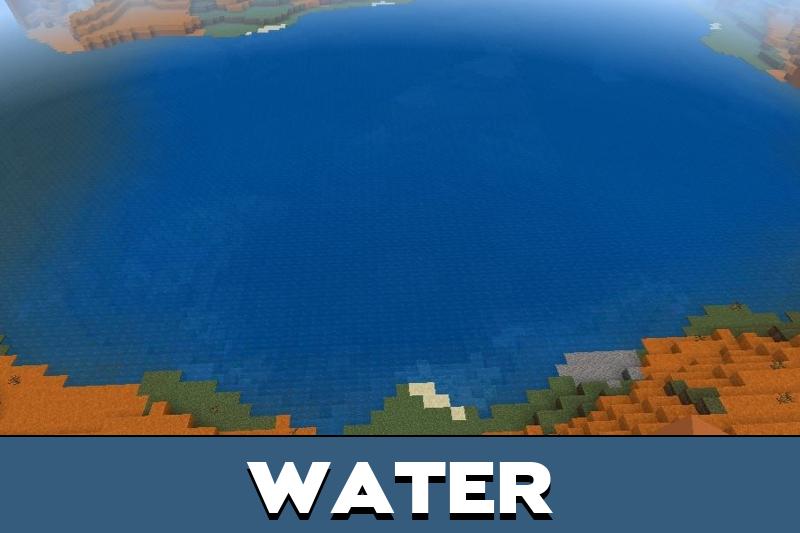
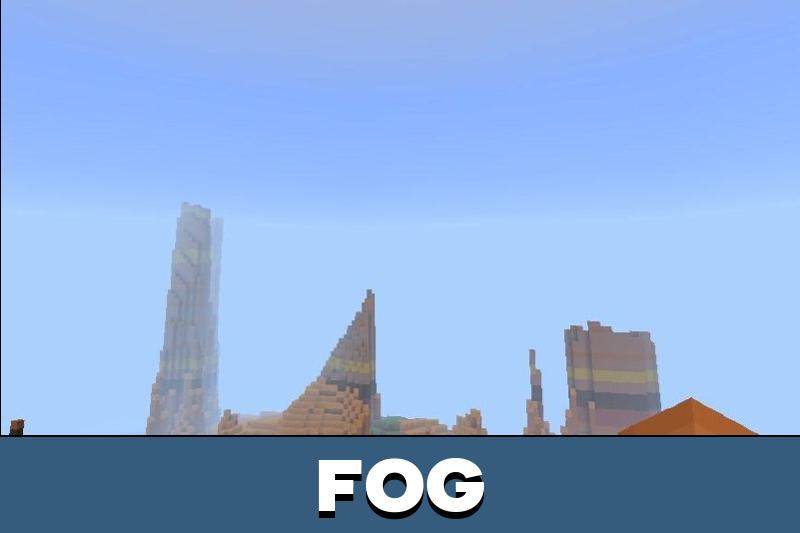
Ale adds colorful vanilla skies, 3D clouds, multilayer cloud effects, realistic water, warmer light, Java-like lighting, sun rays, shiny blocks, and more natural shadows.
Choose the version before entering the world. A lower setting can give smoother gameplay, while stronger options add more visible effects.
It also improves rainy weather with wet effects and makes underwater scenes more detailed through caustics, sun rays, and movement below the surface.
Players who want to compare more visual styles can also browse Shaders for Minecraft PE and choose another look for their device.
Low
The Low version is the safest choice for mobile devices with limited power. It still adds a noticeable upgrade through warmer light, nicer water, cloud depth, shadows, shiny blocks, and rain effects.
This option is useful for long survival sessions where smooth control is more important than maximum atmosphere. It gives the world a cleaner look without pushing too many effects at once.
Minecraft Bedrock Edition users who want a stable first test should usually start here. If the world runs well, it is easier to move to a stronger version later.
Medium
The Medium version gives a stronger balance between performance and atmosphere. Sunrise and sunset scenes become warmer, while the lighting direction feels closer to Java-style visuals.
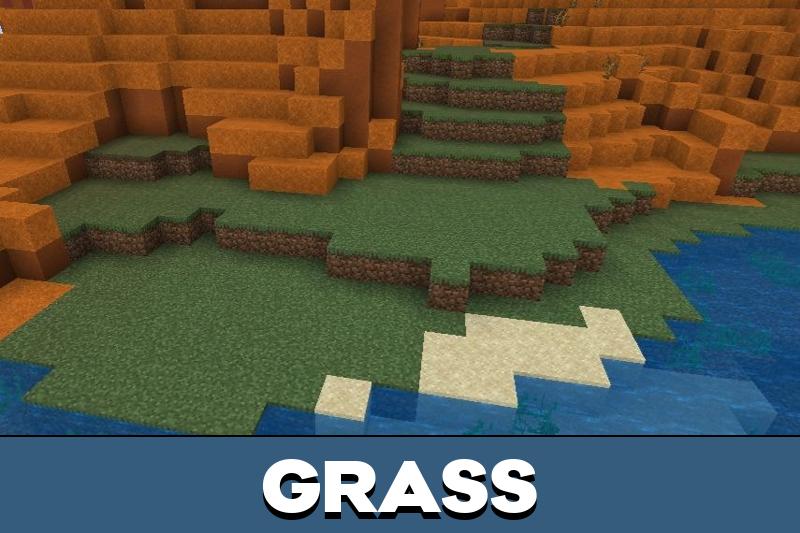
Water and underwater areas also look better. Swimming, river travel, ocean bases, and coastal builds become more pleasant because the scene gains more depth and softer light.
Medium is a good everyday option for players who want visible beauty without using the strongest setting immediately.
Ultra
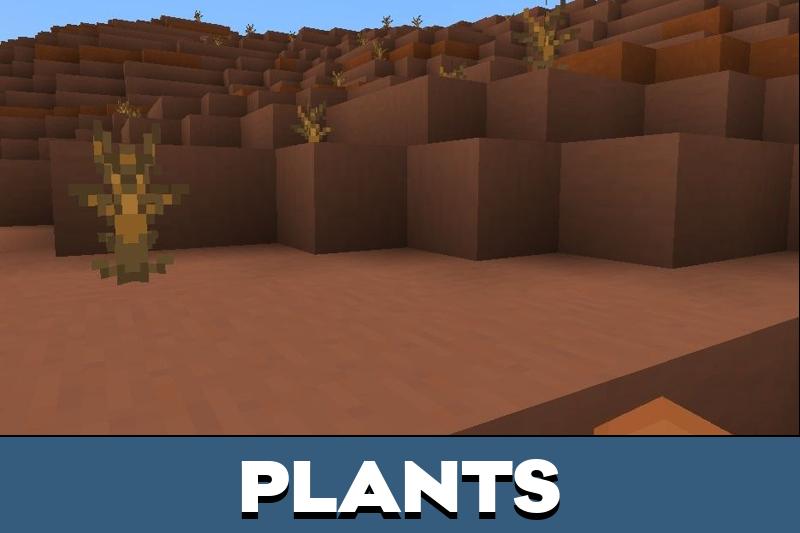
Ultra is the most detailed version of Newb X Ale Shader. It brings multilayer clouds, plant movement, stronger water effects, realistic shadows, bright minerals, sun rays, and a more polished sky.
This version is best for screenshots, scenic worlds, strong devices, and players who want the richest atmosphere. It can make forests, fields, mountains, and oceans feel much more alive.
Download Newb X Ale Shader for Minecraft Bedrock if the goal is to improve the world with stronger lighting, moving plants, realistic water, bright minerals, and polished cross-platform support on Android, Windows, and iOS.
Newb X Ale Renewed
Newb X Ale Renewed improves visuals with performance updates, clarified details, shiny blocks, colorful skies, multilayer clouds, warm lighting, Java-like light, realistic water, rain wetness, bright minerals, and an End atmosphere with Black Hole visuals inspired by Super Duper Vanilla Shaders.

I would start with Medium first. The water, clouds, and warm sunsets sound nice, but I still want the game to stay smooth on my phone.