MCPEDL » Texture Packs » Shaders » Better Vibrant Visuals Shader

Better Vibrant Visuals Shader for Minecraft PE

Trusted File
Version MCPE 1.17.0 - 1.26.30 for Android
Better Vibrant Visuals Shader for Minecraft PE adds realistic water waves, caustics, cleaner lighting, and a vanilla-style visual option.

Download How to Install?
Author: Brandon Taylor
Published: 20 June 2026
Download Best Shaders

Download Better Vibrant Visuals Shader for Minecraft PE: improve day, sunset, night, and underwater scenes with realistic waves, caustics, and cleaner vanilla-style options.

Better Vibrant Visuals Shader for Minecraft PE

Better Vibrant Visuals Shader is made for players who want a brighter and more polished world with support for Vibrant Visuals. It changes how water, light, sky, and underwater scenes feel during normal gameplay.

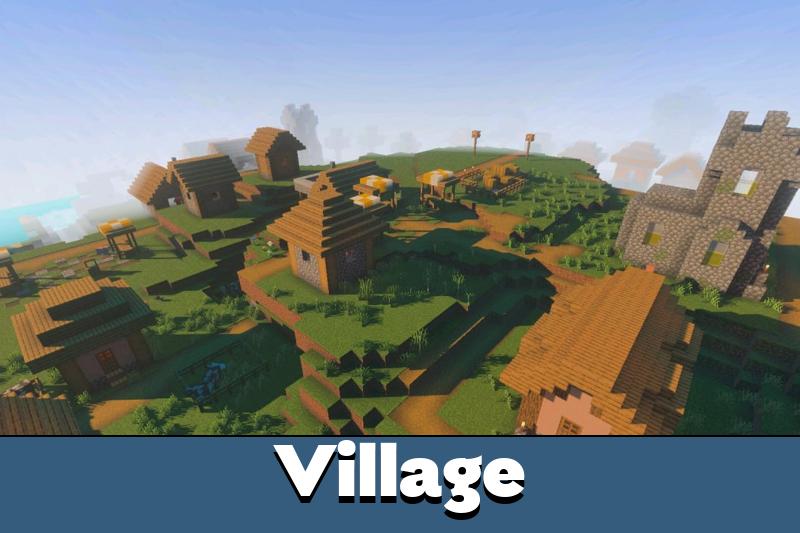
The shader focuses on clear visual upgrades instead of unnecessary effects. Days become cleaner, sunsets look warmer, nights feel deeper, and underwater areas gain more atmosphere. This makes survival, building, and exploration look more modern on supported devices.

Better Vibrant Visuals Shader works best for users who want a simple choice between realistic effects and a more classic look. It includes two versions, so players can decide how much visual change they want before starting the world.

Better Vibrant Visuals

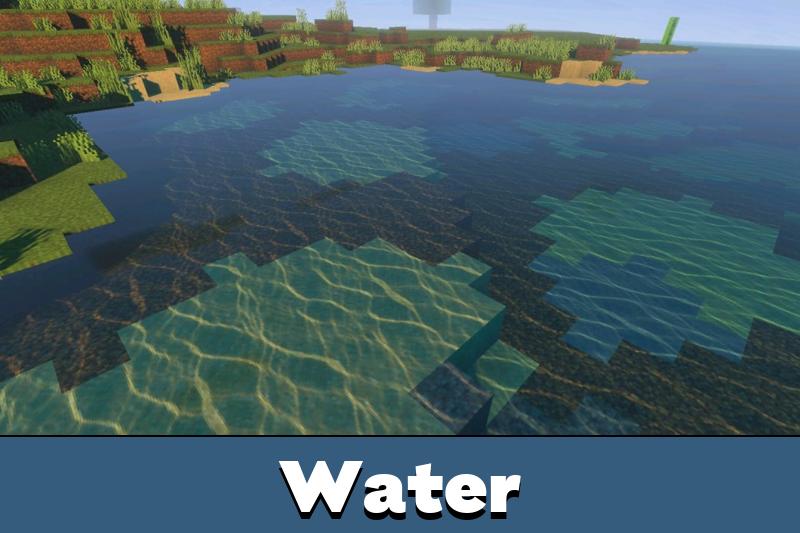
The Default version adds realistic water waves and realistic caustics. It is the better option for players who want water to feel more alive during travel, swimming, fishing, or building near rivers and oceans.

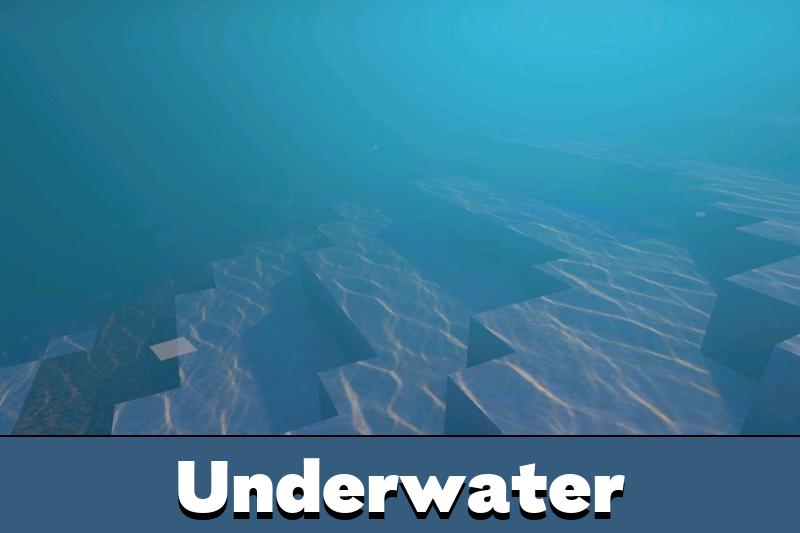
Realistic waves help lakes, coastlines, and underwater areas look less flat. Caustics add moving light patterns under the surface, which makes underwater exploration more pleasant and easier to read.

The Default version is the best choice when water quality matters more than keeping every detail close to vanilla.

This version is useful for screenshots and scenic survival bases. It makes beach houses, bridges, docks, and ocean builds look more natural without changing gameplay rules.

Vanilla Version

The Vanilla version keeps the look closer to the original game. It uses vanilla water without waves, vanilla clouds, vanilla caustics, and vanilla sun and moon.

This option is better for players who want improved Vibrant Visuals support but prefer a cleaner classic style. It keeps the world familiar while still offering a more polished lighting direction.

Better Vibrant Visuals Shader for Minecraft Bedrock Edition is a practical choice because it does not force one visual mode on everyone. Players can pick Default for more realistic water or Vanilla for a softer upgrade.

Players who want to compare more visual styles can also browse Shaders for Minecraft PE and choose another look for their device.

Requirements

Download Better Vibrant Visuals Shader for Minecraft Bedrock if your device supports the required rendering features. To use Vibrant Visuals, players need a beta or preview build and must turn on the Vibrant Visuals option when creating or editing a world.

Mobile requirements are important. Supported devices should have an Adreno 640 GPU, such as Snapdragon 855, a Mali GPU from the Mediatek 1000 series, or an A12 Bionic-level processor. On PC, DirectX 12FL11 support is recommended.

Check the Vibrant Visuals option and device GPU before activation, because unsupported hardware may not show the full effect.

This shader is not the same as a simple brightness change. It depends on supported graphics features, so weaker devices may lose performance or fail to display some effects correctly.

FAQ

Does Better Vibrant Visuals Shader require the Vibrant Visuals option?

Yes. Players need to enable Vibrant Visuals in a beta or preview world for the shader effects to work correctly.

Will Better Vibrant Visuals Shader affect FPS on mobile devices?

It can affect FPS on weaker phones because realistic waves and caustics need stronger hardware. The Vanilla version is the lighter choice.

Can Better Vibrant Visuals Shader work with other visual shaders?

It is better to use one main shader at a time because water, sky, lighting, and caustic effects can overlap.

Comments

  1. I liked the Vanilla version more for regular survival. It keeps the game familiar, but the lighting and water still feel cleaner on my phone.