MCPEDL » Texture Packs » Shaders » Brazz Shader for MCPE

Brazz Shader for Minecraft PE

Trusted File
Version MCPE 1.17.0 - 1.26.32 for Android
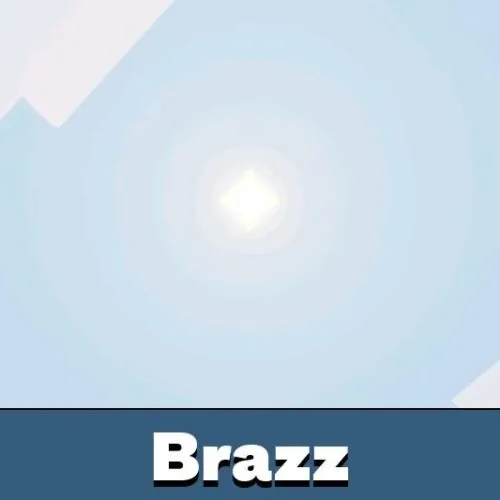
Brazz Shader for Minecraft PE adds visual filters, reflective water, custom lighting, bloom, fog, and smoother skies to mobile gameplay.

Download How to Install?
Author: Brandon Taylor
Published: 3 July 2026
Download Best Shaders

Download Brazz Shader for Minecraft PE: change your mobile world with custom lighting, reflective water, smooth sky transitions, and selectable visual filters for different gameplay styles.

Brazz Shader for Minecraft PE

Brazz Shader for Minecraft PE is a complete visual pack built for players who want several graphic styles in one package. Instead of forcing one look, it uses integrated subpacks that change colors, lighting, contrast, fog, and screen effects.

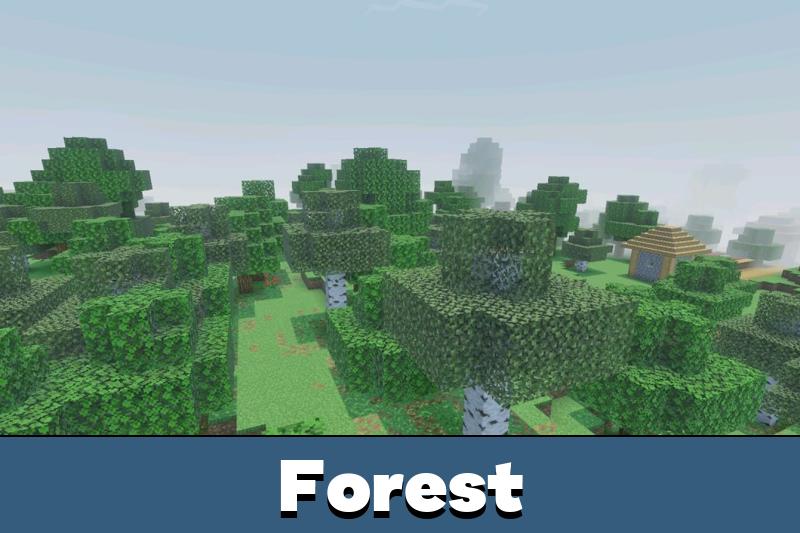
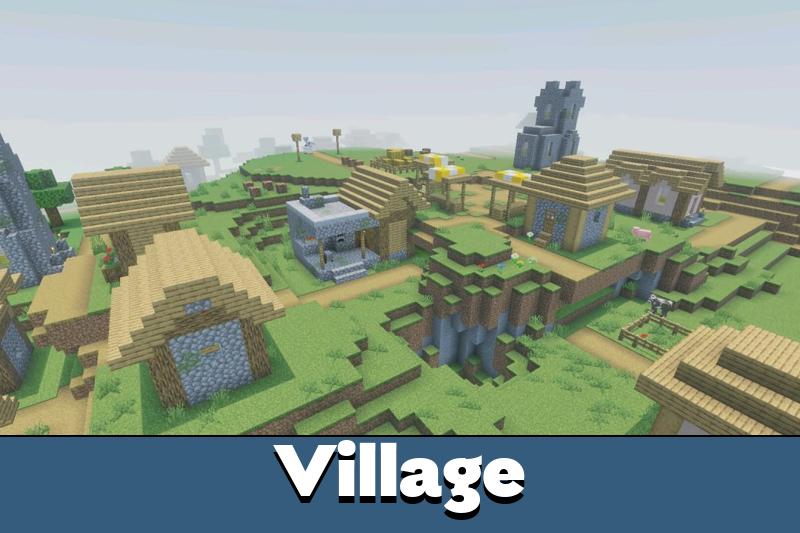
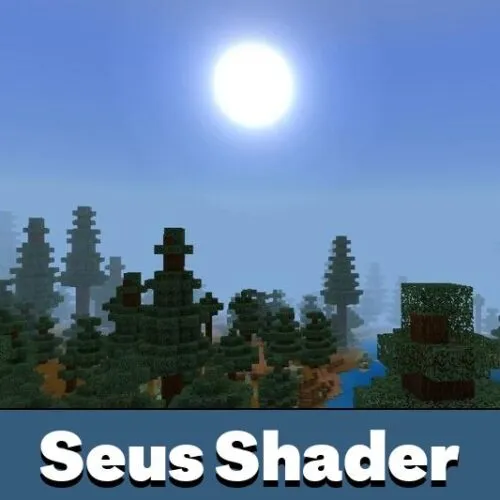
The shader keeps the game easy to recognize while making the world feel more cinematic. Water becomes more reflective, the sky changes smoothly through the day cycle, and lighting gains more depth during exploration, building, and survival gameplay.

Brazz Shader

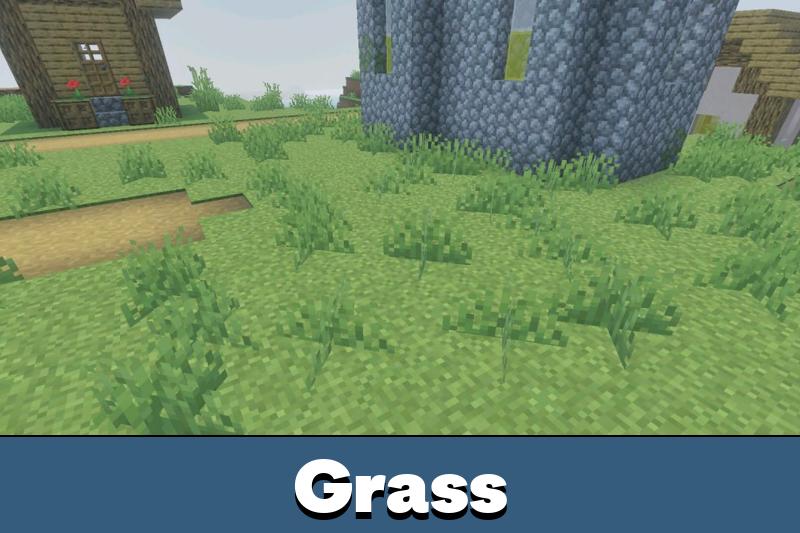
Brazz Shader for Minecraft Bedrock Edition focuses on flexible visuals. It includes custom lighting, realistic hues, simulated bloom, grain, lens flare, and fog effects. These details make scenes look deeper without changing the core gameplay.

The shader works with Vibrant Visuals and can be adjusted through built-in subpacks.

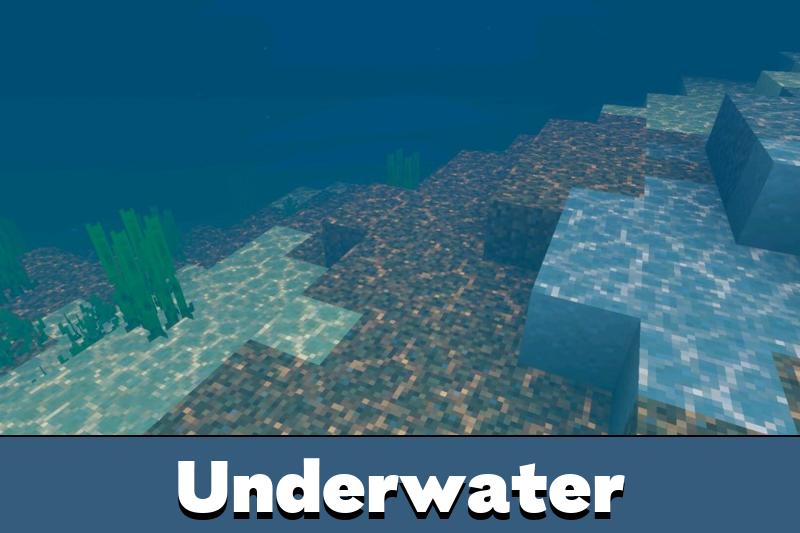
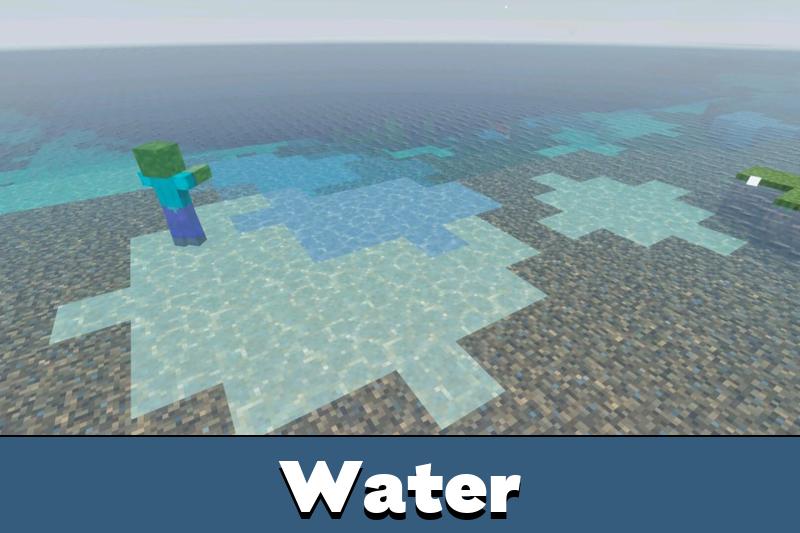
Water is one of the strongest parts of the pack. It gets a reflective surface that looks better near rivers, oceans, lakes, and builds placed close to shore.

Subpacks

Each visual filter changes the mood of the world. Cinematic adds grain, flare, and soft tones. Vivid makes colors stronger and brighter, which works well for survival and adventure worlds.

Retro gives the game a faded nostalgic look. Cartoon creates a clean style for creative builds. Standard keeps the image neutral, while Noir turns the world black and white with dramatic lighting.

Players who want more graphic options can also explore Shaders for Minecraft PE and compare different lighting styles for mobile gameplay.

Best Uses

Brazz Shader can fit many types of worlds because the look is not locked to one preset. Frozen gives a cold blue tone for winter maps, while HDR boosts brightness, contrast, and color depth.

Choosing a lighter filter can help keep the game comfortable on mobile devices.
Filter Main Effect
Cinematic Film-like image with soft colors
Vivid Bright colors for adventure worlds
Noir Black and white dramatic lighting
HDR Stronger contrast and brightness

Players can switch between multiple visual styles at any time, making Brazz Shader a practical choice for both everyday survival worlds and large creative projects.

FAQ

Does Brazz Shader work without extra launchers?

Brazz Shader is installed as a visual pack, so it does not require separate gameplay mods to change lighting and effects.

Will Brazz Shader affect FPS on mobile devices?

It can affect performance depending on the chosen filter and device power. Standard or lighter presets are better for weaker phones.

Can Brazz Shader work with other visual packs?

It may work with some packs, but using several graphic packs together can cause conflicts in lighting, water, or sky effects.

Comments

  1. I like that it has different looks in one pack. The cinematic filter is great for screenshots, but Standard feels better for normal survival on my phone.