MCPEDL » Texture Packs » Shaders » Gaster Visual Shader for MCPE

Gaster Visual Shader for Minecraft PE

Trusted File
Version MCPE 1.17.0 - 1.26.23 for Android
Gaster Visual Shader for Minecraft PE creates a twilight atmosphere with warm sunsets, starry nights, and enhanced lighting effects.

Download How to Install?
Author: Brandon Taylor
Published: 11 June 2026
Download Best Shaders

Download Gaster Visual Shader for Minecraft PE: transform your world with cinematic sunsets, deep starry nights, advanced lighting effects, and a unique atmosphere inspired by the mysterious Gaster theme.

Gaster Visual Shader for Minecraft PE

Many players want their worlds to look more immersive without changing gameplay. Gaster Visual Shader focuses entirely on visual quality, creating a peaceful environment with dramatic skies, soft lighting, and carefully balanced colors.

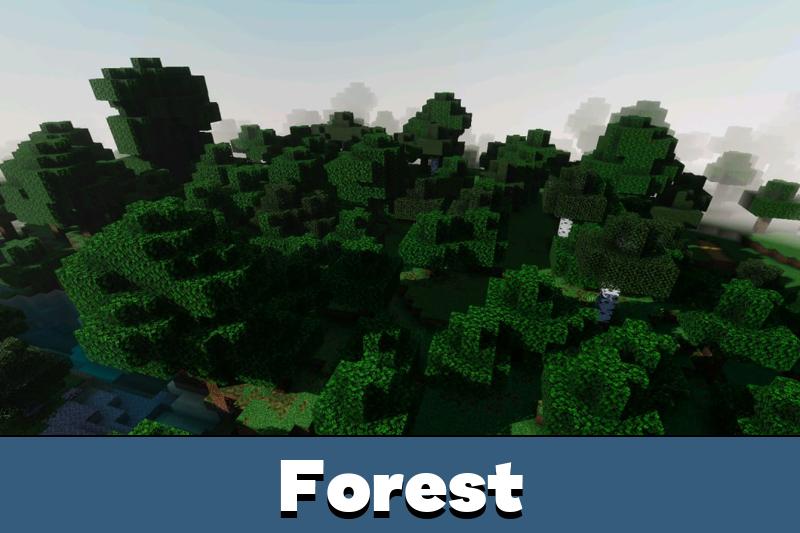
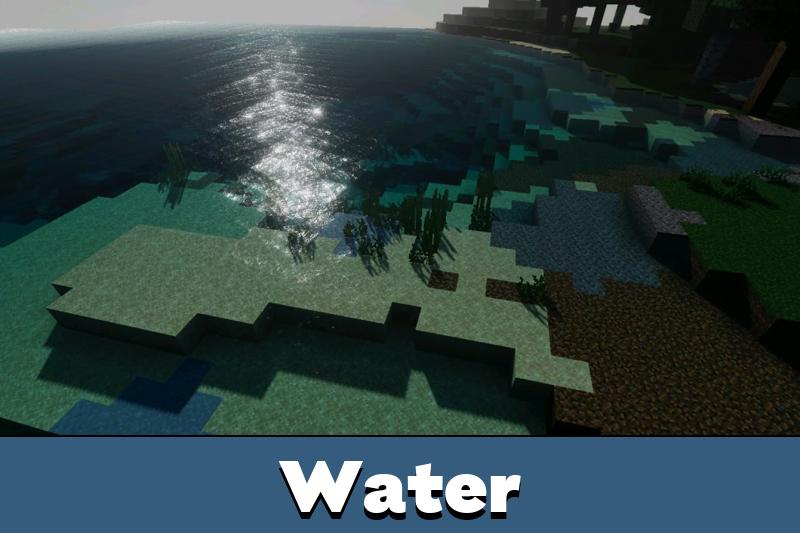
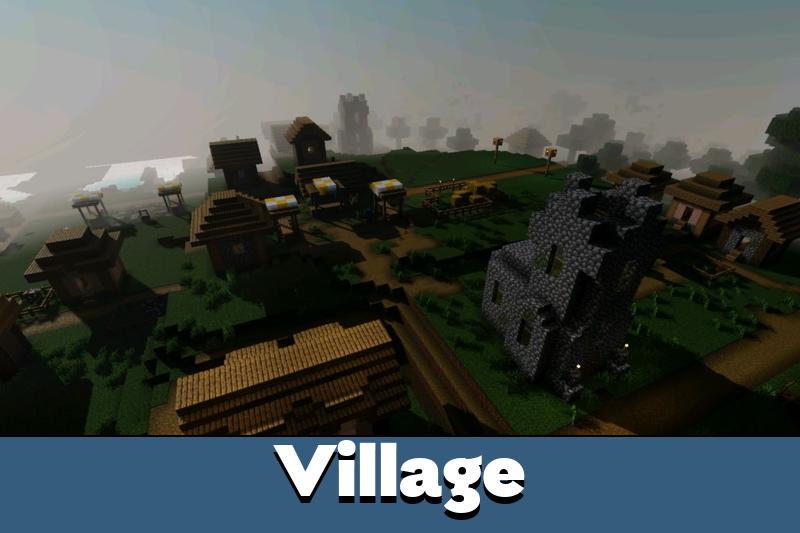
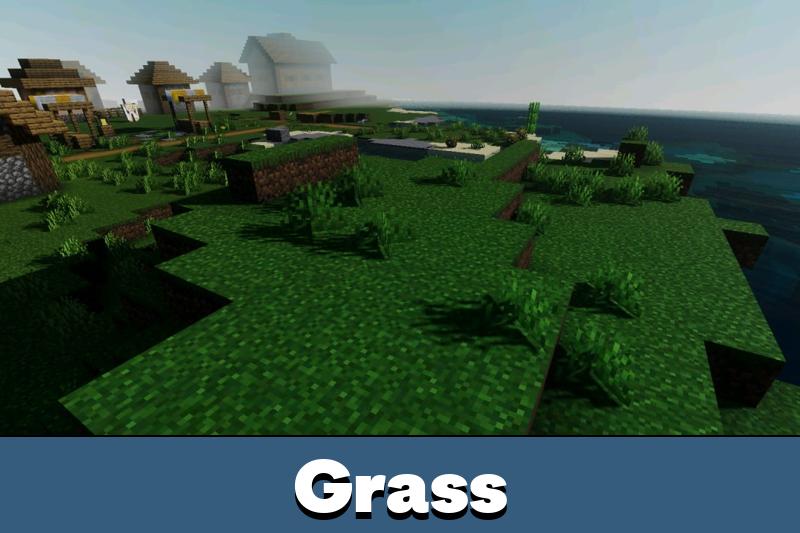
The project combines warm sunset tones with dark night scenery filled with stars. Every landscape feels more alive, whether you are exploring forests, mountains, villages, or oceans.

Gaster Visual

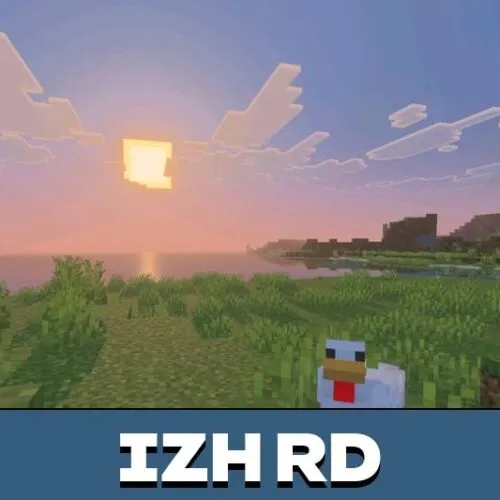
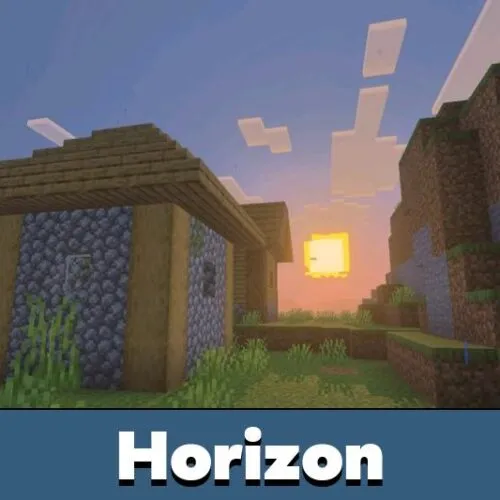
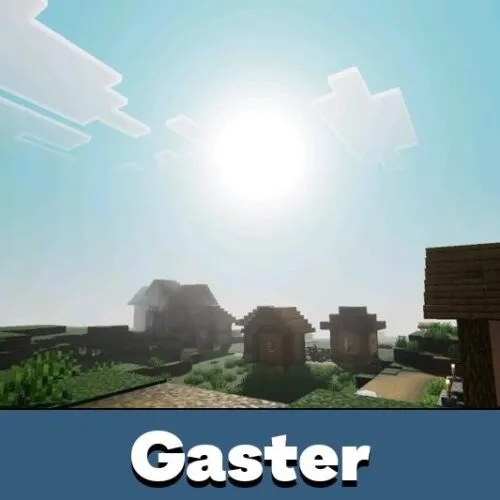
Gaster Visual Shader enhances the overall mood of Minecraft PE through subtle visual adjustments. Sunrises become brighter, sunsets appear more cinematic, and nighttime exploration gains a completely different atmosphere.

The shader introduces a distinctive style inspired by the interesting theme. Instead of direct references, the feeling is expressed through colors, lighting, and environmental effects.

This shader focuses on atmosphere first. Lighting and color balance are designed to make every biome look more cinematic.

Players looking for additional visual upgrades can also explore Shaders for Minecraft PE and discover more graphics improvements for different worlds.

Advanced Rendering Features

One of the strongest parts of Gaster Visual Shader for Minecraft PE is its modern visual technology. PBR support improves how surfaces react to light, making blocks appear more detailed and realistic.

ACE tone mapping helps create smoother color transitions while preserving visual depth. Bright areas remain comfortable to view, and darker scenes keep important details visible.

The shader also includes white balance temperature adjustments and complex midtones. These features help create natural-looking colors without making the world appear oversaturated.

Exploration Experience

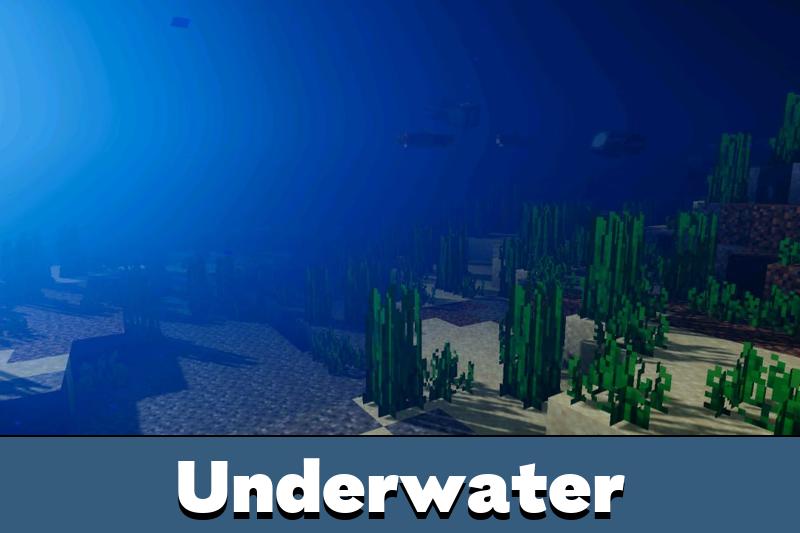
Traveling across Minecraft Bedrock Edition becomes much more enjoyable when every biome receives improved lighting. Forests feel calmer, oceans become more atmospheric, and mountain landscapes look impressive during sunset hours.

The balanced visual style makes Gaster Visual Shader suitable for both survival gameplay and screenshots. Players can enjoy enhanced scenery without overwhelming visual effects.

Warm lighting, realistic color balance, and a star-filled sky create a memorable visual experience in every biome.

Because the effects remain balanced, the world still feels familiar while offering a noticeably improved appearance. The result is a cleaner and more immersive environment for daily gameplay.

FAQ

Can this shader change night skies?

Download the file and open it in your Minecraft Bedrock Edition.

Does it affect survival gameplay?

No. It focuses on visual improvements and does not change game mechanics.

What visual technologies are included?

The shader includes PBR support, ACE tone mapping, white balance adjustments, and enhanced midtones.

Is it suitable for screenshots?

Yes. The improved lighting and colors make landscapes look much more cinematic.

Comments

  1. This is one of the few visual packs that doesn’t make everything too bright. The sunsets look amazing and the night sky is easily my favorite part. It feels calm and works great for survival worlds.