MCPEDL » Texture Packs » Shaders » Lumenix Shader for MCPE

Lumenix Shader for Minecraft PE

Trusted File
Version MCPE 1.17.0 - 1.26.23 for Android
Lumenix Shader for Minecraft PE adds warmer colors, softer lighting, and a richer atmosphere for a smoother mobile experience.

Download How to Install?
Author: Brandon Taylor
Published: 2 June 2026
Download Best Shaders

Download Lumenix Shader for Minecraft PE: give your world warmer colors, softer lighting, richer atmosphere, and a smoother appearance that feels more vibrant on mobile devices.

Lumenix Shader for Minecraft PE

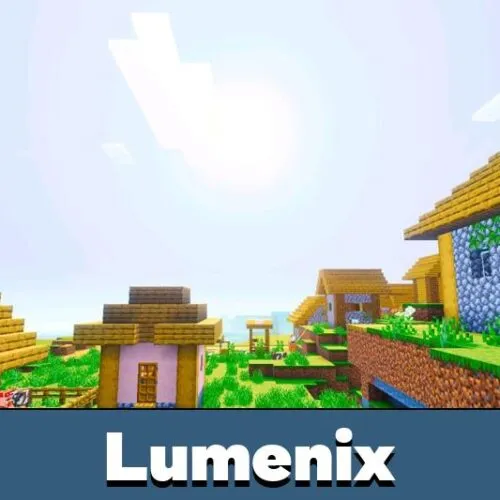
Lumenix is designed for players who want a brighter and more colorful world without changing the familiar style of the game. The pack enhances the overall appearance through balanced lighting, stronger color tones, and a more welcoming atmosphere.

Instead of using aggressive effects, it focuses on warmth and clarity. Landscapes feel more lively, sunsets become more pleasant, and everyday exploration gains a fresh look while remaining comfortable for regular gameplay.

Lumenix

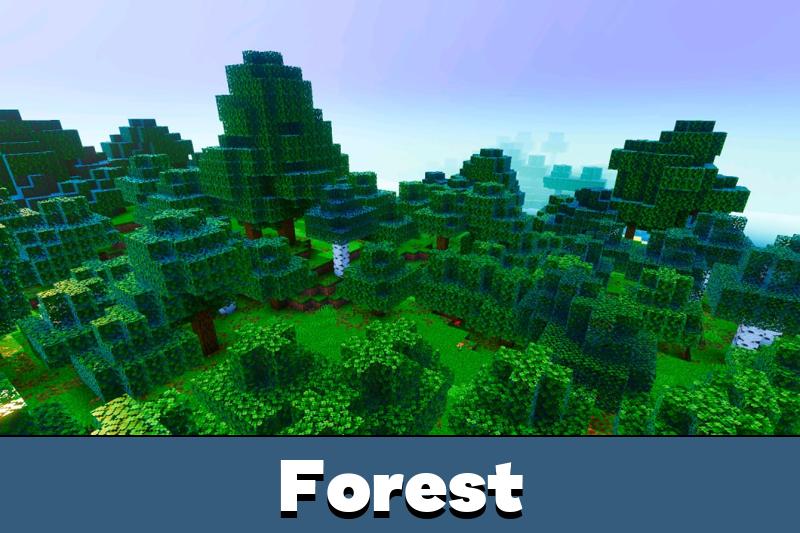
One of the main advantages of this shader is its saturated presentation. Forests, plains, mountains, and rivers appear more vivid, helping different environments stand out without looking unrealistic.

The improved color balance creates a smoother image across the entire world. Small details become easier to notice, while natural scenery feels more appealing during travel and building sessions.

For proper operation, Vibrant Visuals must be enabled in the game settings before use.

Lighting

Lumenix Shader for Minecraft Bedrock Edition improves how light interacts with the environment. Daytime looks softer, evenings gain additional depth, and indoor areas feel more comfortable to explore.

Rather than introducing extreme contrasts, the pack keeps brightness balanced. This approach helps preserve visibility while making surroundings look cleaner and more polished.

Players searching for additional graphic options can also browse Shaders for Minecraft PE to discover other visual styles.

Atmosphere

Another important feature is the enhanced mood of the world. Warm tones help create a more inviting environment, while smoother transitions between different conditions make exploration feel natural.

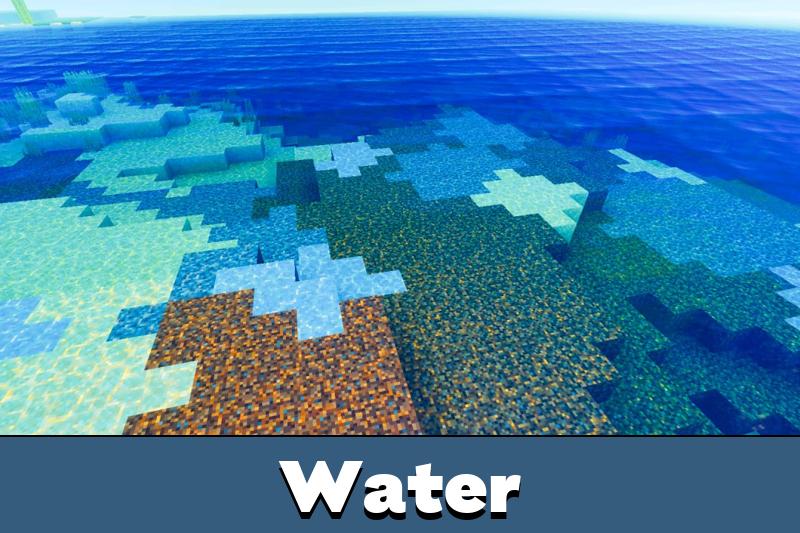
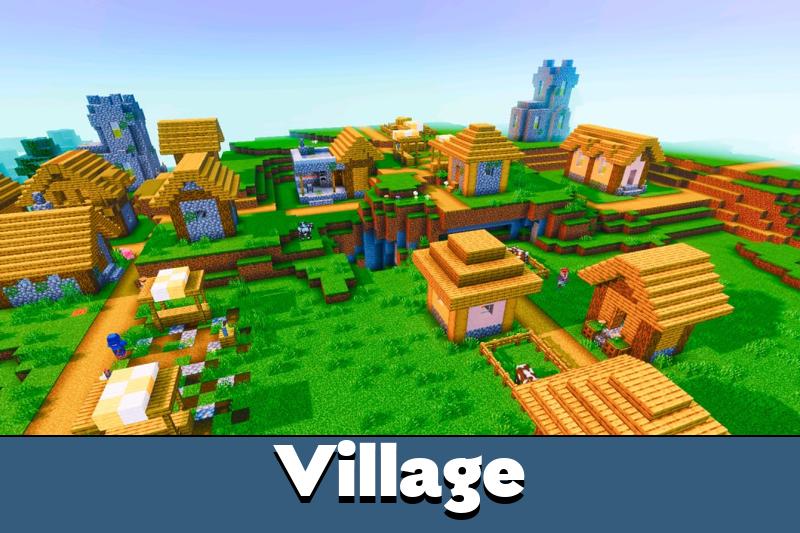
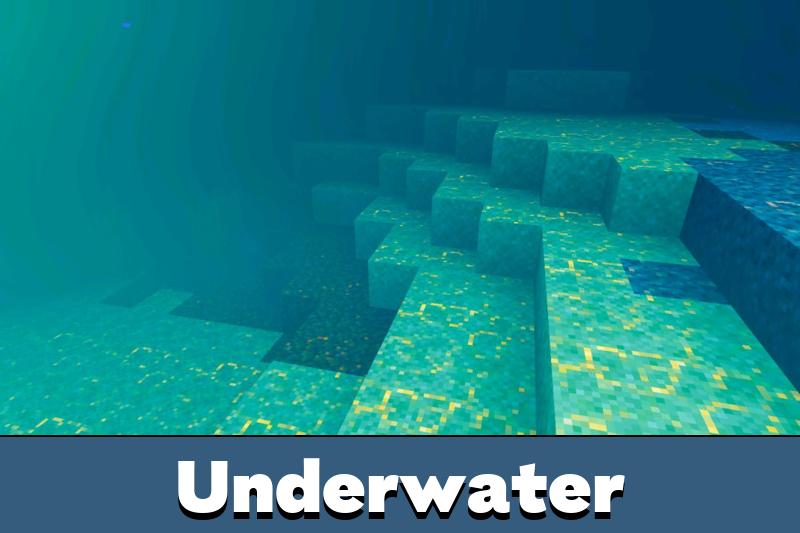
Whether traveling across open terrain, visiting villages, or spending time near water, the overall presentation feels more refined and pleasant on Minecraft PE.

The pack focuses on color quality and atmosphere while keeping gameplay comfortable on most supported devices.

Performance

Lumenix avoids unnecessary complexity and remains focused on visual improvements that work well during normal play. It does not overwhelm the screen with heavy effects and instead delivers a cleaner presentation.

This makes it suitable for long survival sessions, creative projects, and casual exploration where appearance matters as much as performance.

FAQ

Does it change gameplay mechanics?

No. It only improves the appearance of the world.

Is Vibrant Visuals required?

Yes. The feature must be enabled in the settings for proper operation.

Can it be used during survival mode?

Yes. It works well for exploration, building, and regular survival sessions.

Does it affect performance heavily?

No. It is designed to remain comfortable for everyday play.

Comments

  1. The colors look much better on my phone and the lighting feels smoother without making everything too bright. It keeps the original style but makes the world feel more alive.