Download Mike Visuals Shader for Minecraft PE: add cinematic skies, warm village lighting, glowing ores, colorful light sources, lush foliage, and smooth Bedrock visuals without RTX.
Mike Visuals Shader for Minecraft PE
Mike Visuals Shader gives the game a cleaner cinematic look while keeping the familiar blocky style. It focuses on bright skies, natural greenery, warmer light, and small atmosphere details that make ordinary locations feel more polished.
The shader does not add blocks, mobs, tools, or new survival rules. It changes the visual layer only, so players can keep building, mining, fighting, and exploring as usual.
For Minecraft PE players, this is useful in survival villages, farms, forests, screenshots, and peaceful exploration. The world looks richer, but it does not require RTX to show its main effects.
Mike Visuals
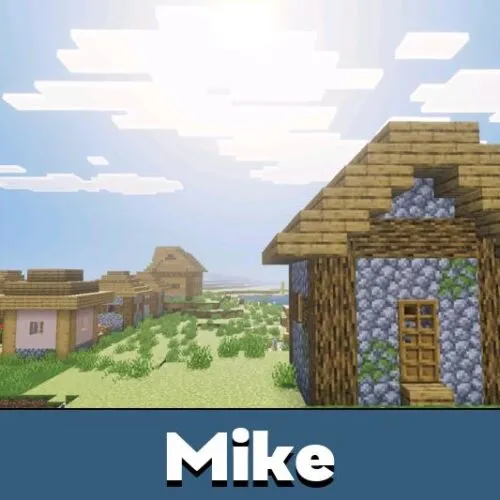
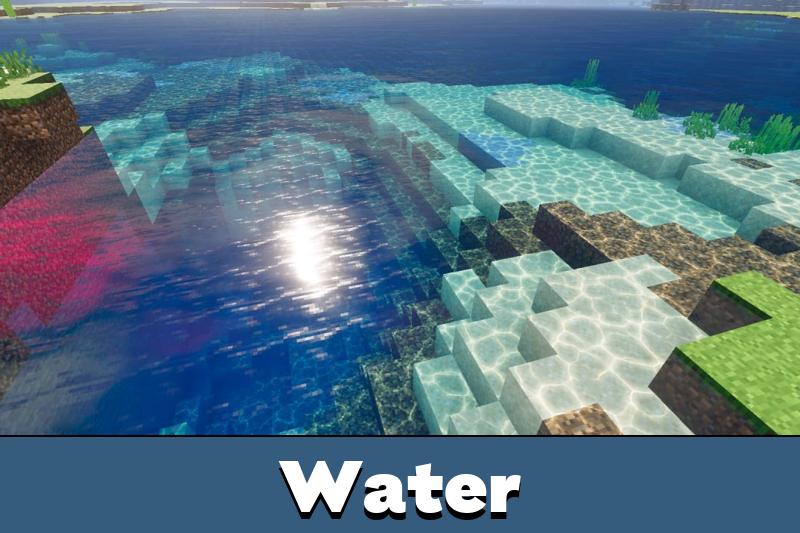
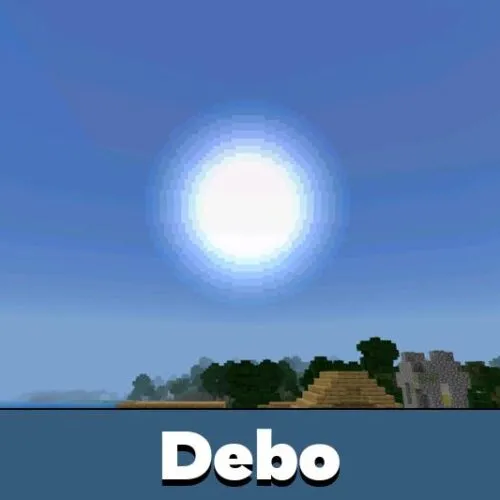
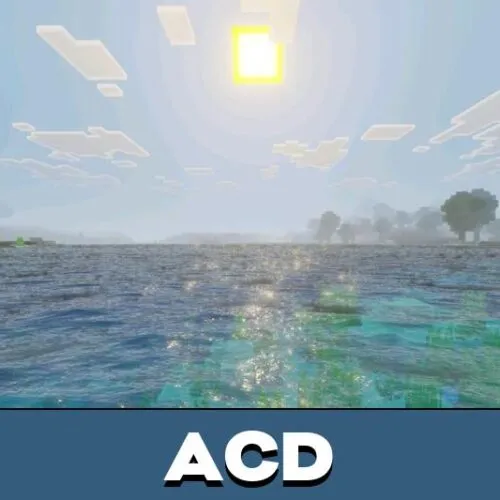
Mike Visuals focuses on clear outdoor scenes. The sky becomes brighter and bluer, while clouds receive a sharper and cleaner look.
This makes open areas feel more vivid. Plains, hills, rivers, farms, and village roads look less dull during the day because the lighting has more depth.
Mike is made for players who want a cinematic visual upgrade without using RTX or changing gameplay mechanics.
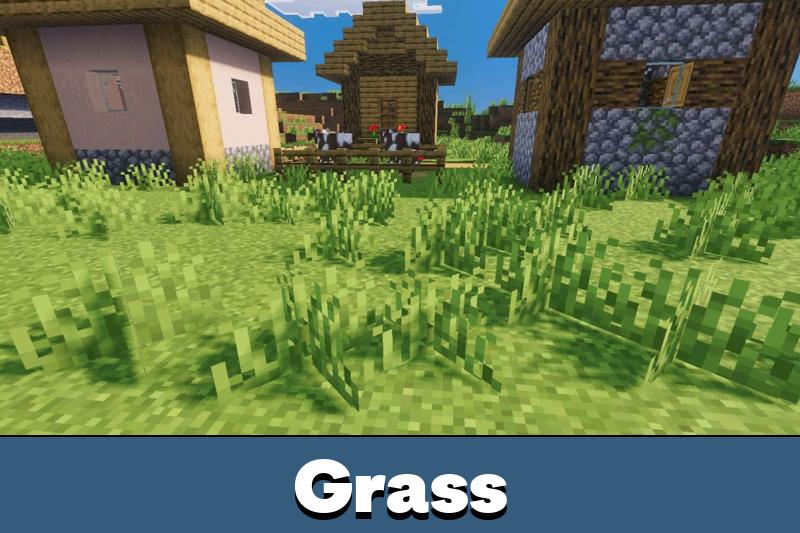
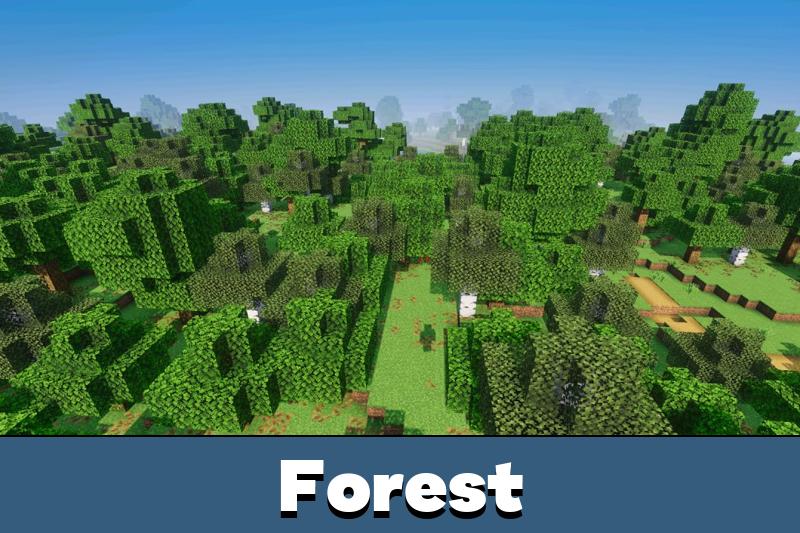
Foliage also receives stronger color. Leaves and grass use deeper green tones, giving forests and gardens a fresher appearance during normal movement.
Lighting and Glow
Mike Visuals Shader for Minecraft Bedrock Edition improves how light sources appear around the world. Different blocks can have their own glow color, making caves and bases easier to recognize visually.
Redstone torches glow red, soul torches create a cyan effect, and lanterns give a warm orange tone. This helps underground rooms, paths, farms, and survival shelters feel more atmospheric.
Glowing ores are another useful detail. They emit visible light underground, so mining areas become more interesting without changing how ores are collected.
Players who want to compare similar visual upgrades can browse Shaders for Minecraft PE and choose another style for their device.
Nature and Villages
The shader adds movement to leaves and planks, making some outdoor scenes feel more alive. The motion is gentle, so it supports atmosphere without becoming distracting.
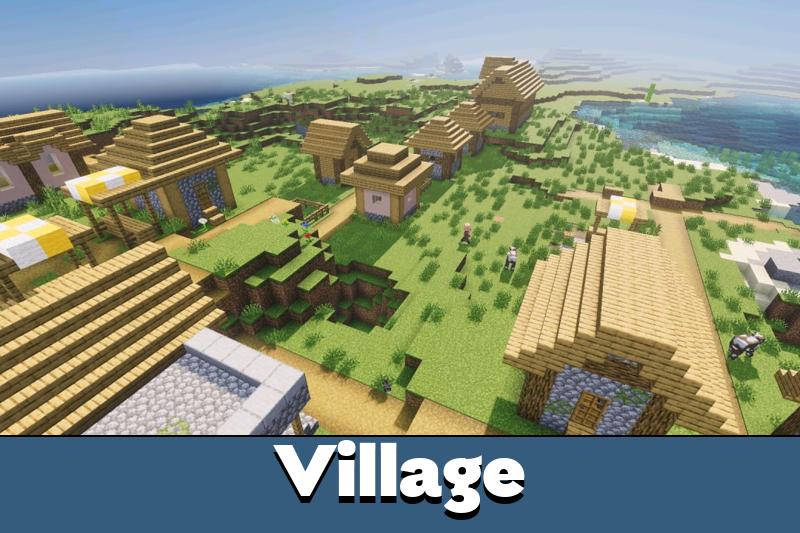
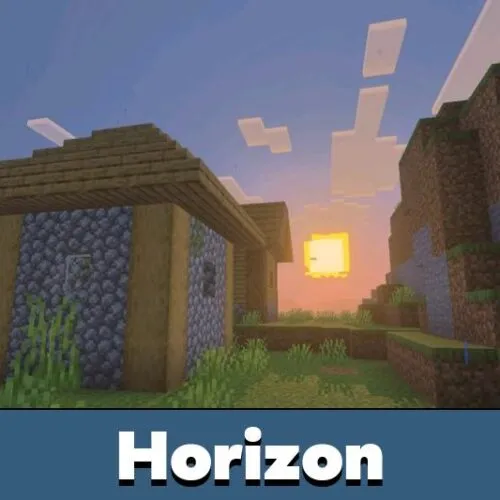
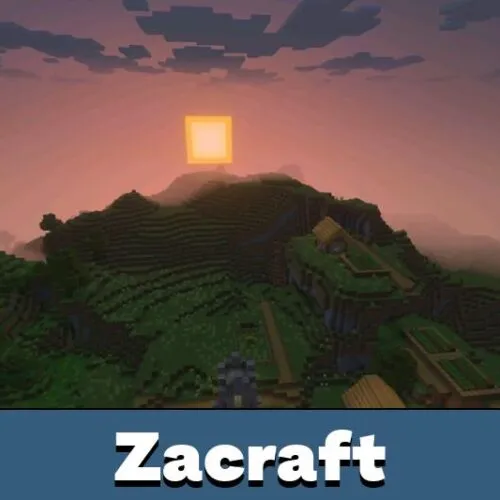
Village areas benefit a lot from the warmer color style. Houses, farmland, lanterns, paths, and wooden details can look more comfortable in the evening or near light sources.
The strongest visual changes appear in villages, forests, mines, and outdoor builds with many natural or glowing details.
This makes the pack useful for players who enjoy calm survival, cozy bases, and cinematic screenshots. It improves mood without making the game feel overloaded.
Compatibility
Mike Visuals works without RTX and is described as compatible with Bedrock devices. This makes it more accessible than heavy ray tracing setups.
Performance can still depend on the phone, world size, and active video settings. If the world feels heavy, players can lower render distance or other visual options before testing again.



The colored lights sound really cool, especially the soul torch glow. I like that it works without RTX and still makes caves look better.