Download Newb Aero Shader for Minecraft PE: bring cinematic lighting, bright blue skies, clear aqua water, soft shadows, animated nature, and smooth vanilla-style visuals into your mobile world.
Newb Aero Shader for Minecraft PE
Newb Aero Shader is made for players who want Minecraft to look cleaner, brighter, and more cinematic without losing its original style. It keeps the vanilla feeling, but improves light, sky, water, clouds, fog, colors, and atmosphere.
The shader is built for Minecraft Bedrock Edition and uses a RenderDragon approach. This means players should remember one important point: Bedrock does not officially support RenderDragon shaders by default, so a compatible loader is required.
On Android, players need MB Loader to launch the game with this visual pack. After that, the resource pack can be imported, enabled in Global Resources, and tested again after restart if it does not load immediately.
Newb Aero Shader
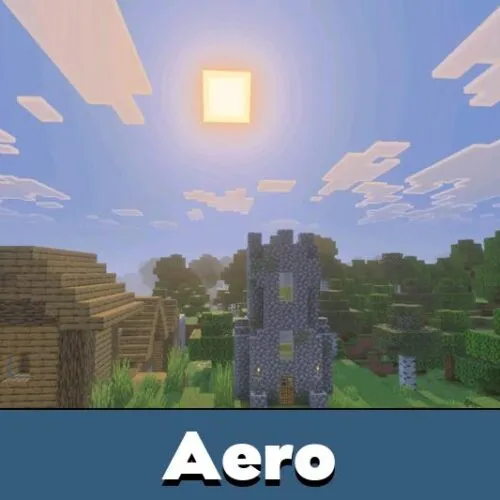
Newb Aero Shader keeps the familiar blocky mood, but makes the world feel softer and more polished. The sky becomes more colorful, lighting feels more cinematic, and shadows look smoother during normal gameplay.
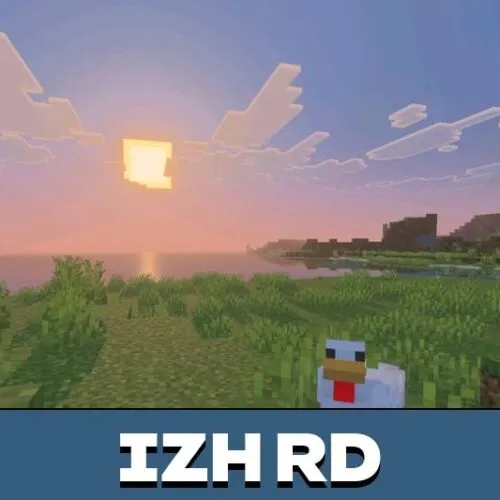
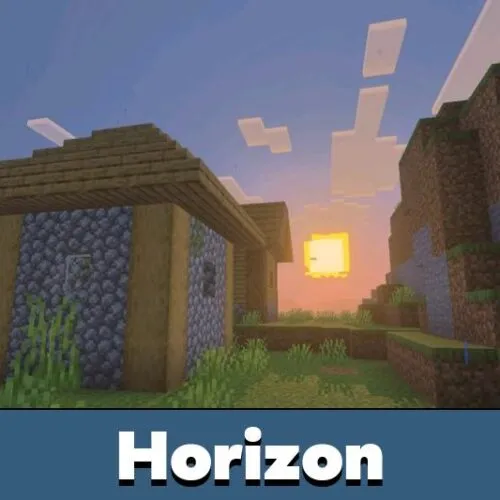
Sunrise and sunset scenes are one of the main highlights. Warm light changes the mood of plains, forests, villages, mountains, and beaches without making the world look too far from the original design.
A compatible RenderDragon loader is required. On Android, MB Loader is needed before Aero can work correctly.
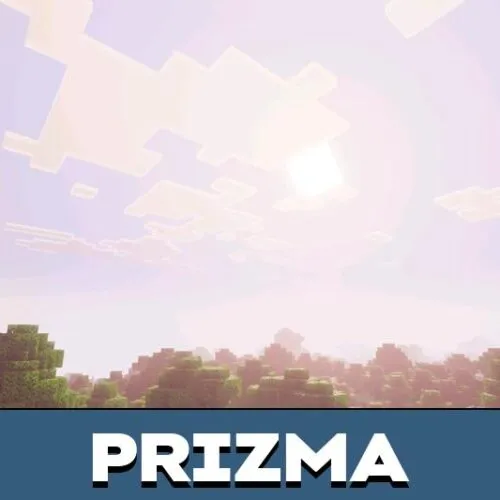
Rounded clouds are enabled by default, giving the sky more depth. The moon, stars, fog, and storm atmosphere also receive visual improvements.
Water and Atmosphere
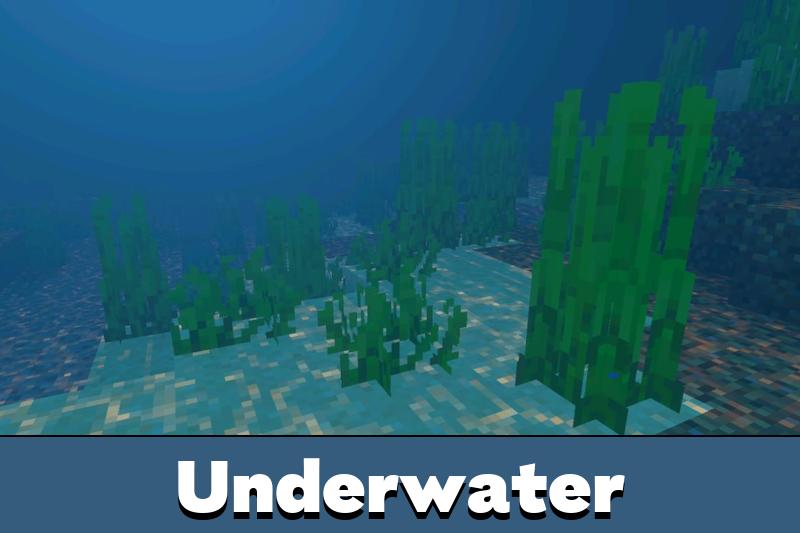
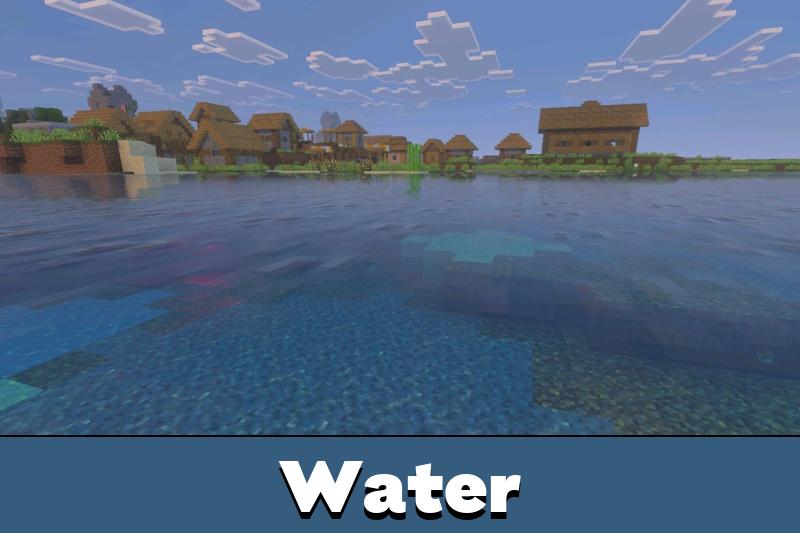
The shader adds clear aqua water with animated waves. Rivers, lakes, and oceans look brighter while still staying readable during exploration.
Atmospheric fog helps distant views feel deeper. Rain and storm scenes become more immersive, while smooth day and night transitions make travel feel more natural.
Players who enjoy Bedrock visual upgrades can also browse Shaders for Minecraft PE and compare other lighting styles for mobile gameplay.
The End also gets a stronger Black Hole effect. This keeps the dimension strange and dramatic, especially for screenshots or cinematic moments.
Nature and Lighting
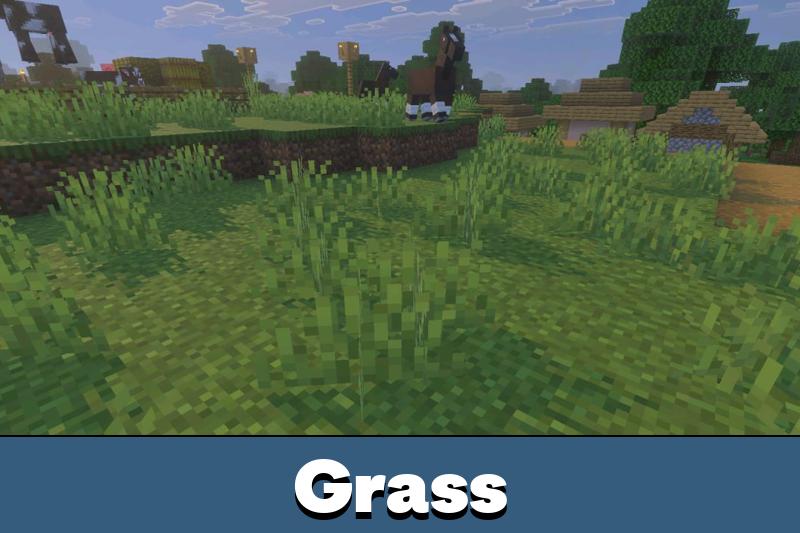
Newb Aero Shader improves grass, leaves, and crops with animation. This makes forests, farms, and gardens feel more alive without turning the world into a completely different game.
Torch and lantern lighting becomes warmer. Caves, houses, mines, and bases gain better shadow definition, so details stay visible without harsh contrast.
Use Aero for everyday survival if the goal is a cleaner look with stable performance, not heavy realism.
Bloom and emissive ores help certain blocks stand out more. This is useful underground, especially when players want prettier cave scenes and stronger visual feedback.
Performance
Aero is lightweight and optimized for stability. It is suitable for daily survival, building, exploration, and screenshots, but performance still depends on the phone and the loader setup.
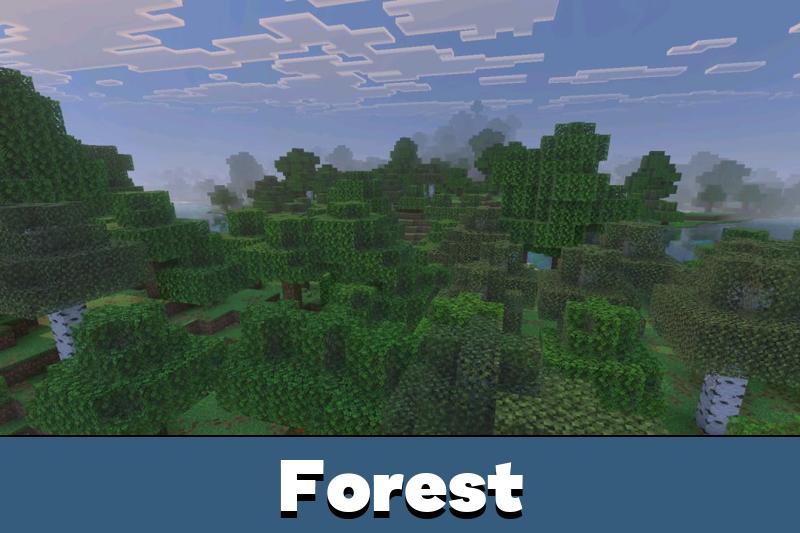
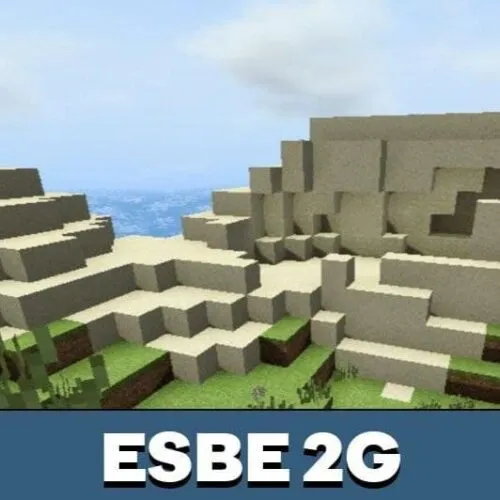
Newb Aero Shader works across Bedrock biomes, so players can see the same balanced color style in deserts, jungles, snowlands, caves, oceans, and The End.

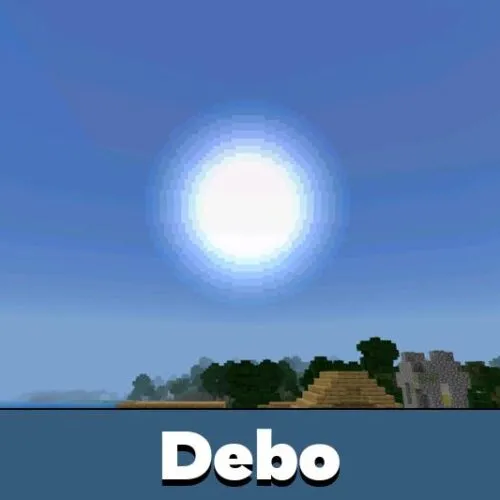
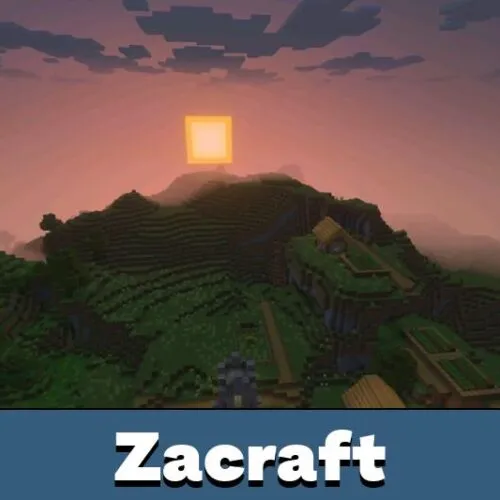
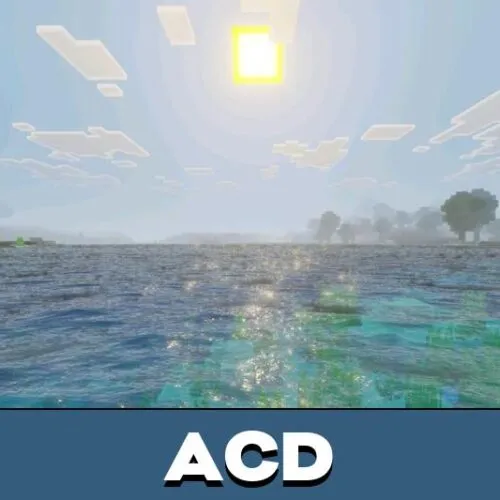
I like that it still looks like normal Minecraft, just cleaner. The loader part is good to know before installing it on Android.