MCPEDL » Texture Packs » Shaders » Nexora Visuals Shader for MCPE

Nexora Visuals Shader for Minecraft PE

Trusted File
Version MCPE 1.17.0 - 1.26.44 for Android
Download Nexora Visuals Shader for Minecraft Bedrock to use soft colors, warm light, vibrant tone, and cleaner world atmosphere.

Download How to Install?
Author: Brandon Taylor
Published: 18 August 2026
Download Best Shaders

Download Nexora Visuals Shader for Minecraft PE: give your mobile world a warm saturated tone, richer lighting, smoother atmosphere, and more colorful scenery without changing survival gameplay.

Nexora Visuals Shader for Minecraft PE

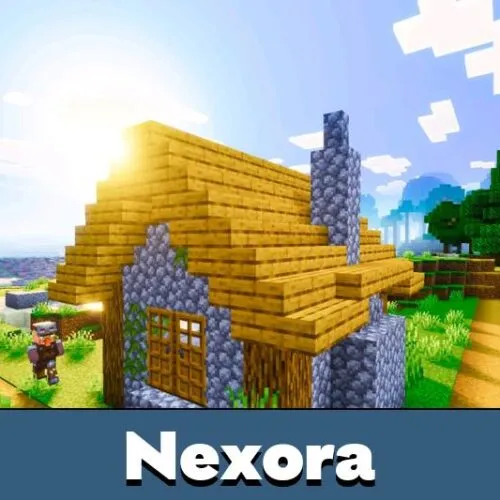
Nexora Visuals Shader is made for players who want a softer and more vibrant Bedrock world. It does not try to rebuild the whole game. Instead, it improves color, light, and atmosphere so familiar places feel warmer and more alive.

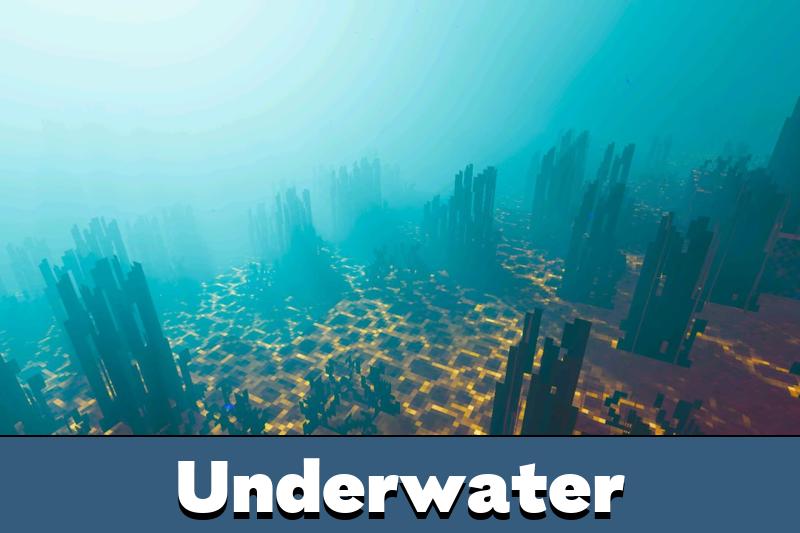
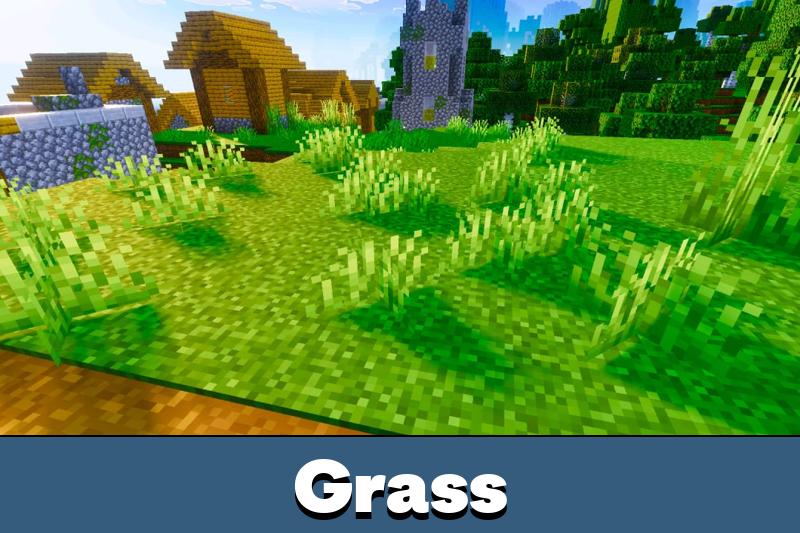
The main style is bright and saturated. Grass looks fresher, skies feel cleaner, and daylight scenes gain a pleasant glow. This makes normal survival, building, travel, and screenshots look more polished without pushing the world into a heavy realism style.

For Minecraft PE players, this shader is useful when the default picture feels too flat. It adds a richer mood while keeping blocks, mobs, items, crafting, and progression unchanged.

Nexora Visuals

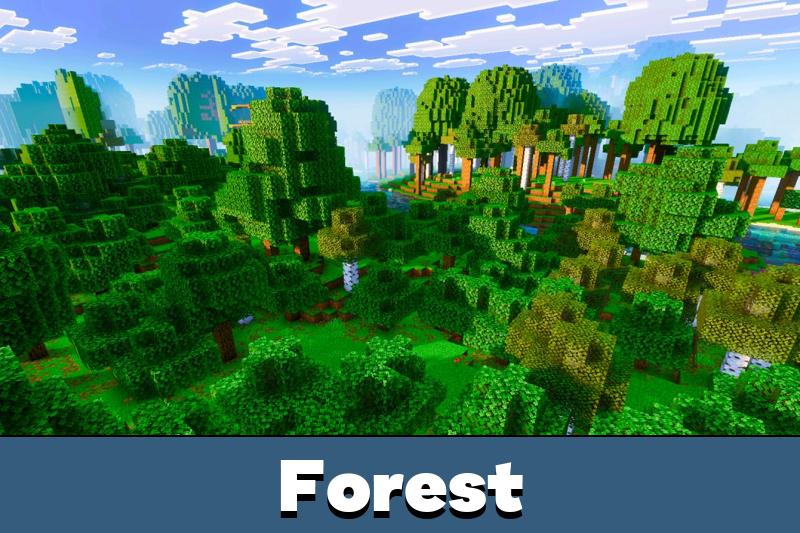
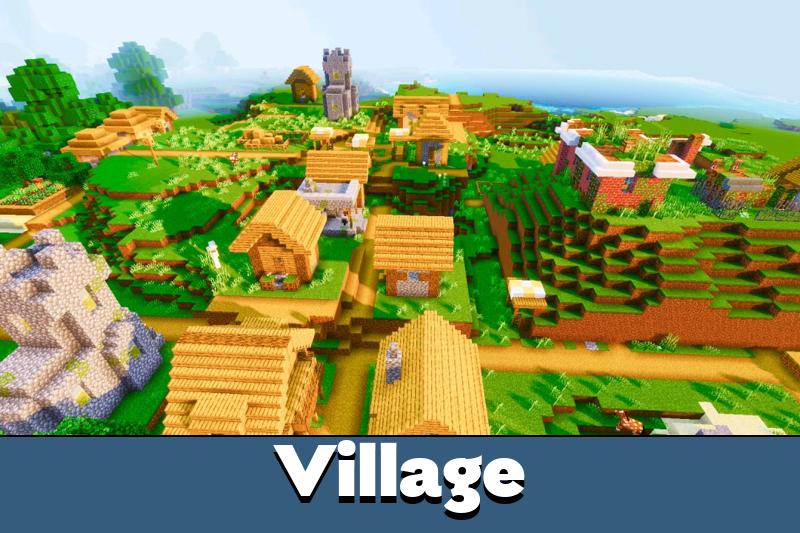
Nexora Visuals Shader focuses on warmth first. Sunlit areas feel more pleasant, and outdoor locations gain a softer tone that works well with forests, plains, beaches, villages, and player-made bases.

The color balance is stronger than default, but it still stays readable. This helps the world look brighter without making the screen feel harsh during long sessions.

The shader changes lighting and color mood only. It does not add new blocks, mobs, items, or gameplay systems.

This makes the shader practical for players who want visual improvement without learning new mechanics or changing their usual survival routine.

Lighting and Atmosphere

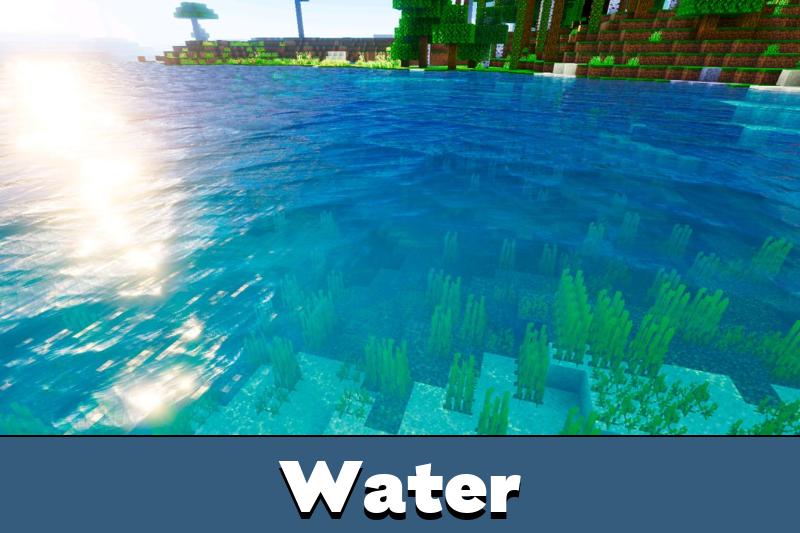
The biggest difference appears in lighting. Daytime scenes gain more depth, while shadows and bright areas feel smoother together.

The atmosphere also becomes more cohesive. Instead of separate color changes, Nexora Visuals creates one clear tone across the world. This makes screenshots, base tours, and casual exploration look cleaner.

Players who want to compare more visual styles can also browse Shaders for Minecraft PE and choose another option for their device.

The shader works best for players who like warm, colorful worlds. It is not designed for dark horror scenes or extreme cinematic contrast.

Daily Gameplay

Minecraft Bedrock Edition worlds can feel different after small visual changes. A farm, a wooden house, or a mountain path may look more inviting when light and colors are balanced better.

Nexora Visuals Shader keeps gameplay simple. Players can mine, build, fight, explore, and travel normally while the world gains a more appealing look.

Use this shader if the goal is a smoother, warmer, and more saturated world rather than a full realistic overhaul.

This is useful for survival bases, creative builds, multiplayer towns, and screenshots. The visual tone helps ordinary scenes look more finished with minimal distraction.

FAQ

Does Nexora Visuals Shader change the color tone?

Yes. Nexora Visuals Shader adds a warmer and more saturated look, making the world feel brighter and more vivid.

Will Nexora Visuals Shader affect survival mechanics?

No. Nexora Visuals Shader changes lighting and atmosphere, while blocks, mobs, crafting, and progression stay the same.

Can Nexora Visuals Shader work for everyday mobile gameplay?

Yes. Nexora Visuals Shader is useful for building, exploring, traveling, and taking screenshots during normal play.

Comments