Download RG Shader for Minecraft PE: create a brighter realistic world with vivid colors, soft fog, updated trees, water effects, falling snow, and smoother animations.
What does RG Shader add to MCPE?
Players who want a more expressive world can activate RG Shader and change the way nature, light, and motion appear in the game. The shader makes the environment more colorful through updated trees, fog, water, sunlight, and small animation details.
The main goal is visual improvement without changing survival rules. Blocks, mobs, crafting, and movement stay familiar, but the world looks richer during exploration and building.
Minecraft PE users can notice the strongest changes in outdoor areas. Forests, rivers, snowy places, and open landscapes receive more atmosphere because color, motion, and weather effects work together.
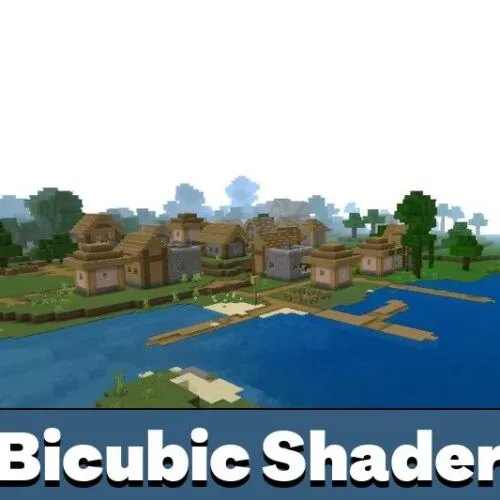
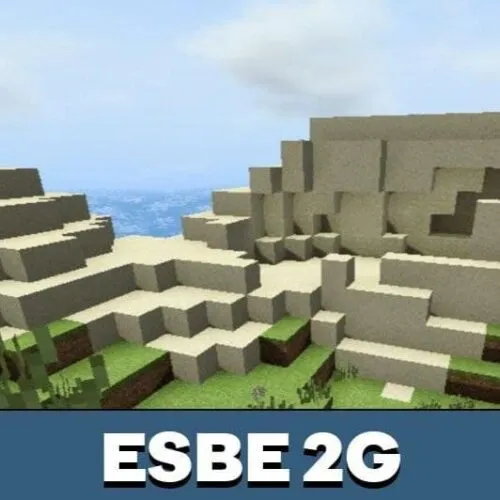
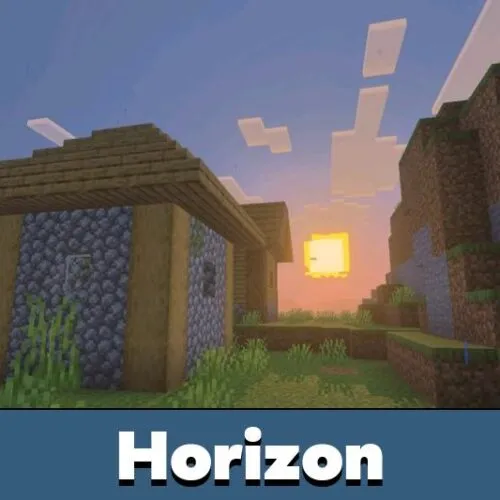
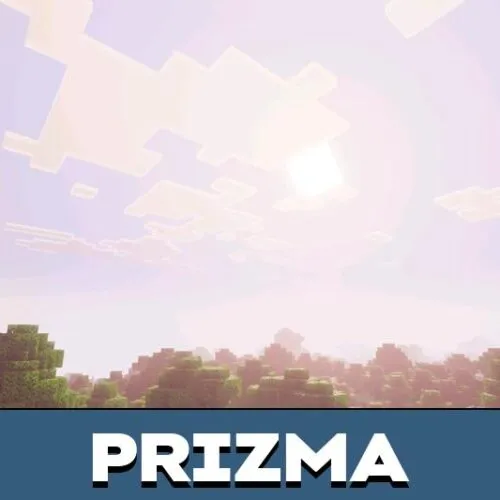
Players can change the virtual space using different shaders for Minecraft Bedrock Edition.
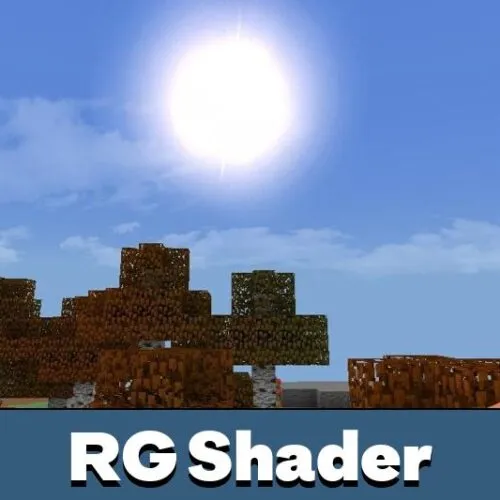
RG Shader
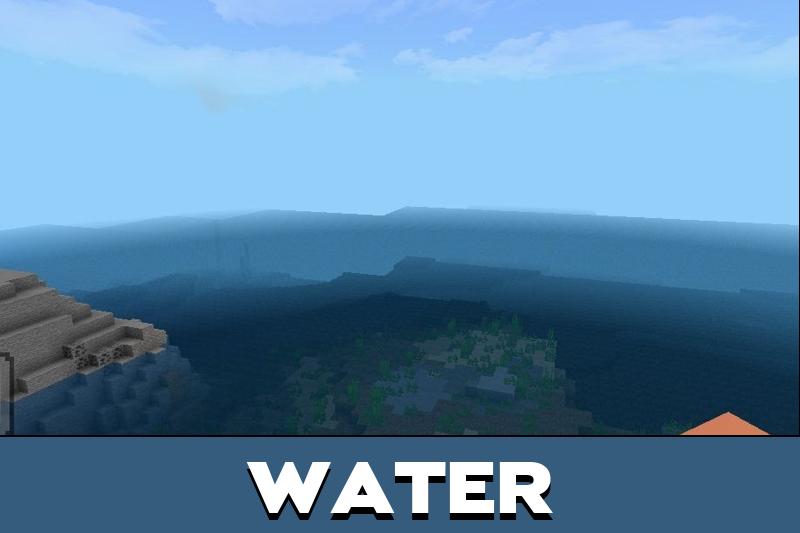
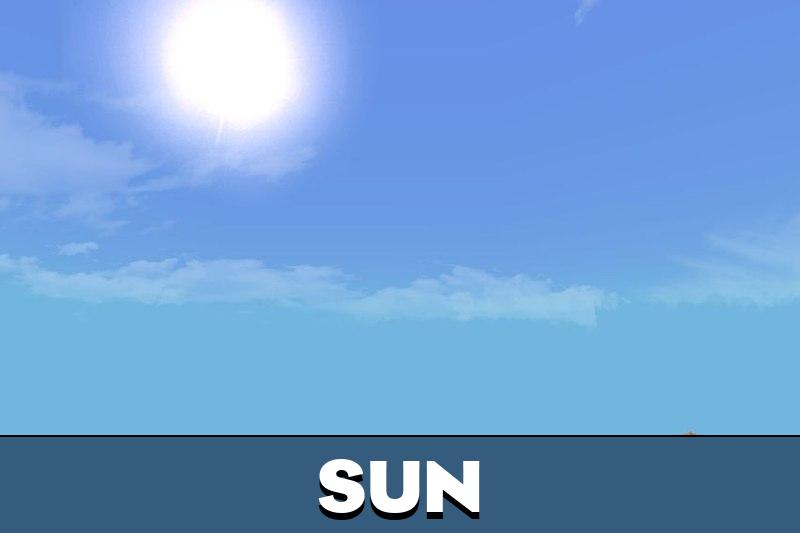
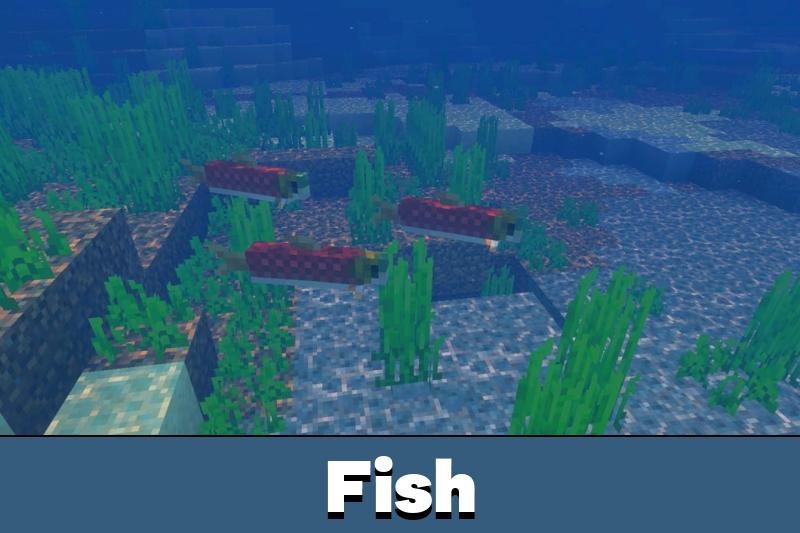
RG Shader Features include shimmering water, soft fog, updated sun rays, brighter vegetation, and animated trees. These details make ordinary locations look more active.
RG also helps players create better screenshots. Bases, bridges, gardens, villages, and terrain can look more polished without adding new gameplay systems.
RG focuses on atmosphere, colors, and motion. It is useful for players who want a livelier world without changing mechanics.
Experimental mode should be enabled before playing if the world requires it. This can help visual features load correctly after activation.
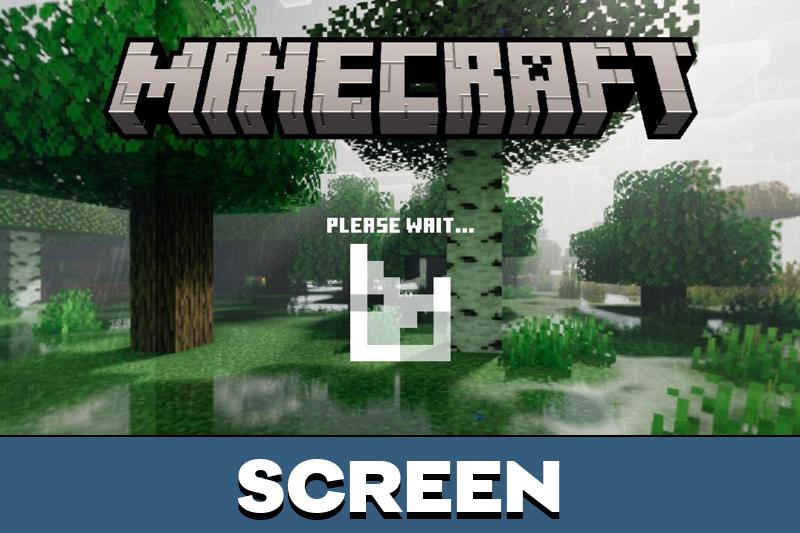
Screen
After activation, players may notice changes connected with the screen and menu presentation. Some interface areas can look cleaner, especially around settings and the start screen.
These changes are not the main purpose of the shader, but they support the overall visual style. The game remains easy to use while looking more refreshed.
In Minecraft Bedrock Edition, this can make the world and menus feel more consistent during regular mobile gameplay.
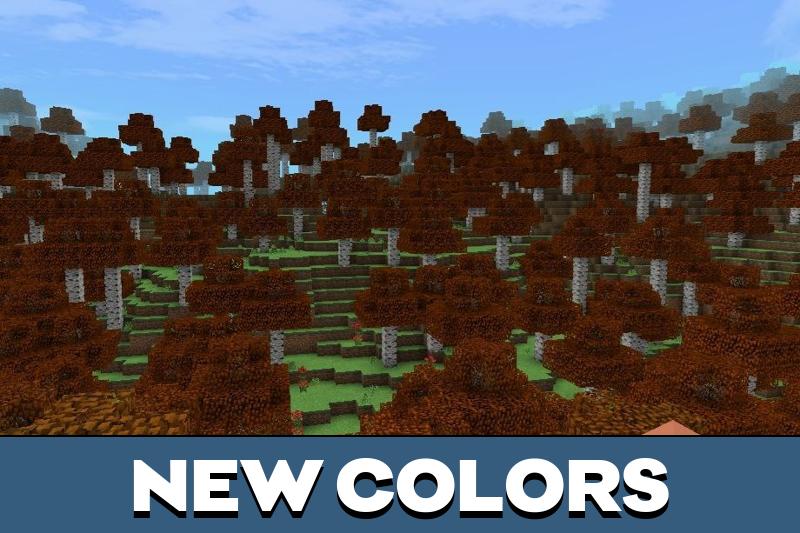
Colors
Colors receive one of the most visible upgrades. Instead of only standard green tones, players can see more variety in leaves, grass, water, and natural areas.
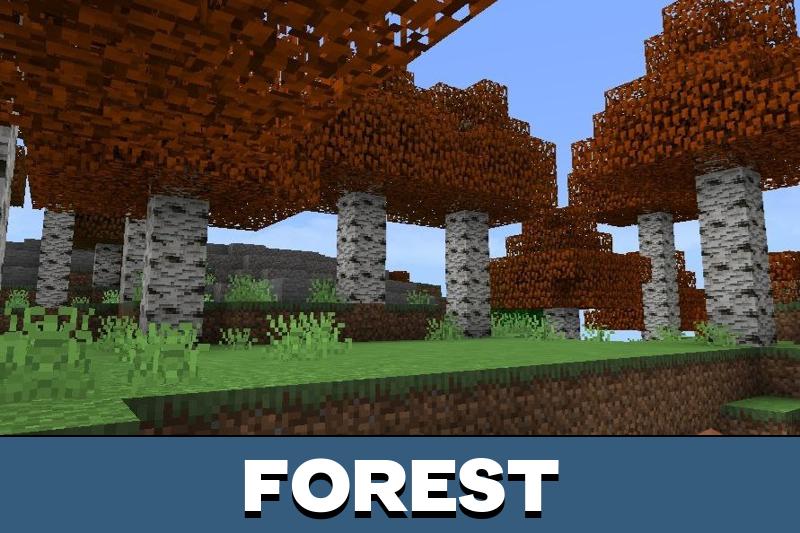
Birch trees may look different with red leaves, while grass and water can gain a stronger visual mood. This makes forests and plains feel less repetitive.
The color changes work best when combined with fog and sunlight. Together, they help landscapes feel deeper and more realistic.
Color changes and fog are especially useful in forests, snowy areas, and open landscapes where atmosphere matters most.
Animations
Animations make the world feel less static. Trees can sway in the wind, and foliage movement helps natural areas look more alive during exploration.
These effects do not change how players gather resources or interact with blocks. They only improve the feeling of movement around the world.
Download RG Shader for Minecraft Bedrock if the goal is to refresh nature, colors, water, fog, and animation effects on mobile.
RG Shader v3.8
RG Shader v3.8 keeps falling snow while improving support for the latest versions.
The update stays focused on visual stability, snowy atmosphere, and compatibility, so players can enjoy the same color, fog, water, and animation style on newer releases.

I like that the snow effect is still there. The moving trees and stronger colors should make simple survival worlds look much better.