Download Trailer Visuals Shader for Minecraft PE: bring trailer-style lighting, vibrant skies, cinematic weather, and colorful Bedrock visuals into your mobile world.
Trailer Visuals Shader for Minecraft PE
Trailer Visuals Shader is made for players who want their world to look closer to the official Bedrock trailers. It changes the mood of the game through stronger lighting, cleaner colors, and scenes built around the Vibrant Visuals system.
The shader does not try to turn the world into a completely different game. Its goal is more focused. It makes daylight brighter, sunsets warmer, rain heavier, caves deeper, and biomes more expressive while keeping the blocky style easy to recognize.
This release is a beta, so future updates may improve the trailer-like look even further. The current version already gives a strong visual shift on supported devices.
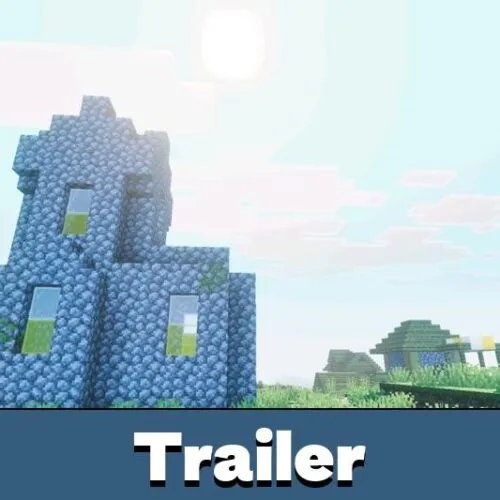
Trailer Visuals
Trailer Visuals Shader for Minecraft PE focuses on the visual tone seen in promotional Bedrock footage.
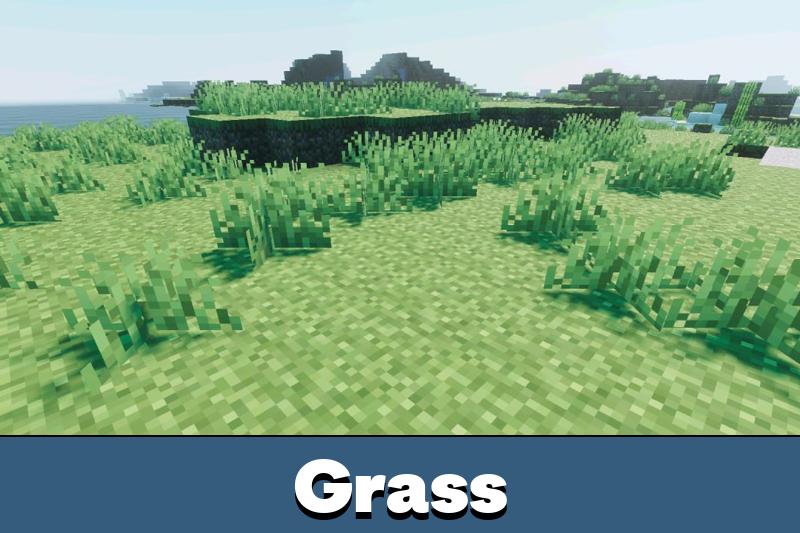
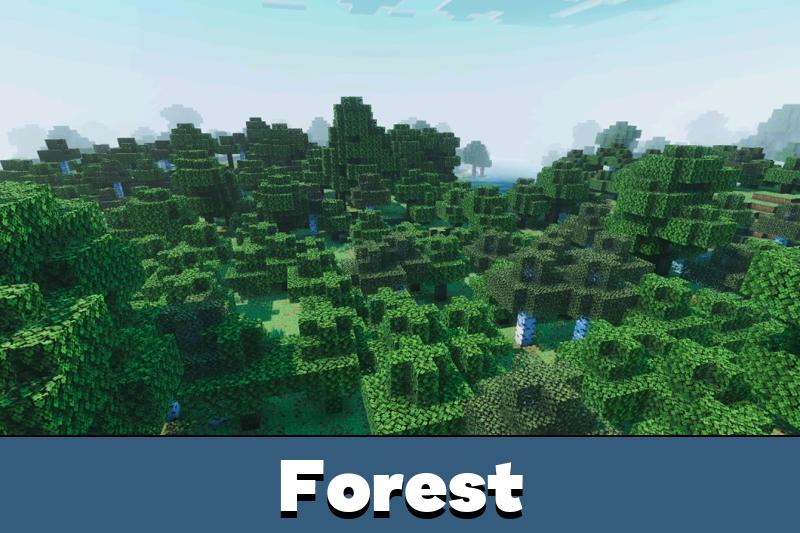
Days look brighter, noon feels cleaner, and nights become more cinematic. The lighting works best when the world has open skies, water, trees, and large builds that can catch shadows and color changes.
The look is especially noticeable during sunset, rain, midnight, and cave exploration. These scenes help Trailer Visuals show its main purpose: making regular gameplay feel more polished without adding unrelated mechanics.
Vibrant Visuals must be enabled for the main effects. Without it, the world may not show the intended trailer-style lighting.
Biomes and Weather
Trailer Visuals Shader changes how different environments feel in Minecraft Bedrock Edition.
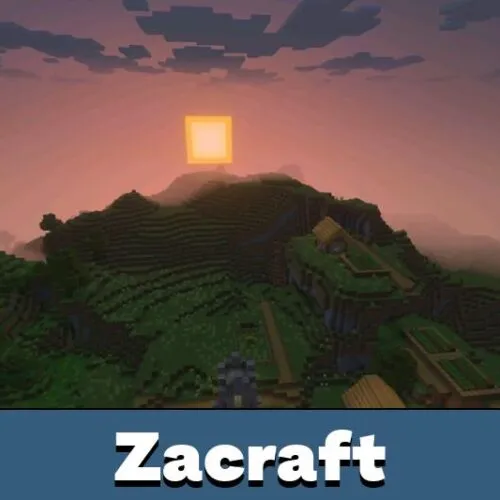
Savannah sunsets gain a golden tone. Rain becomes more atmospheric. Cherry biomes look softer, while cold taiga areas feel clearer and sharper. Caves also benefit from deeper contrast, which makes underground spaces more dramatic.
Trailer Visuals is useful for survival, screenshots, roleplay worlds, and cinematic builds. It does not need a new gameplay system to make a difference, because most of the effect comes from light, color, and weather.
Players comparing visual packs for Bedrock can also check Shaders for Minecraft PE for similar graphics-focused options.
Device Requirements
The shader requires a device that supports Vibrant Visuals.
On mobile, the recommended hardware includes Adreno 640 GPUs found with Snapdragon 855, Mali GPUs from the Mediatek 1000 series, or an A12 Bionic processor. On PC, a GPU with DirectX 12FL11 is recommended.
It also needs the beta or preview version of Bedrock Edition to try Vibrant Visuals. The option should be enabled when creating or editing a world.
Main requirement points:
- Vibrant Visuals support is required;
- Adreno 640, compatible Mali GPU, or A12 Bionic is recommended for mobile;
- DirectX 12FL11 is recommended for PC;
- the feature must be turned on in world settings.
Best Pack Order
Trailer Visuals Shader can be combined with Bare Bones and Actions and Stuff for a more complete trailer-like setup.
For better immersion, keep Trailer Visuals above the other recommended packs. This helps the main graphics layer stay visible.
The recommended order is simple: Trailer Visuals at the top, Actions and Stuff in the middle, and Bare Bones third. This helps the visual layer stay active while the other packs support the animation and simplified art direction.
Correct ordering matters because pack priority can change how resources appear. If the look seems incomplete, checking the order is one of the first things to do.

The sunset and rain scenes look really nice on my phone. I had to check the pack order once, but after that the trailer style was much more noticeable.